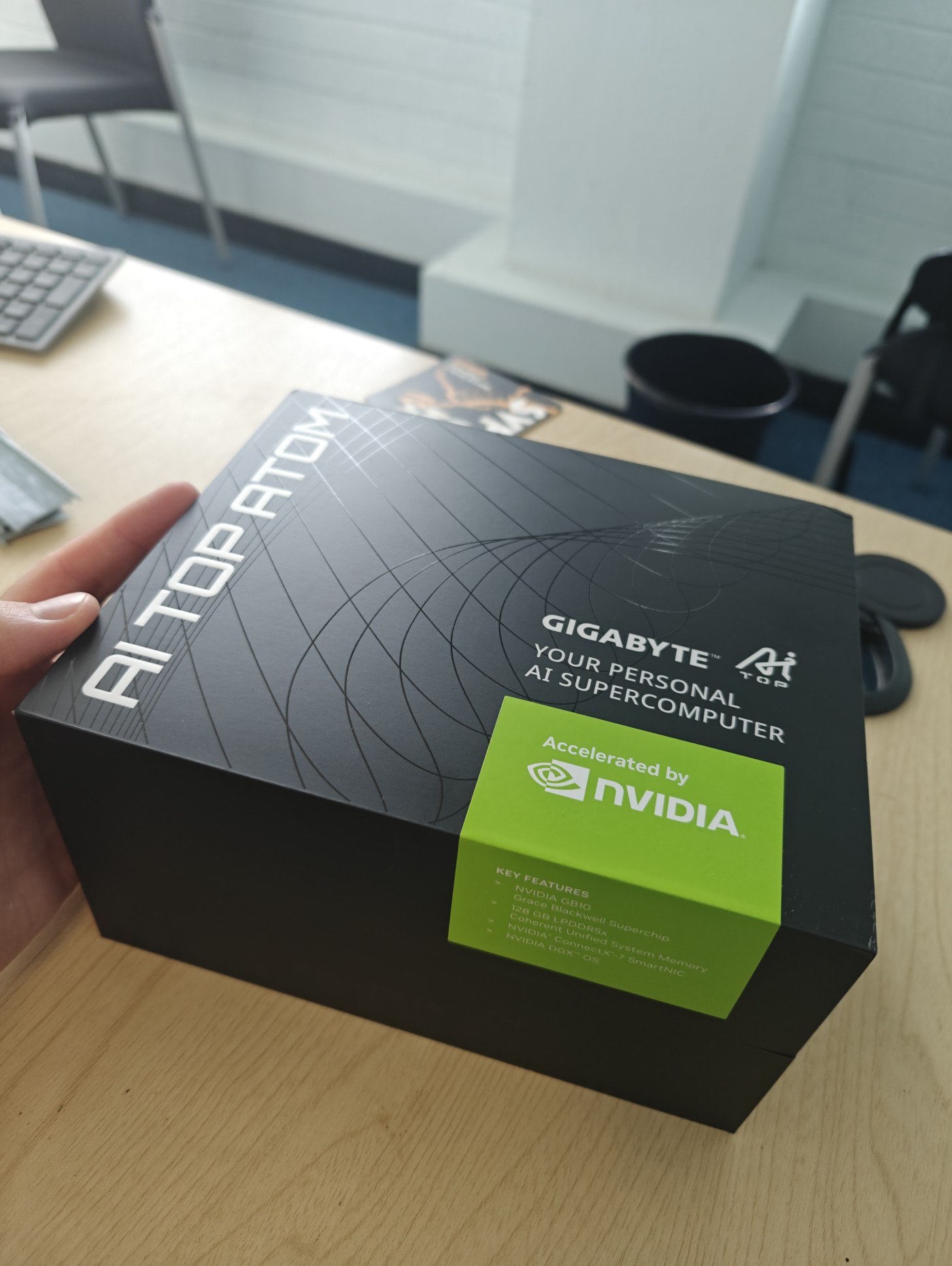
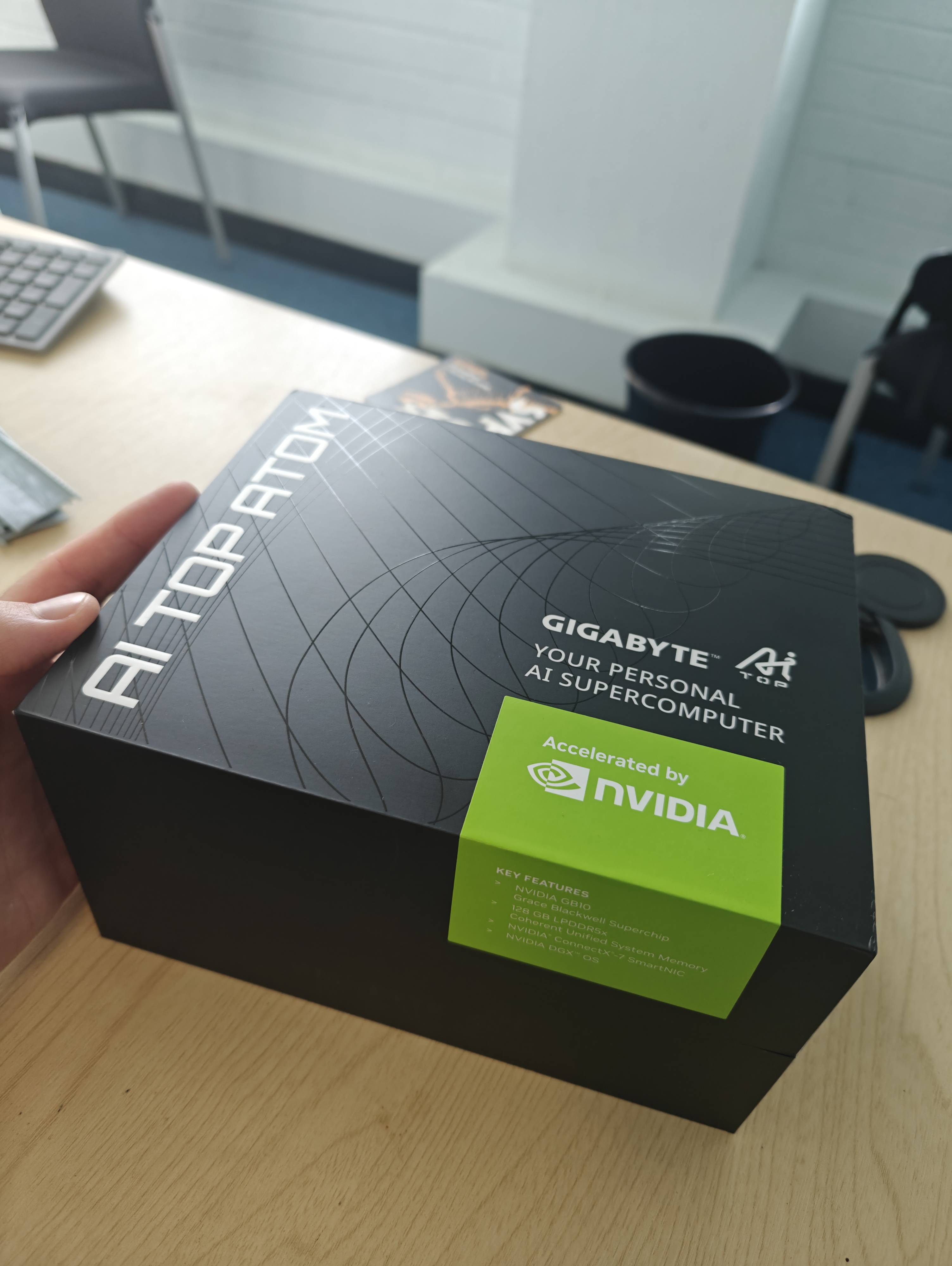
I’ve had Gigabyte’s version of Nvidia’s DGX Spark, the AI TOP ATOM, on my desk since July, and the two numbers that actually matter about it are 128 and 50: 128GB of unified memory, and roughly fifty watts at the wall while it processes.
The box itself
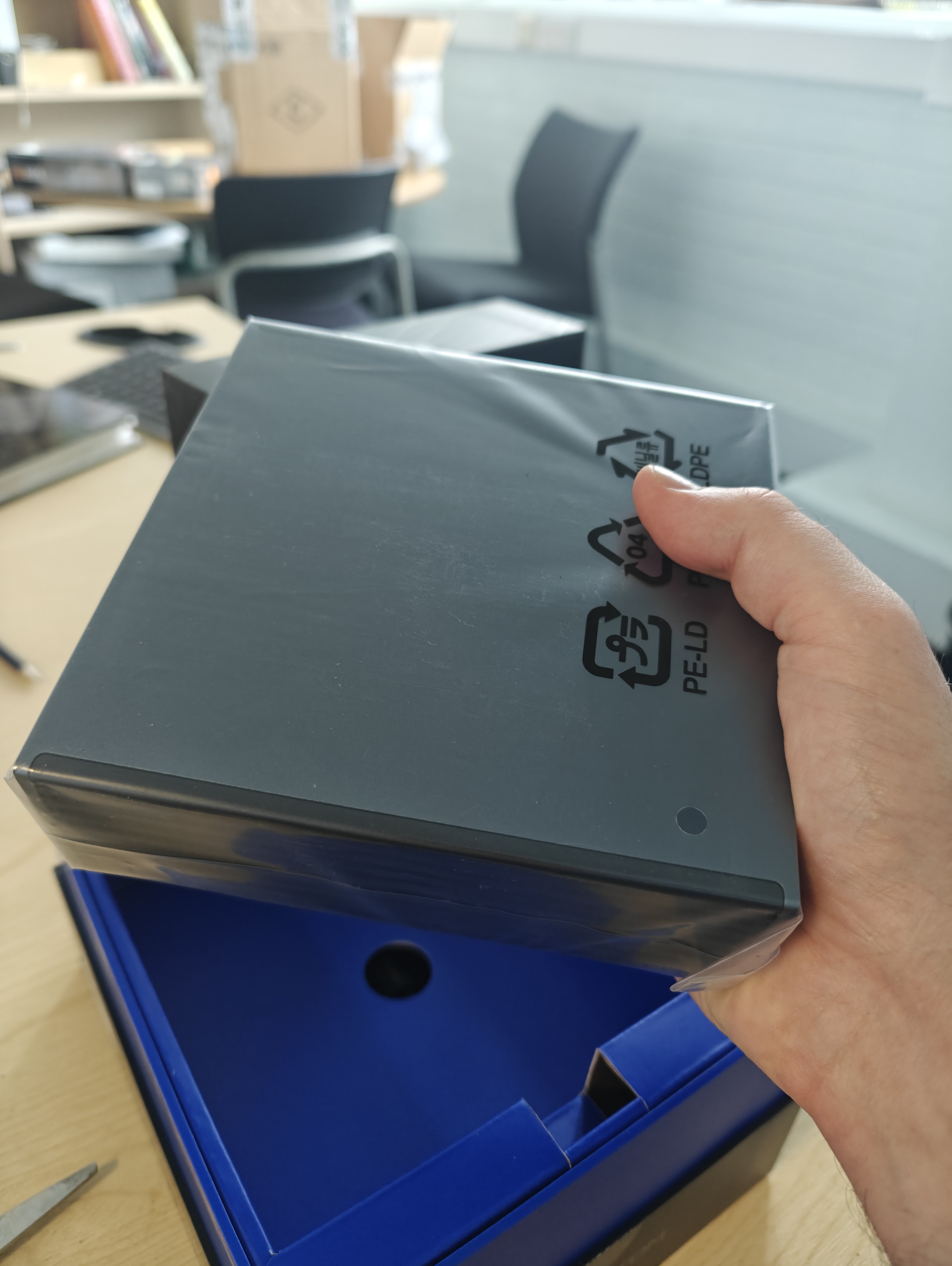
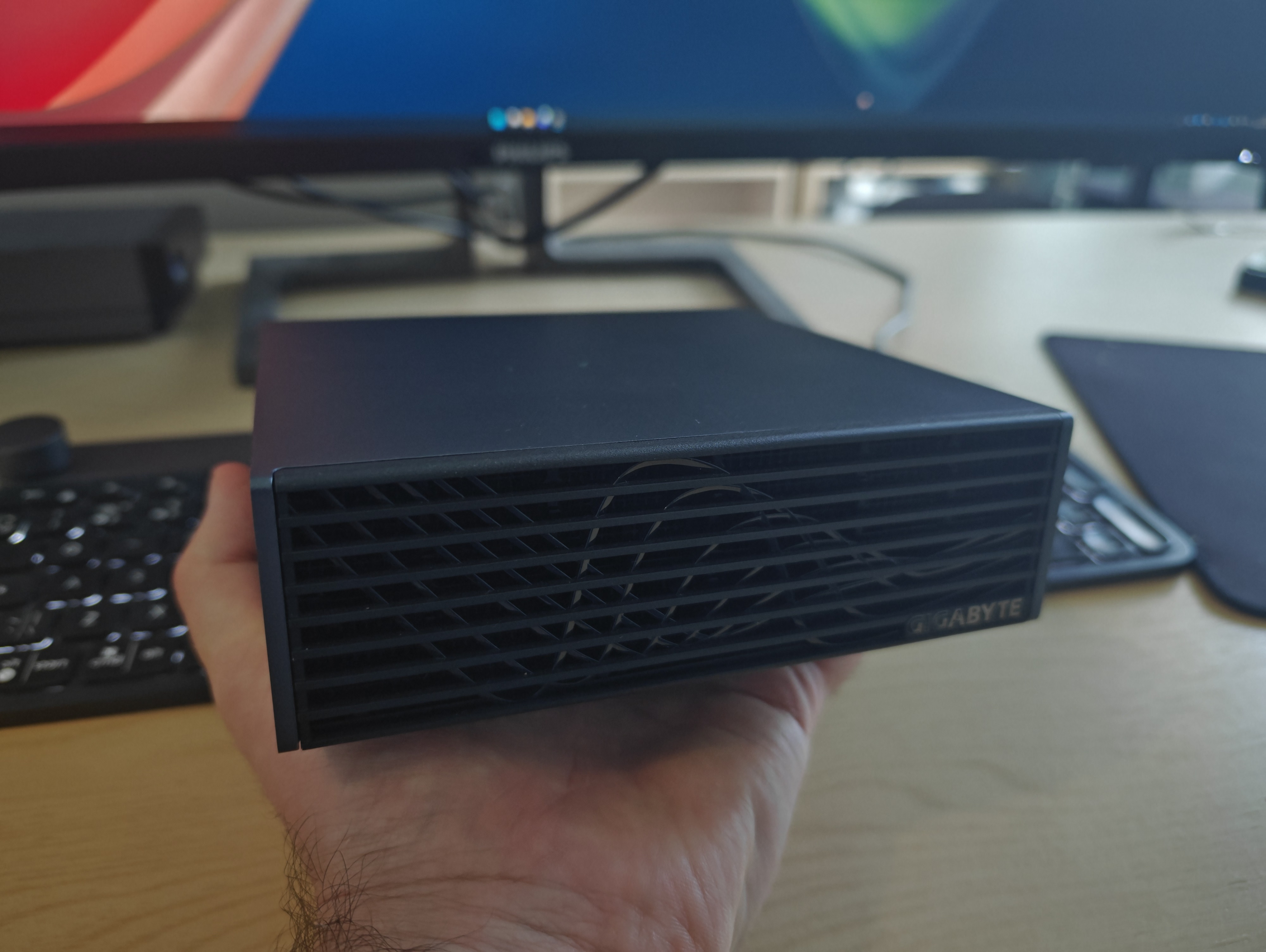
It’s a lovely little box. Dark grey, 150mm square, about 1.2kg, small enough to live beside the monitor rather than under the desk. I keep mine on the filing cabinet behind my monitor at work. Inside is the same silicon as NVIDIA’s own champagne-gold Founders Edition: the GB10 Grace Blackwell superchip, a 20-core Arm CPU coherently stitched to a Blackwell GPU with 6,144 CUDA cores, sharing 128GB of LPDDR5x. One petaflop of sparse FP4, a 240W power supply, and it (mostly) stays quiet and cool.
Under most use I see 40–60W at the wall. Forty to sixty watts, running a local AI, or processing photogrammetry data. My ProArt P16 draws that much booting up. Leaving it on all day as a lab server costs about the same as leaving a lightbulb on, which is the entire reason it can be a lab server.
The price trajectory – the Rampocalypse is upon us.
I picked mine up in July for £4,000 – the 4TB drive model. It’s now ~£4,900. That’s a big increase in these rampocalypse times, and it stings a little. It’s also a blocker on me getting a second, which would open up even more possibilities because these things have an expensive ConnectX port that enables you to chain two (or more) together and pool the RAM – a second spark would get me 256 GB of unified memory, allowing much larger local AI models (and larger CT datasets, photogrammetry, etc as well in theory). It’s a shame a second is too expensive now, because a not-insignificant portion of the cost of that first one is the port that’s going unused. Maybe some time down the road a second will be cheaper and make sense.
Not a speed machine. A capacity machine.
There’s a bunch of RAM in there, but the fact is bandwidth is the limiting factor here. 273 GB/s of LPDDR5x is what caps your tokens per second output with local LLMs – reviews of the platform see gpt-oss-120b class models running around 35–40 tok/s, and NVIDIA market it as a prototyping and small-team inference box, not a high-concurrency server. Compare that to even my laptop’s RTX 5090 Mobile: 24GB of VRAM at 896GB/s bandwidth. For raw generation speed, the dedicated GPU still wins, easily.
But it’s not all about speed. A lot of my workflows that can take advantage of this – particularly local LLMs, but also photogrammetry, rendering, and CT segmentation – all benefit from lots of VRAM. That 24GB laptop (and the 24GB 4090 on the office desktop) simply cannot load the models I want to run. Previously I had to turn to remote clusters and data centres for big data.
Local AI – The lab’s quiet neighbour
I’m running Qwen3.8-Flash-Next — a 125B-parameter mixture-of-experts model with only 6B activated per token (plus a 51B n-gram embedding table that lives in host memory). It’s a model from Qwen that just came out a month ago, and is really cutting edge. For point of reference, it’s about on par with Opus 4.7/4.8, though it overthinks a bit and so responses take longer. Sparse MoE is exactly the kind of architecture that forgives this box’s bandwidth limitation: you need the memory to hold all 125 billion parameters, but each token only touches six billion of them, so the modest bandwidth hurts far less than it would on a dense model.
It took a while to get it going well — different quants, different serving stacks — but it’s been settled and awesome for weeks now. The big advantage of the Spark and the similar machines like this (they all have the same innards) is that there’s a massive and active Spark community so recipes and instructions for deploying local AI happen fast. Too fast to keep up with, if I’m honest. Over Tailscale it serves all my computers and the whole lab group without any real hitch. When I measured it properly in September I was getting around 25 tokens per second per stream with four concurrent streams hitting it — brisk enough for agentic work, comfortably enough for half a dozen people who’d otherwise each be pushing prompts to an API. Being able to use it to query local unpublished data without uploading anything anywhere is awesome. There’s a fuller post about the local-AI setup to come; for now, the point is that a box drawing fifty watts is the inference backend for an entire research group.
Gaming, because why not
To demonstrate what the thing is actually capable of — and because gaming has come such a long way on Linux — I installed Cyberpunk 2077 through Steam and Proton and ran the benchmark. 80-90 fps at 1440p, path tracing on, frame generation on. Using 40–50 watts.
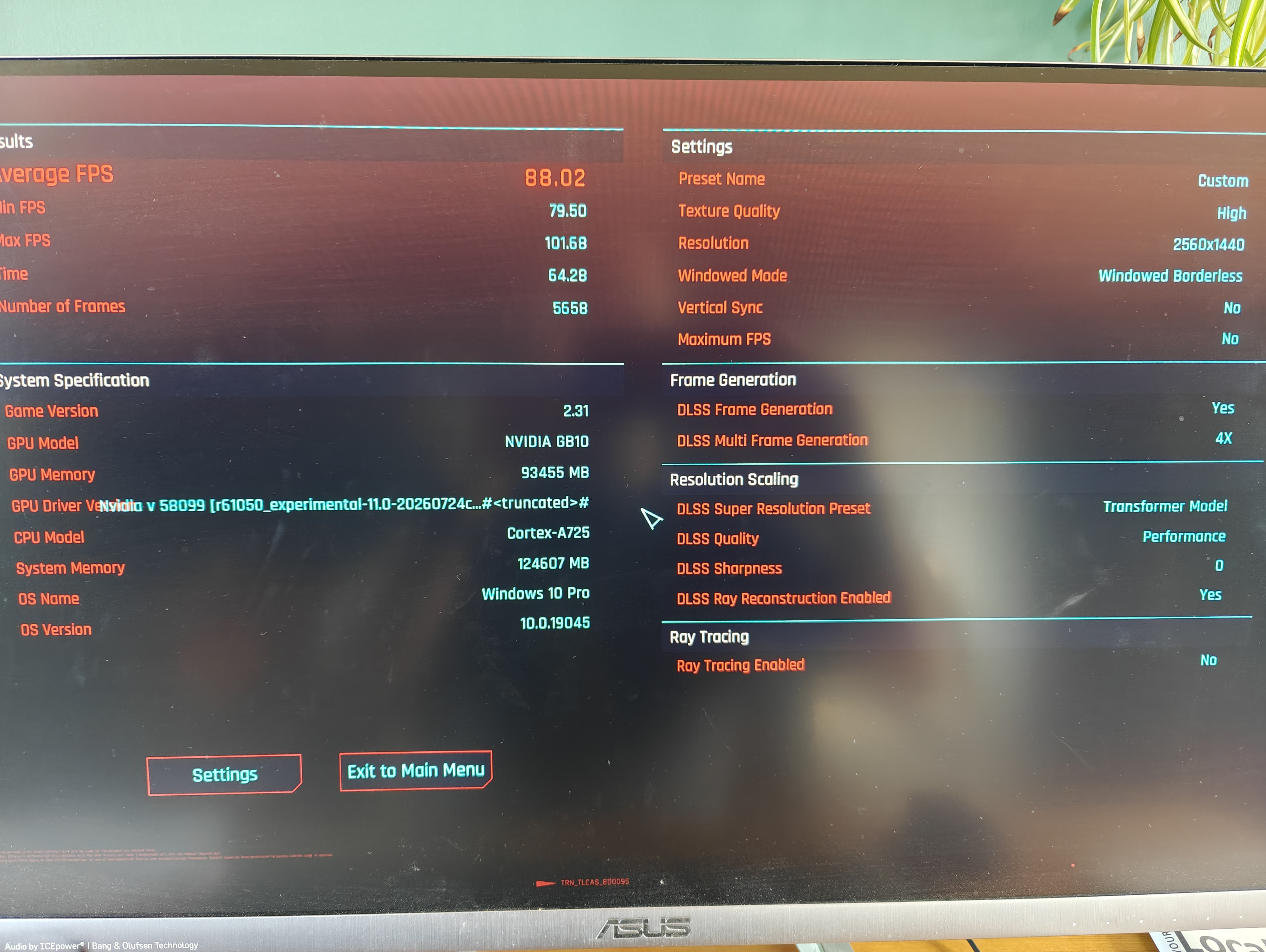
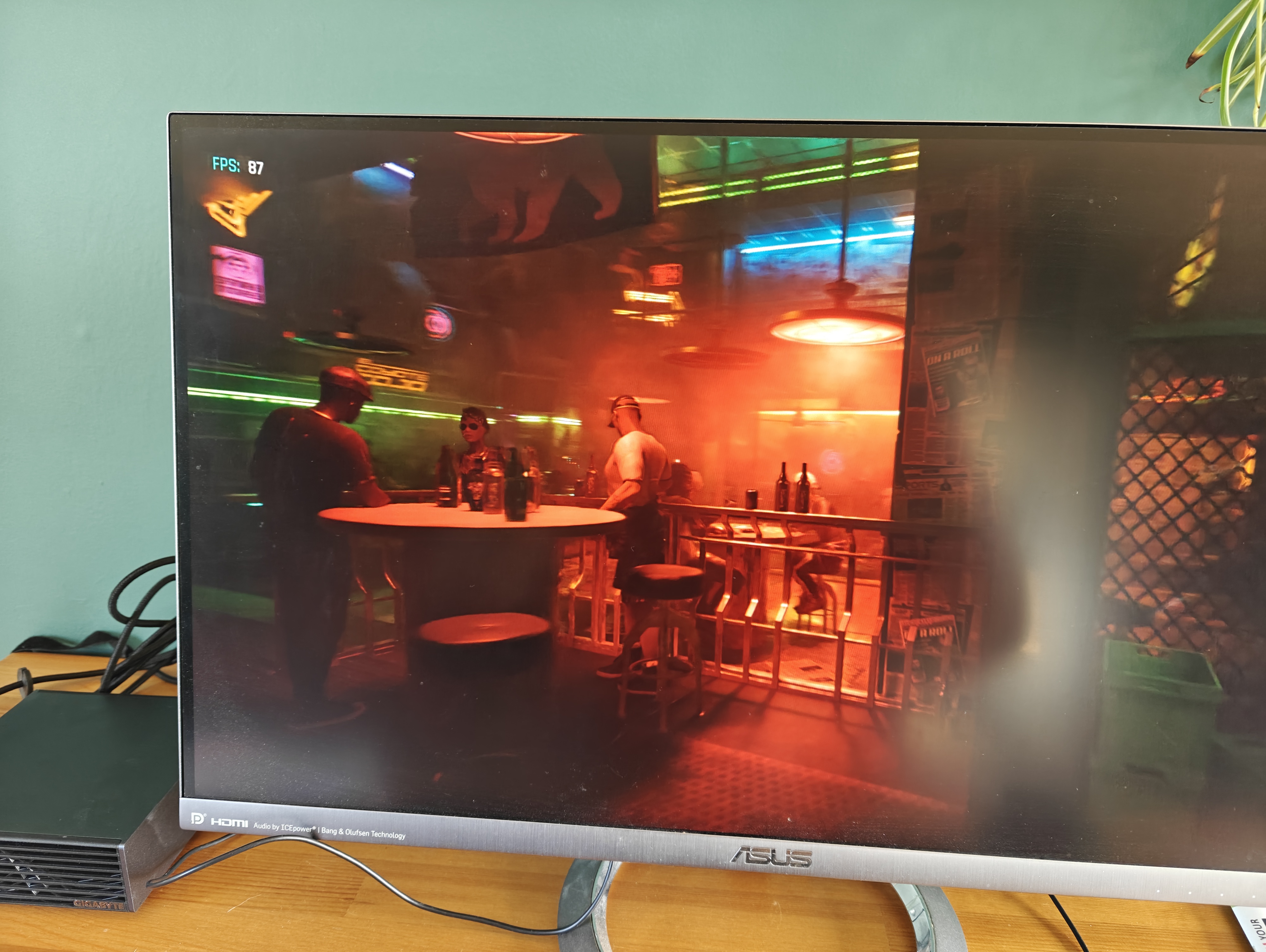
Cyberpunk 2077 at 1440p with path tracing and frame generation, on an Arm Linux box, pulling less power than a desktop CPU cooler’s fan.
Remember, this is an x64 Windows binary, being emulated on arm, and emulated on Linux. This is a legitimately silly party trick, I’m not using a £4k research machine for playing games, but it makes a real point about the unified architecture: this is a full computer with a competent Blackwell GPU and RT cores in it, not an AI accelerator with a display out as an afterthought.
If only it could…
Here’s the frustration. A 1.2-litre, 50-watt box with CUDA and 128GB of coherent memory would be a superb machine for photogrammetry and CT segmentation – core parts of my workflow. Huge volumes that don’t fit in a high-end 24GB VRAM card fit here whole.
The problem is Arm. While Windows on Arm is pretty much flawless compatibility wise, Linux is not. Dragonfly 3D World ships Linux binaries, but they’re x64, there’s no Arm build, full stop. RealityScan is worse than flaky on Linux at the best of times despite their ‘native’ release, and Wine on Arm is its own circle of a descent I decline to map here. Blender, by contrast, works perfectly: the Arm build is native, and huge scenes that would make my laptop’s VRAM weep load and rotate with ease. Rendering is a different matter — the GB10 is roughly a 5070-class GPU, so a dedicated 4090 or 5090 desktop will still finish the frame long before this box does.
So with a little improvement in software, I could see machines like this absolutely replacing the monster workstations my team and I use, and saving a tonne of power in doing so. But the Linux software isn’t there yet (and integrating that with the Windows/Mac based admin systems at work is a pain.)
The niggles, because this is a review
Two, and they’re both worth noting:
The machine’s fan seemed to slow down one evening and the chassis got very hot — hot enough to hurt when touching it. A reboot fixed it and the fan has been fine since. A month or so on, it hasn’t recurred, so I’ll file it under “watch this space” rather than “fault”. Gigabyte’s own marketing promises it stays “cool and quiet even during intensive workloads”; mine mostly has, and that one incident bothers me more than it should – it could have been a genuine fire hazard if we’re honest.
The other is software, kind of related to my issues with compatibility, but also just generally. The box runs DGX OS, which is NVIDIA’s spin of Ubuntu 24.04 — two LTS releases behind what I’d expect to be sitting on in September 2026 — and it ships pinned to the 580 NVIDIA driver branch while the current branch is 610. I’ve not been particularly enamoured with how far behind the software is on this class of machine; it’s a flagship from the most valuable company on Earth, and the userland feels like an OEM restore disc. That impression is only exacerbated by daily-driving CachyOS on everything else (rolling, current, and a full blog post to follow). None of it is a blocker — everything I’ve wanted to install, I’ve installed, but some things have required workarounds or containers. Also worth noting that I had to reinstall the OS after a minor agent-led fiasco, and it’s not a simple uefi boot from USB disk scenario. Not too complex, but not ‘normal.’
The bottom line
If you’re interested in the DGX Spark for speed, you’re probably looking in the wrong place. The ATOM is not fast; it is capacious, it is nearly silent, and it draws less power than a monitor. £4k is (was) the price of a high (very high) end gaming computer. At the moment, given the costs of dgpus and RAM, the Spark is still on the edge of being decent value. I could genuinely see kitting out a computational/simulation/imaging lab with these rather than big desktops.
For a lab that wants to run real models locally, quietly, cheaply-to-run, and shared across a whole group over a VPN — this is the machine. For CT segmentation and photogrammetry, it’s the right hardware waiting for the right binaries, and I’m doing what I can to hurry that along. And if you’re using it for home server stuff, you can also use it to play games very well indeed.
Specifications
| Gigabyte AI TOP ATOM (DGX Spark) | |
|---|---|
| Chip | NVIDIA GB10 Grace Blackwell superchip |
| CPU | 20-core Arm (10× Cortex-X925 + 10× Cortex-A725) |
| GPU | Blackwell, 6,144 CUDA cores, 5th-gen Tensor, 4th-gen RT |
| AI performance | Up to 1 PFLOP (sparse FP4) |
| Memory | 128GB LPDDR5x unified, 273 GB/s |
| Model capacity | ~200B params FP4 inference; 405B with two units over ConnectX-7 |
| Storage | 4TB NVMe (Gen5) on my SKU |
| Networking | 10 GbE RJ-45, ConnectX-7 @ 200 Gbps, WiFi 7 |
| Power | 240W PSU; GB10 TDP 140W; 40–60W observed at wall under load (mine) |
| Size | 150 × 150 × 50.5 mm, 1.2 kg |
| OS | NVIDIA DGX OS (Ubuntu 24.04 base) |
| Price paid | £4,000, July 2026 (now £4,900) |


Leave a Reply