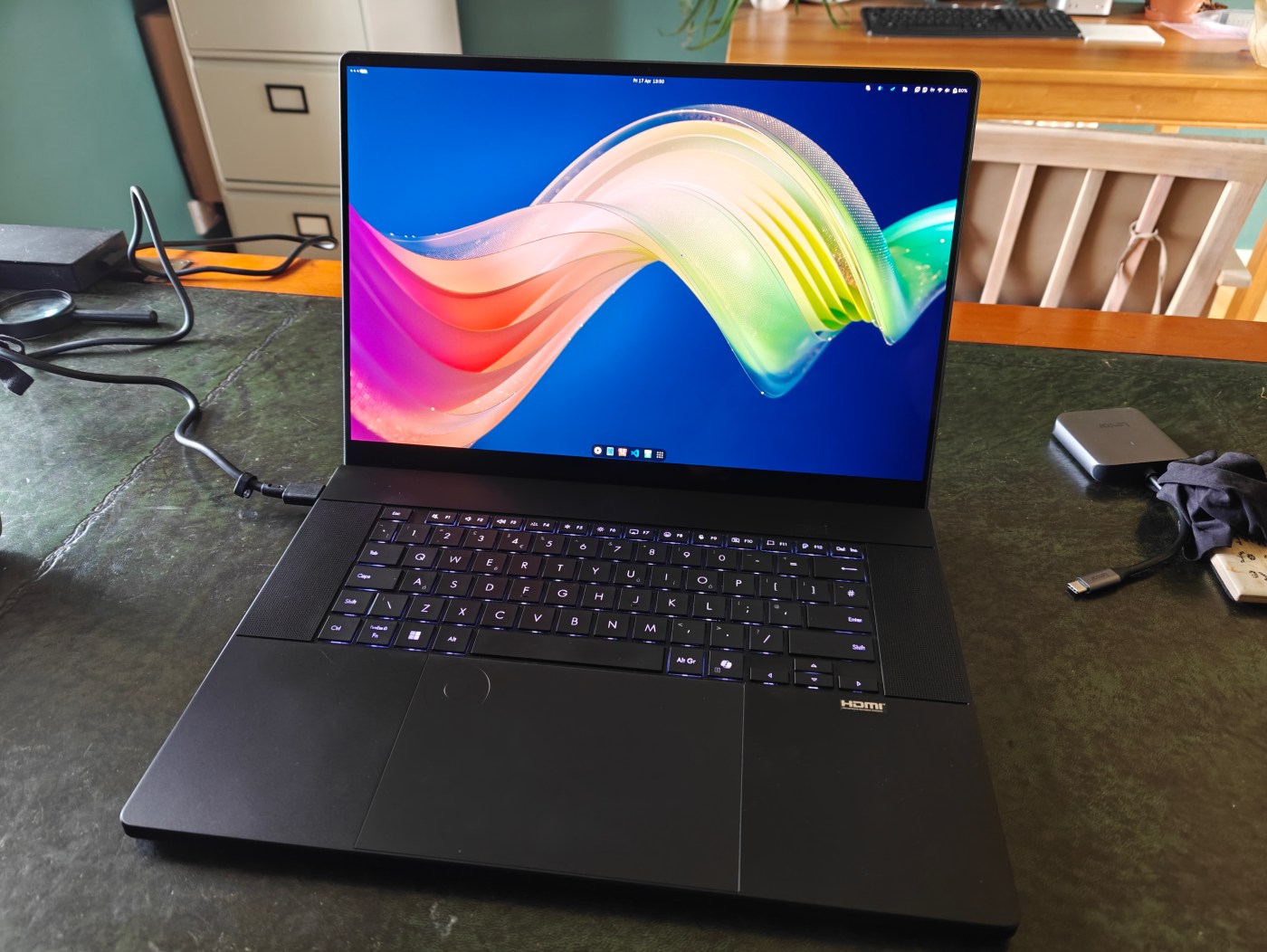
I really rather loved my Asus ProArt P16 with Nvidia 4070. A beautiful and powerful laptop. But I was bumping up against RAM limitations with some CT data; 32GB was proving limiting, as was the 8GB VRAM on the otherwise fine nvidia 4070 GPU. So I solved that by upgrading the the newer version of the model, released in late 2025. I’ll give you a quick run down here, and explain why this is the laptop for me.
I was in the incredibly fortunate position of getting the top-spec model. It has the same chasis, and the same AMD HX 370 AI CPU, which I’ve found to be great. Where it differs is that it has 64GB DDR5 RAM (vs the 32GB on my previous model), 4TB of storage, an Nvidia 5090 with 24GB VRAM, and a 4k+ Tandem OLED display capable of much higher brightness and refresh rate. I’ll give a brief run down of these below, but first I’ll just mention a few minor changes.
The little things
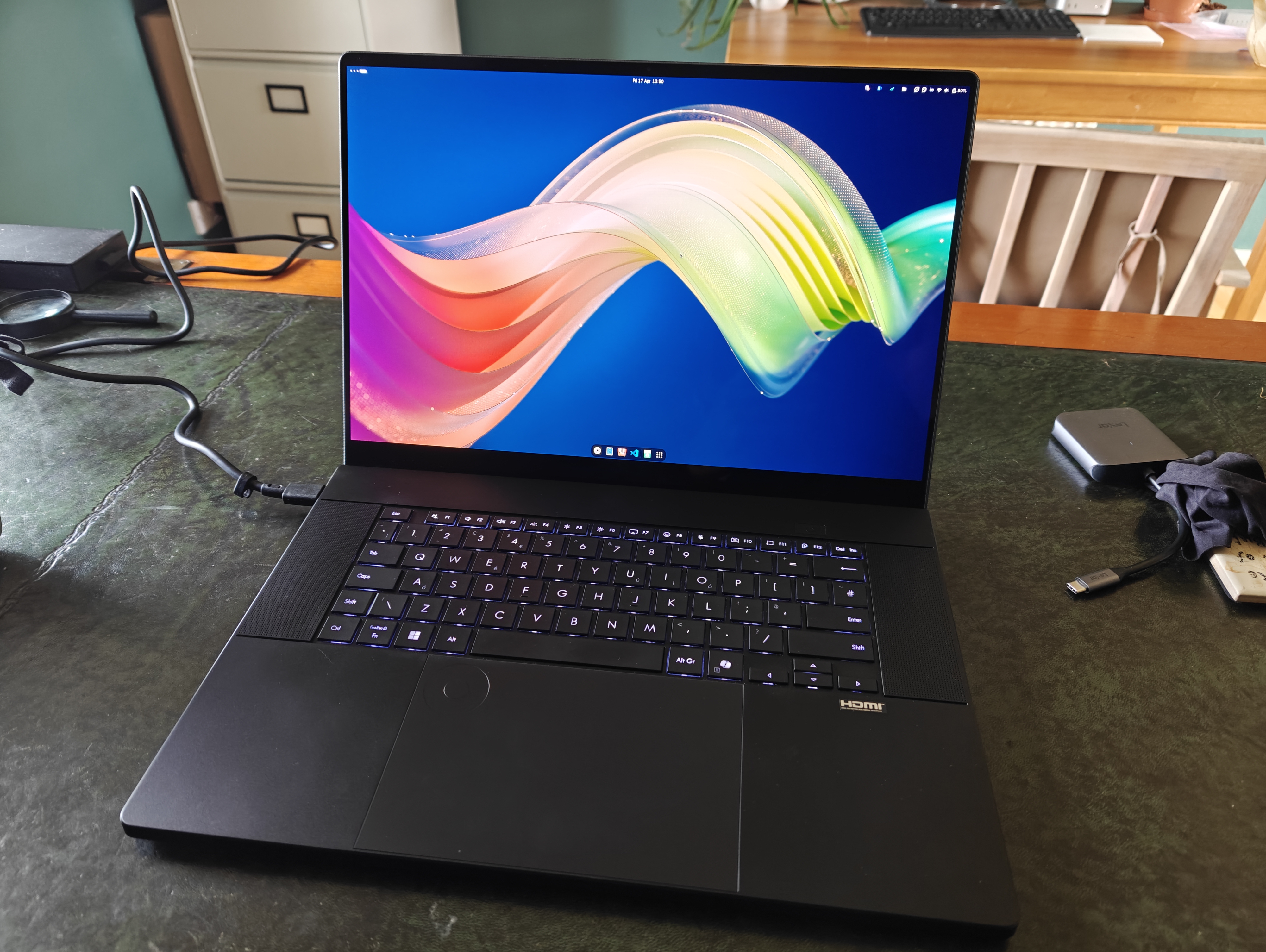
The chassis is ever so slightly different – the main body/keyboard deck is about 1mm thicker than the prior version, in order to accommodate a little more cooling.
I do not notice this at all in use or in carrying it around. It’s still a sleek, well made aluminium body that only really suffers from being a bit too black, and a bit of a dust/finger print magnet.
Some of the fonts on the keys are very slightly different, particularly the function keys, though I’d never have noticed if I didn’t have them side by side.
The dial pad now doesn’t have a tiny raised circle in the top right to indicate the position to switch on the dial pad. Instead, it’s a small glossy circle flush with the surface of the trackpad (which still isn’t haptic unfortunately).
The power brick is now 240W instead of the 200W on the previous model, though it’s identical in size and shape. The cable coming from the brick to the laptop, however, is now thicker, shorter, and stiffer. The laptop can still charge at upto 100W using the USB-C port, though this does affect performance (see below).
The Screen
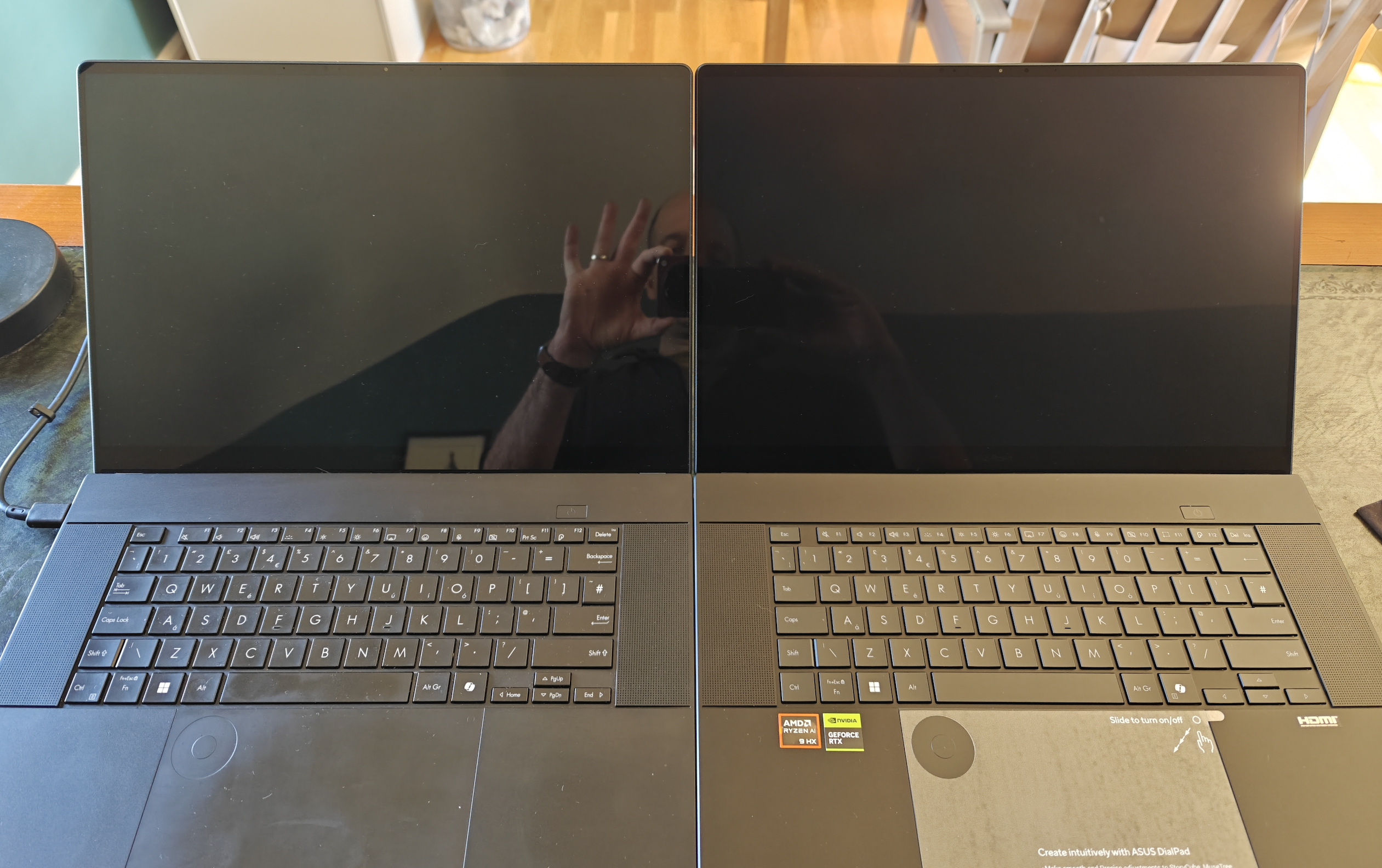
It’s brighter, I certainly notice that, both in SDR and HDR modes. HDR really does look pretty spectacular now in games. And moving windows around feels smoother with the 120Hz refresh rate (it still has a phenomenally low response time, so no ghosting or anything). But the whole ‘tandem oled’ thing doesn’t produce significantly better image quality as far as I can discern. The slight grainyness visible on the old version, resulting from the digitizer layer, isn’t present at all now, though it’s still fully pen and touch compatible.
Oh, but it is now anti-reflective and my god if that alone isn’t worth the upgrade cost. I cannot convey how much reflections on windows devices have plagued me for years, particularly Microsoft Surface devices. My last ProArt was similarly shiny and reflective and i really bugged my when I had dark images on screen (like X-ray or CT data). But this new anti-reflective treatment is as good as MacBooks, and I can happily have mostly black on screen and barely see myself in it. Wonderful!
Performance
…Is good. Of course it is, it has a 5090 in there. The expanded 24GB vRAM over the 8GB of my old 4070 version makes a massive difference, for opening and viewing very large CT datasets, for running simulations, and for running local LLMs. And for gaming, of course. The 64GB system RAM similarly opens up data analysis and computation that just wasn’t available on my prior version.
However, there’s some caveats. First, that much power needs cooling, and while Asus have added some swanky liquid cooling, or vapour chamber, or whatever it still generates a lot of heat. Where my 4070 version would stay basically silent in quiet mode even when under load, the 5090 version almost always has at least a small amount of fan.
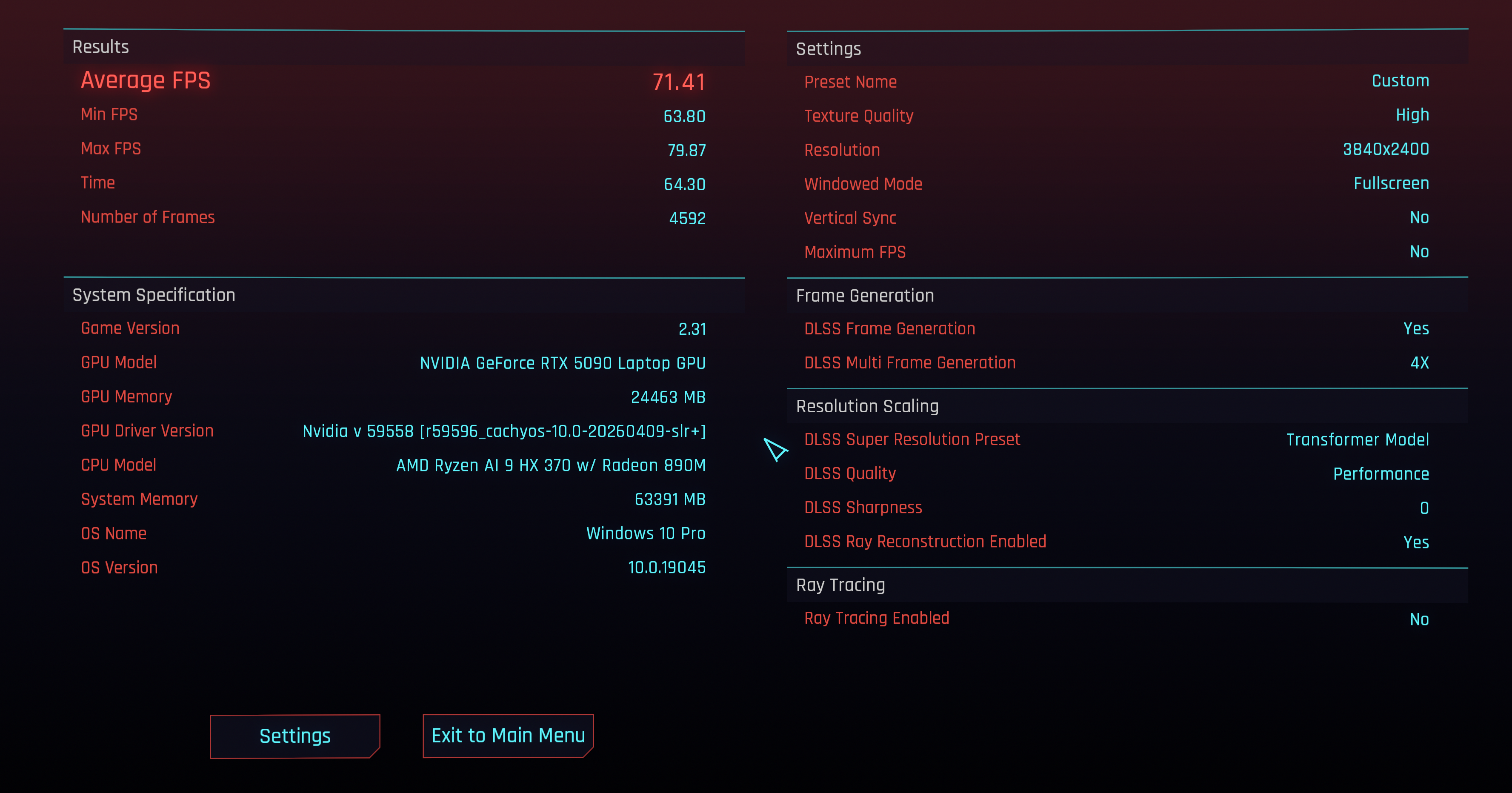
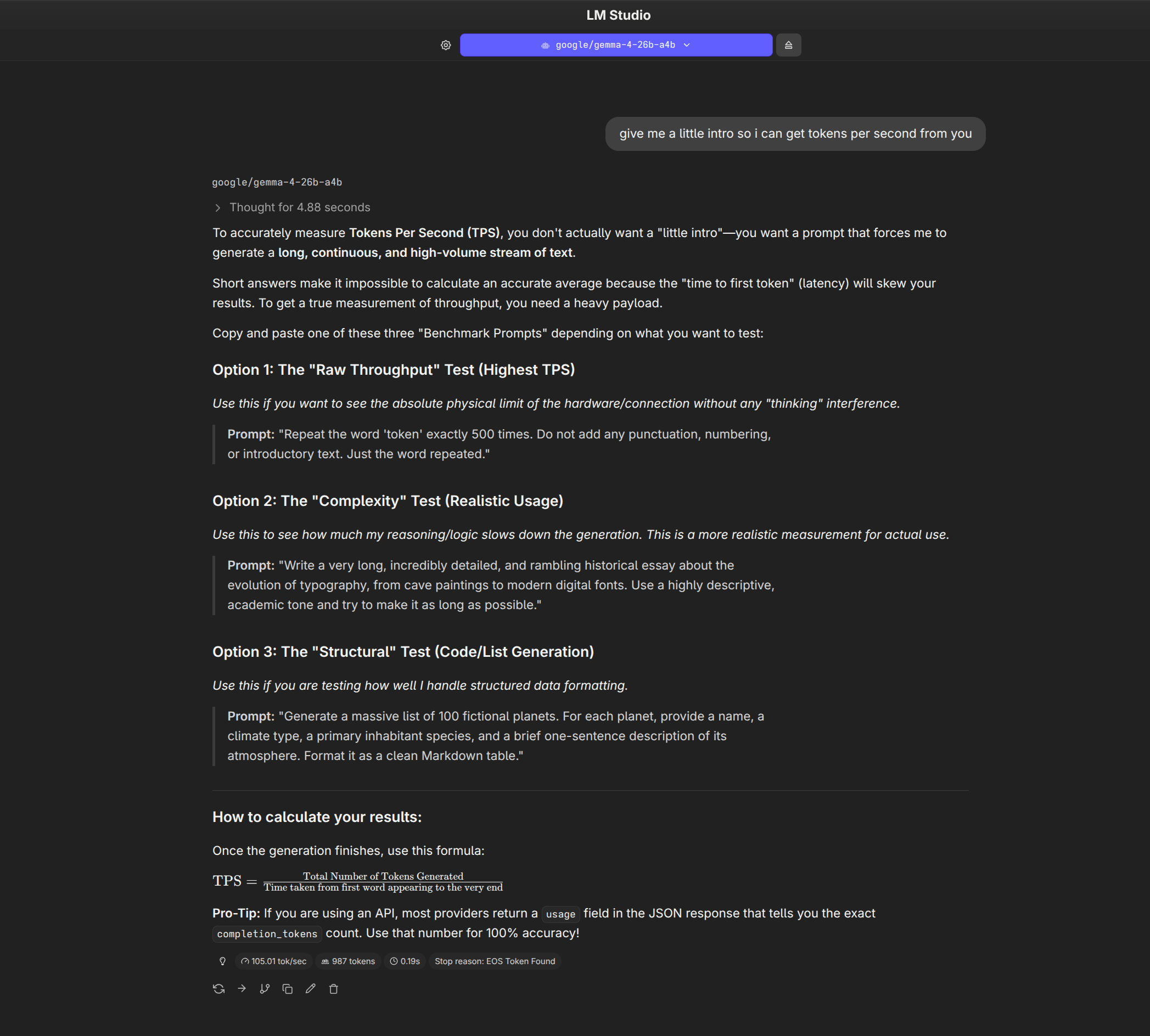
Secondly, performance tanks on battery. I’ve two metrics to convey that – in the Cyberpunk benchmark it’ll be sat happily at 90+fps with full path tracing at 4k. If I unplug the laptop it immediately drops to ~40fps. Running a local LLM (Gemma 4), I can get 110-120 tokens per second plugged in, and that drops to 10 tokens per second if I unplug. It’s a colossal drop in performance that I’m still trying to understand (part of that latter metric might be due to some poor power management in Linux where I’ve been running LM Studio). Fact is, the GPU can pull a lot of Watts, coupled with the CPU and RAM, the battery simply can’t provide enough power fast enough without exploding.
What’s interesting is if I plugin in my 120W USB-c charger, the performance of the laptop improves a lot, but still lacks behind the 240W propriety (and bulky) charger, perhaps unsurprisingly.
I’ll look into it a bit more, because it’s an inevitable result of physics, but still disappointing, especially in light of the next blog post I’ll be posting.
The increased power also means battery life takes a hit. Again, I’ve been spending a lot of time in Linux, and I’m not convinced the power-management is there yet for this system, but I’m getting 4-5 hours of real world usage on a full charge, which is fine I guess
Conclusion
The lack of reflections is a genuinely major quality of life improvement. The 5090 and 64gb Ram (and the 4TB storage) all open up stuff I could not do on my previous machine and had to go into work to use a big workstation for.
However, this isn’t a MacBook, and it’s not really meant for heavy work away from the plug. When it isn’t plugged in, it does still make an excellent device for writing/browsing etc (the keyboard and screen are exceptional) and it remains a performant device for general tasks.
As far as Windows laptops go, I’m convinced this is about the best out there – the combination of fantastic design, top-end hardware and pen compatibility is hard to beat. But there are compromises – there almost always are. The 5090 is held back a little due to thermal constraints, but that makes the device prettier and more portable. However, the portability is limited in just how much power can be used away from the wall.

