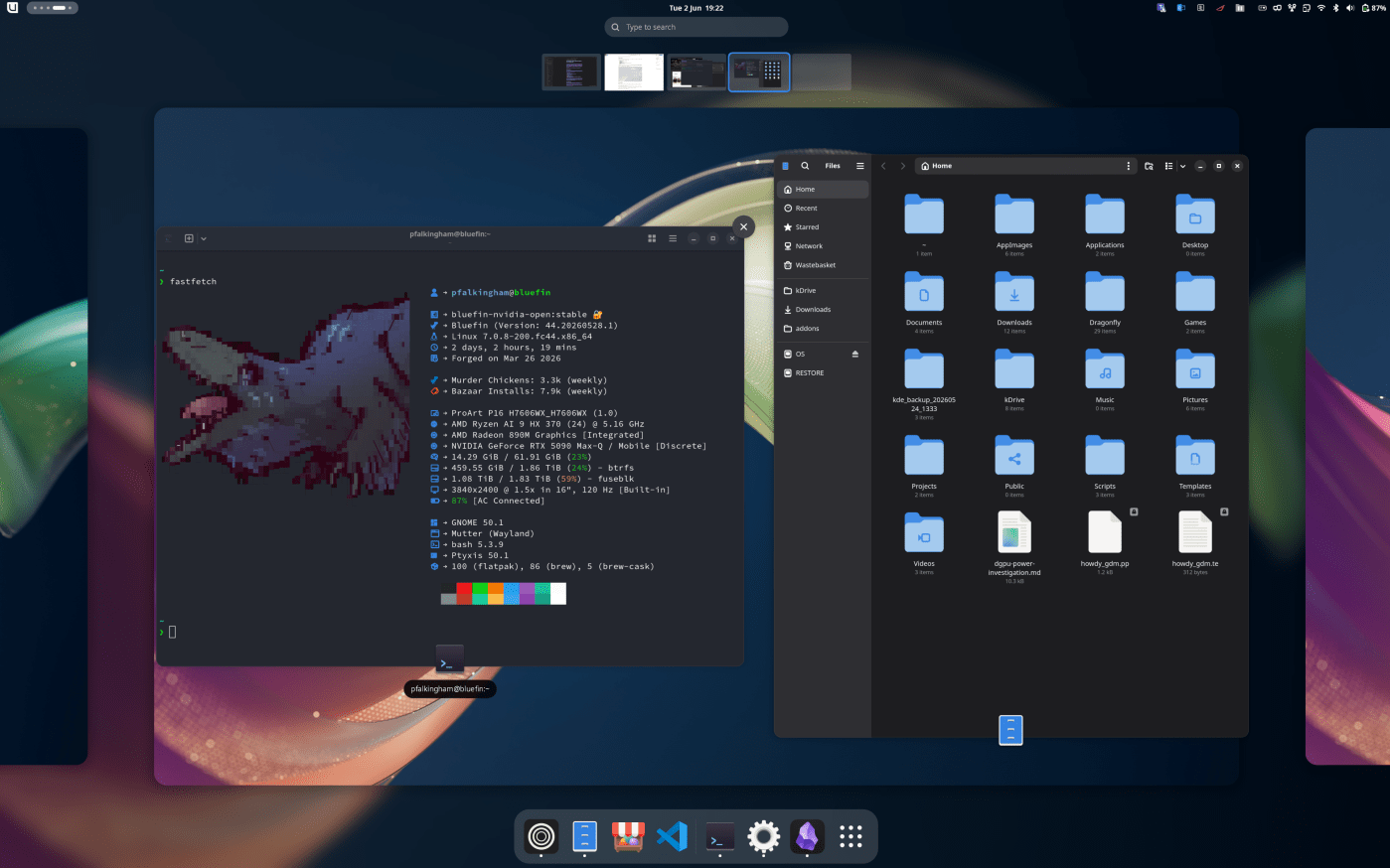
I’ve been running Linux as my primary desktop for a while now — specifically Bluefin (the immutable Fedora-based distro with dinosaurs) on an ASUS ProArt P16 laptop with an RTX 5090 Mobile and AMD HX 370 processor. The migration from Windows is basically done, but there are still a few edge cases that remind me I’m not quite there yet (other than the nightmare of trying to do corporate stuff on Linux). I did have a 2-week foray into KDE based Bazzite, but ultimately came crawling back to Gnome with it’s super smooth desktop.
This is the honest write-up of what’s working, what isn’t, and what I’m waiting for.
What’s working
The core setup is solid. GNOME 50 is stable, the immutable OS means I can roll back after updates (which I’ve done, more than once), and the atomic package management means my system doesn’t get clogged with cruft. I’ve got:
- Blender via Flatpak
- Zen Browser as my daily driver
- Obsidian for notes (this blog, research, everything)
- Heroic Launcher for games
- DaVinci Resolve
- RealityScan for 3D scanning work
- Howdy for facial recognition login (Windows Hello equivalent — bloody brilliant)
- Asusctl for laptop-specific controls
The distrobox approach works well for development — I run containers for stuff that needs native packages (Davinci resolve was installed in a ‘davincibox’), and Flatpak for everything else. The only downside is distrobox containers grow indefinitely and you end up with the same cache/config clutter you were trying to avoid.
The HDR problem
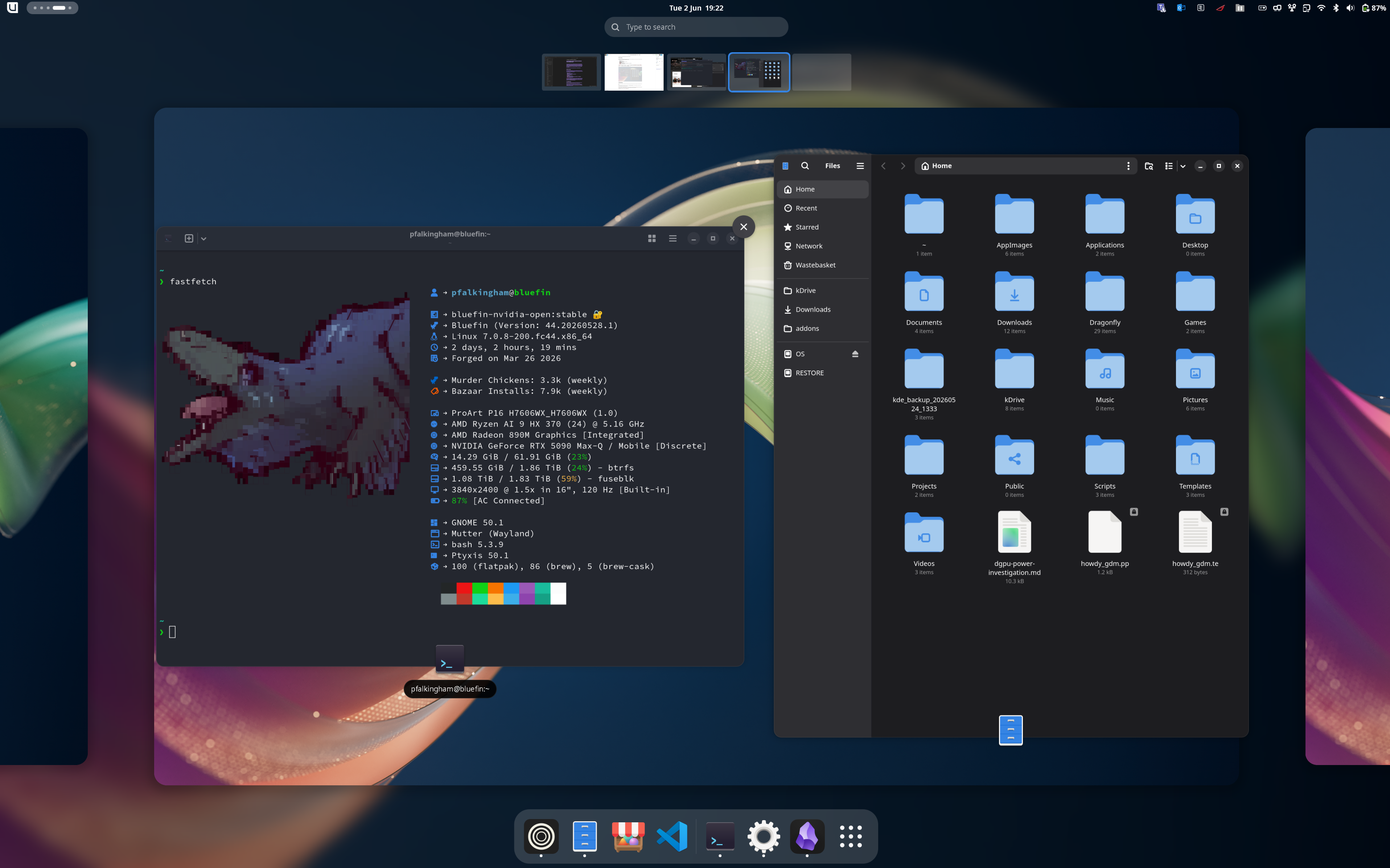
Here’s the big one. My laptop has a stunning tandem OLED panel that supports HDR. On Windows, HDR works. On KDE, HDR works. On GNOME? HDR does not work.
GNOME added HDR support in version 48, found it was broken, and then disabled tone mapping in version 50. The HDR pipeline is still experimental and they’re actively walking it back rather than pushing it forward.
The panel has HDR metadata in its EDID, so GNOME sees it and tries to use HDR mode. But without proper tone mapping, SDR content gets rendered with HDR color space assumptions → massively oversaturated colours. Everything looks like it’s been through a saturation filter.
The workaround: I use gdctl to force the panel into SDR-native mode:
gdctl set --logical-monitor --primary --scale 1.5 --monitor eDP-1 --color-mode sdr-native
This switches the panel’s internal lookup table back to SDR mode. It’s a hardware-level change, not an application-level one, so it works broadly and gets colours to where they should be. The catch is it doesn’t persist across reboots, so I need to set it up as a startup script.
For HDR gaming, gamescope is the best option — it does its own tone mapping in a separate compositor layer. But on an OLED panel, none of the tone mapping options produce a decent image. Kingdom Come 2 specifically looks wrong regardless of which curve you pick.
The fundamental issue is that GNOME’s HDR pipeline is incomplete. It can detect HDR displays and switch modes, but it can’t actually tone map the output properly. Until that’s sorted, HDR on GNOME is a non-starter.
The Flatpak dGPU wake issue
On hybrid GPU laptops (NVIDIA dGPU + AMD iGPU), every Flatpak application wakes the dGPU during sandbox initialization — even if the app doesn’t use the GPU at all. A text editor takes an extra second or two to launch because the NVIDIA GPU has to wake from D3cold state. Minor, but ultimately irritating problem.
This is a Flatpak runtime issue, not a Bluefin-specific thing. It affects all immutable distros that rely on Flatpak.
The workaround: For GTK-based apps, you can force software rendering:
flatpak override --user --env=GSK_RENDERER=cairo org.gnome.TextEditor
This skips the GPU probe entirely. The trade-off is slightly higher CPU usage for rendering, but on my AMD HX 370 that’s negligible. For system apps like GNOME Settings, you copy the .desktop file to ~/.local/share/applications/ and wrap the Exec= line with env GSK_RENDERER=cairo.
For Electron apps (Obsidian, browsers), this doesn’t work because they ignore GTK rendering settings. The dGPU wake is happening at the Flatpak sandbox level, before the app even starts.
Tablet stylus issues
The stylus on this laptop works, but with two annoying quirks:
- Fullscreen apps bug out — need to window them instead
- A second pointer appears that never goes away
The ghost pointer is a known kernel issue with some Wacom devices on Linux — it registers both as a mouse and a pointer. The fullscreen bug is likely a Wayland compositing issue. Neither is a dealbreaker, but they’re annoying.
RealityScan and JXL
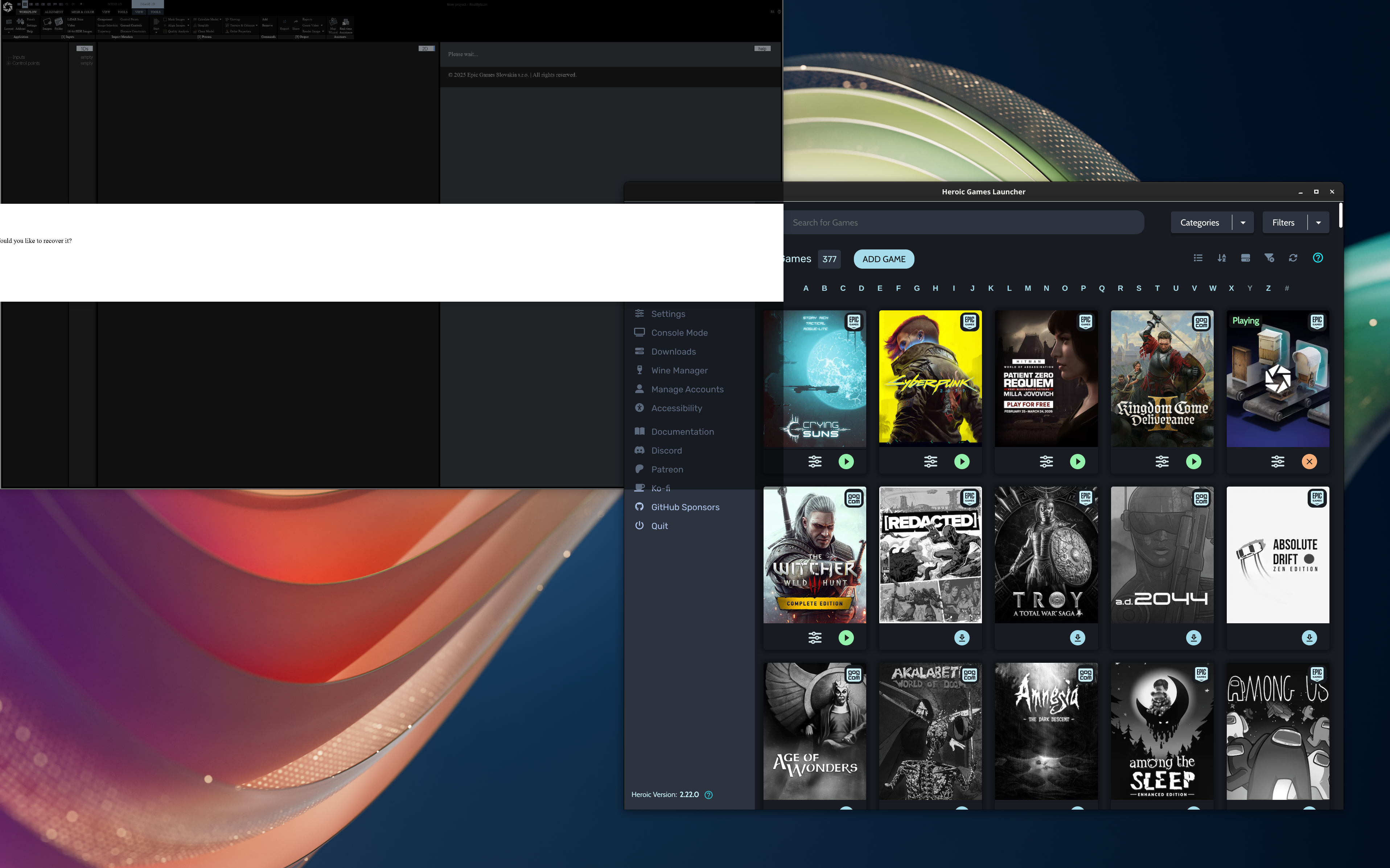
RealityScan’s Linux support is incomplete. That Epic released .deb and .rpm files is at least a token offering, though both options ultimately just install Wine and run it through that, so it’s not really native, and it’s not really any better than installing and running RealityScan through Heroic Launcher’s Epic integration. Either way, the interface is a little janky if you’re not using 100% scaling, and the massive problem for me is that via Wine, RealityScan can’t read JXL files even though the system has libjxl installed. This is a hacky problem with no clean solution right now, and it’s a collosal bummer given that just a couple of months ago I converted my entire 500gb photogrammetry dataset from jpg to JXL (saving 300gb in the process).
What I’m waiting for
The truth is that these edge cases (HDR, tablet support, Wine compatibility) are where Linux desktop still lags behind Windows. They’re not dealbreakers, just annoyances, like sand in your pants. The question is whether they’re worth the distro switch I was considering (CachyOS) or if I just live with them.
For now I’m staying on Bluefin. The immutable rollback is too valuable on a research machine to give up. The HDR problem isn’t going away soon — GNOME disabled tone mapping in 50, so it’s not getting sorted til at least 52. The Flatpak dGPU wake issue is a fundamental sandbox problem that won’t be fixed until Flatpak’s GPU virtualization lands, but that at least be worked around, either by disabling gpu for flatpaks, or installing electron apps in a distrobox instead.
The remaining issues are edge cases that affect my workflow but don’t break it. I can work around HDR with gdctl, I can window fullscreen apps for the stylus, and I can live with RealityScan’s limitations.
The migration is basically done. The rough edges are just rough edges.

