Using a scan in two halves to re-project a texture onto a new mesh, using Blender.
Transferring textures from two halves to a whole (using Blender)

Palaeontologist: Dinosaur Footprints – Biomechanics – Simulation
Using a scan in two halves to re-project a texture onto a new mesh, using Blender.
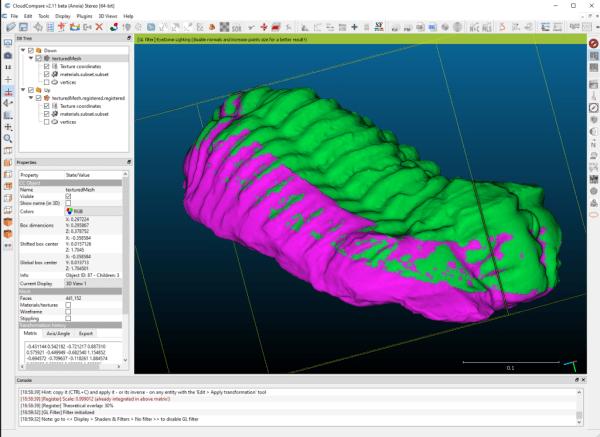
This post will show you how to align a scan in two or more parts using CloudCompare. Or there's a video tutorial. Ideally, when you scan an object with laser scanning or photogrammetry, you want to get the whole thing in one go. With photogrammetry, that might involve what I've seen called the 'void' method... Continue Reading →
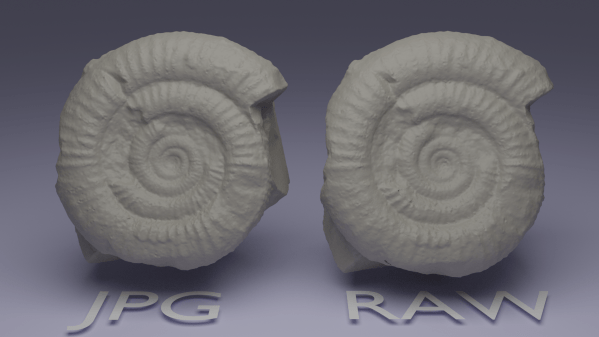
This is one of those questions that I see cropping up regularly in discussions online and off; Should I shoot and process RAW photos, or will I get the same results with out-of-camera JPGs? There is absolutely a school of thought among photogrammetry practitioners that everything should be absolutely top-quality: Prime lenses, shooting in RAW,... Continue Reading →
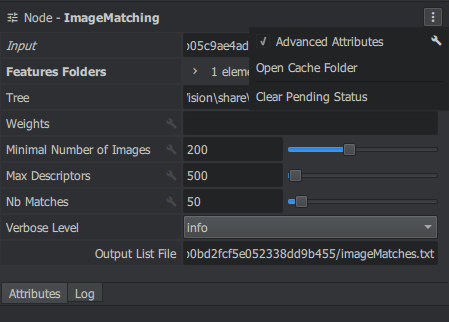
I covered Meshroom back when it was version 2018. Shortly after, I wrote about trying out all the settings. It's been over a year and half since then, and in that time Meshroom has become my default photogrammetry software. I've got into a habit with changing the default graph, so wanted to share the settings... Continue Reading →
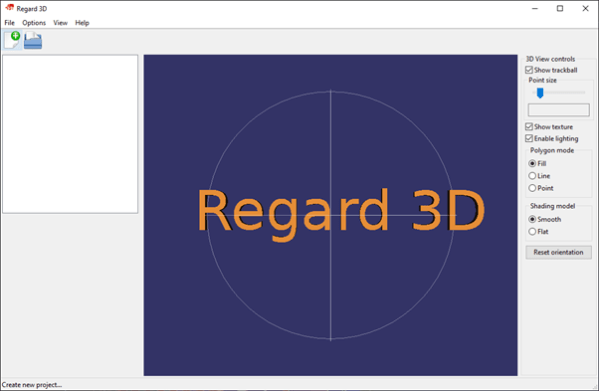
You can find links to all my other tests/guides here. Regard 3D has been around for a while now. I included it in my 2017 photogrammetry roundup, and version 1.0.0 was released in march 2019, but I’ve never actually run through it on my blog, so here goes. Regard 3D uses openMVG as the backend... Continue Reading →

Testing WebODM - OpenDroneMap photogrammetry software.
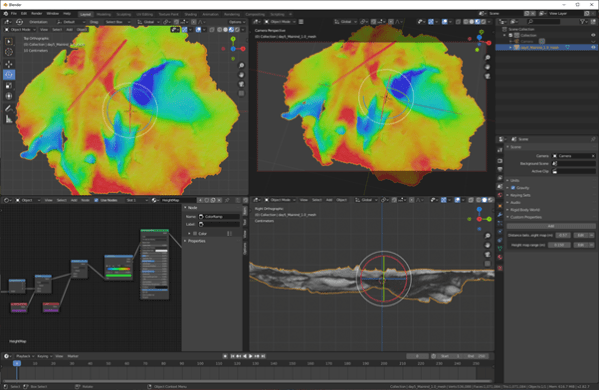
A custom shader in blender for quickly applying height maps to fossil tracks.
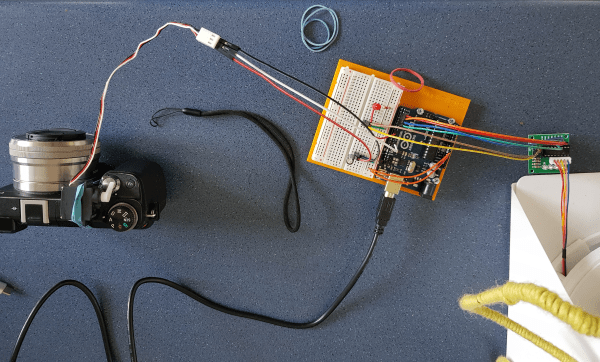
Extending the arduino photogrammetry setup to turn the turntable by an arbitrary amount, then trigger an android phone and a DSLR, then move the turntable again and repeat.
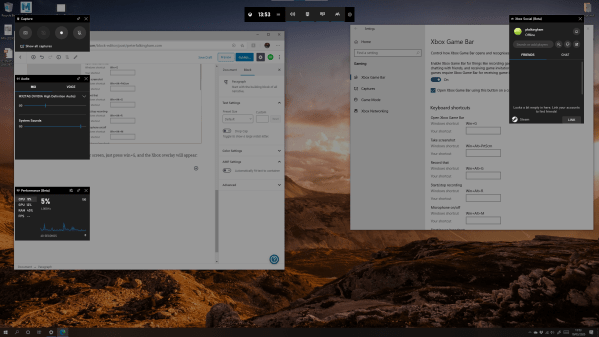
In these days of working from home, you may need to explain how to do something visually on you computer. Windows 10 has a built in screen recorder in the Xbox Game Bar, and I've been using this to record short tutorials for this website, and for students accessing information for the first time online.... Continue Reading →

Working with photogrammetry, laser scanning, and all the other techniques I dabble with/intimately rely on, I generate a lot of 3D data. For the most part that data is usually very high resolution, and often quite noisy and in need of cleaning up. I want to detail here some of the software I've come across... Continue Reading →
 Prof. Peter L. Falkingham