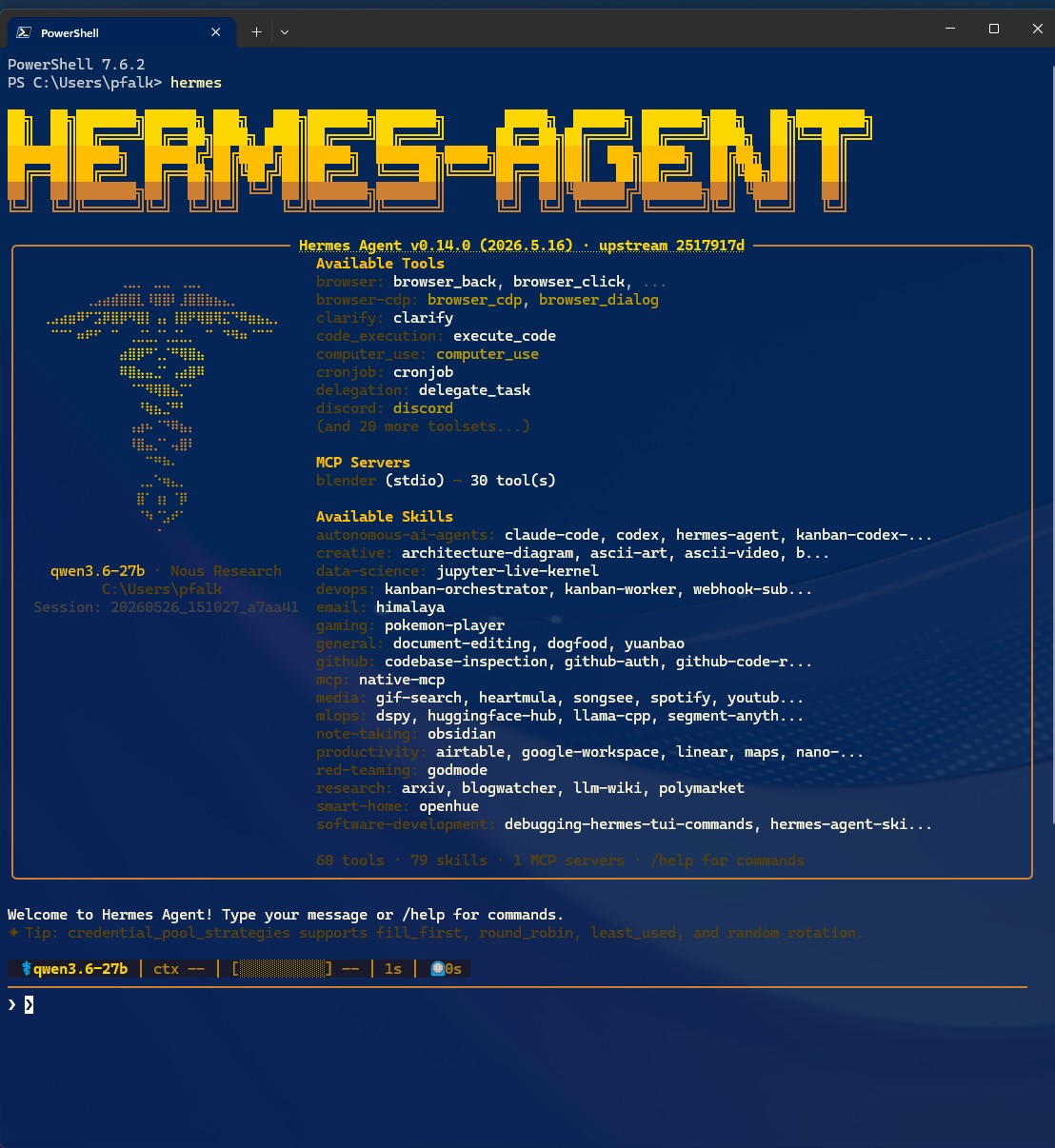
I’ve been spending the last few weeks setting up Hermes Agent as a personal research assistant, and it’s gone from “chatbot I talk to on Telegram” to “actually useful thing that does stuff” pretty quickly. Thought it was worth documenting what we’ve achieved so far, because some of it’s genuinely useful and I suspect other academics might find bits of it helpful too.
Where We Started
The basic setup is: Hermes Agent running on my Mac Mini, talking to me over Telegram. It’s got a local model (Qwen 27B via LM Studio) for most things, with access to my files, terminal, and the web. The key thing is that it persists — it remembers what we’ve done, it’s got skills for recurring tasks, and it can run things in the background while I’m doing other stuff.
Fair warning: this isn’t a tutorial. It’s more of a “here’s what’s worked for me so far” post. If you want to try something similar, you’ll need to adapt it to your own setup.
Pulling Twitter Bookmarks into Obsidian
One of the first things I wanted was to get all my Twitter/X bookmarks out of the app and into my Obsidian notebook. I bookmark hundreds of things — papers, news, interesting threads, images — and having them trapped in X is basically digital hoarding with no payoff.
We built a bookmarks exporter that:
- Pulls all bookmarks from my X account (using the xurl CLI tool, not the official API — that saves money and avoids rate limits)
- Creates markdown files in an Obsidian vault
- Downloads images and videos and embeds them properly in the relevant tweet pages
- Summarises linked websites where relevant
The second point was important — the first version downloaded media but didn’t actually put it in the right places, so we ended up with a folder of context-less images. Fixed that, and now it’s actually useful. I can search my bookmarks, link them to other notes, and actually use them.
The Daily Note Review
I use Obsidian for daily notes — I dump random thoughts, meeting notes, action items throughout the day. The problem is they end up being sparse bullet points that make zero sense when I look back at them later.
So we set up a cron job that runs at 3pm each weekday. It reads my daily note, searches my vault for related context, and then asks me questions like:
- “You mentioned a meeting with Karl — should this link to the Karl-Sauropod grant note?”
- “You wrote ‘NVIDIA stuff’ — do you want me to expand that?
- “This looks like it relates to the ERC EVOTRACK project — add that link?”
It’s meant to turn my brain-dump daily notes into actually useful records without me having to spend time formatting them as I go. Early days, but the concept works.
Cataloguing Grant Applications
This was a big one. I’ve been applying for grants since 2010, and the applications lived in kDrive folders with names like “Succesful,” “unsuccessful,” and “In Prep”. Each folder contained multiple versions of Word documents, some with useful content, some without.
We went through all of them and built a proper Obsidian repository with:
- successful grants
- unsuccessful applications
- in-progress applications
- An ideas folder
Each note has the actual content extracted and summarized from the application, plus metadata about the funder, year, collaborators, and outcome. This is all grabbed from the web by the AI. The index files cross-reference everything and flag patterns.
Why does this matter? Well…
What’s Coming Next
The immediate next step is setting up email integration so I can forward funding calls directly to the system. Every Monday I get a list from Research Professional about all the possible funding calls now open that fit a too broad range of keywords I’ve given it. The idea is:
- I forward a funding call email
- My agent extracts the key details (deadline, eligibility, amount, topic)
- Cross-references against the grant repository — my track record with that funder, past successes and failures, and relevancy to ideas in progress
- Gives me a quick assessment: worth pursuing, skip, or needs discussion
Longer term, I want to explore building up a proper knowledge base of what works and what doesn’t in grant writing based on my own successes and failures.
Final Thoughts
Has this been worth the time? Yes, but with caveats.
The bits that work well are the ones where there’s actual data to process — cataloguing grants, pulling bookmarks, extracting text from files. The system is genuinely better at that kind of thing than I am, and it doesn’t get bored.
The bits that are still rough are the conversational ones — asking me clarifying questions about my daily notes, helping me think through whether to apply for something. Those require judgment and context that the system doesn’t always have.
Also: setting all this up took time. Several weeks of iteration, debugging, and “that didn’t work, let’s try a different approach.” If you’re thinking of doing something similar, expect to invest time upfront. I think it’s a worthwhile investment of time.
I’ll probably write more about specific pieces of this as they develop. The email integration is next, and that should make the whole thing significantly more useful. In the meantime, if you’re an academic thinking about using AI assistants for research admin, the approach is: start with the boring stuff (organising files, extracting data) and work up to the judgment calls.

