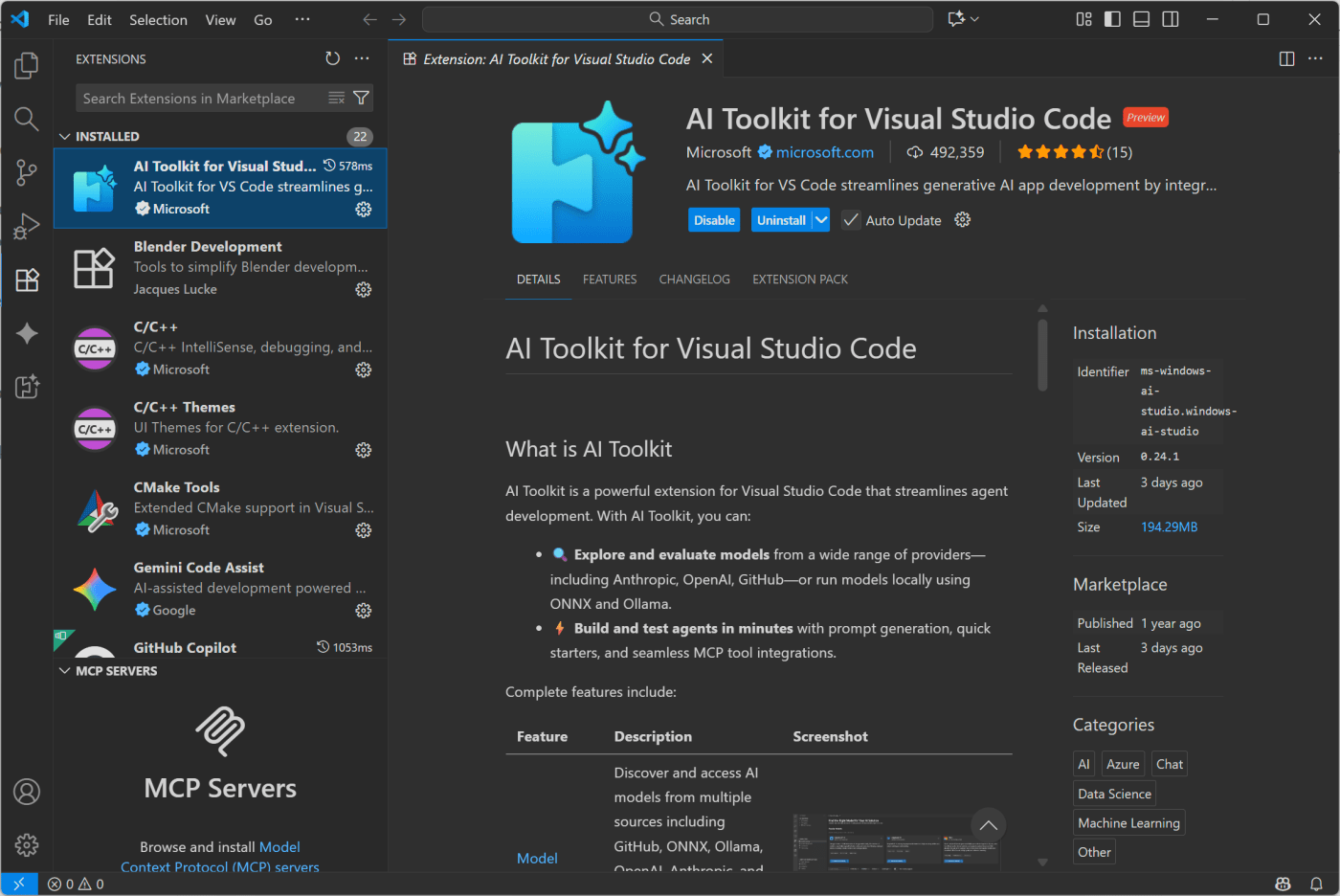
I’ve found VC Code copilot to be invaluable in writing small scripts and the like for, say, visualizing my DEM output in Blender. Just a super way of speeding up tool-building in scenarios where you can immediately tell if it’s worked or not. With an education account, you get access to all kinds of top-end models.
But what many people don’t realize is that you can also use local models in VS Code.
The first way they implemented to let you do so was via Ollama or LM Studio. Set up those respective software, and open a local port, then connect to them from Github Copilot in VS Code.
But recently, there’s been a new way to use local models added, that doesn’t require any third party software.
The Key is in the AI Toolkit extension, in VS Code. Built for trying out different models, cloud and local.
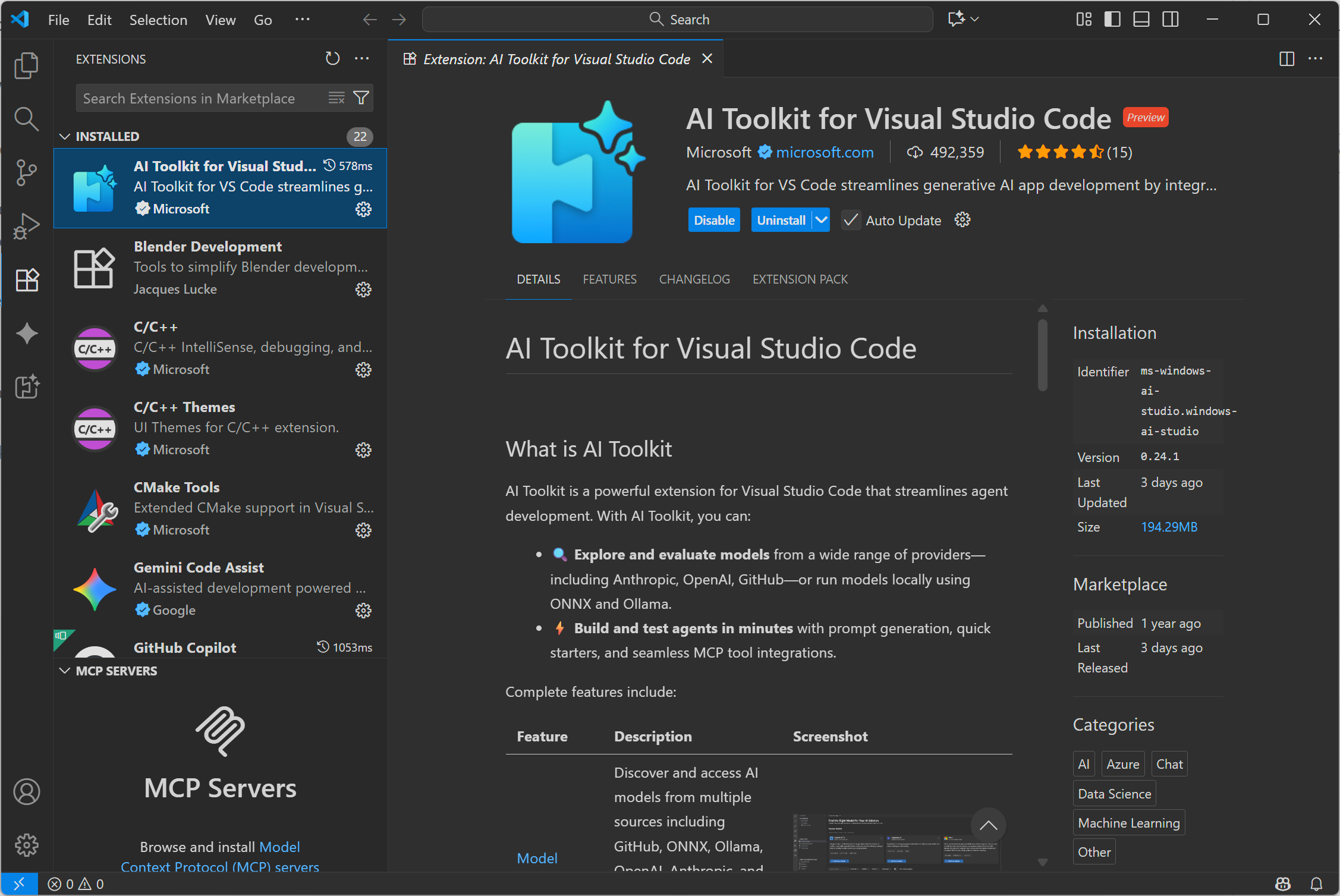
Install the extension via the extensions tab in VS Code, then open the extension (bottom icon on the left in my screenshots), and open the model catalog:

If you scroll down, you can filter on a number of categories, including local or cloud, and if local, then CPU, GPU, or NPU:

I have a Copilot+ PC, my lovely Asus Proart P16, so I have an NPU, and this is a great chance to try out running a super efficient model locally. But if you don’t have a Copilot+ PC you can just as easily use GPU or CPU.
Just click ‘add’ under the model you want to try. Here, I’ve added Phi-4 mini reasoning just because it’s a small model that will run on my NPU, but you might find something like Qwen Coder more useful for coding tasks.
With a model downloaded, go to the models in the top, under MY RESOURCES, and double click the one you want to run. It’ll load the model:

Now, go back to your code, and open Copilot. If you’re in Agent mode, you probably won’t see your models (Agent mode needs specific models), so change to edit or ask
Click the model, then click ‘manage models’

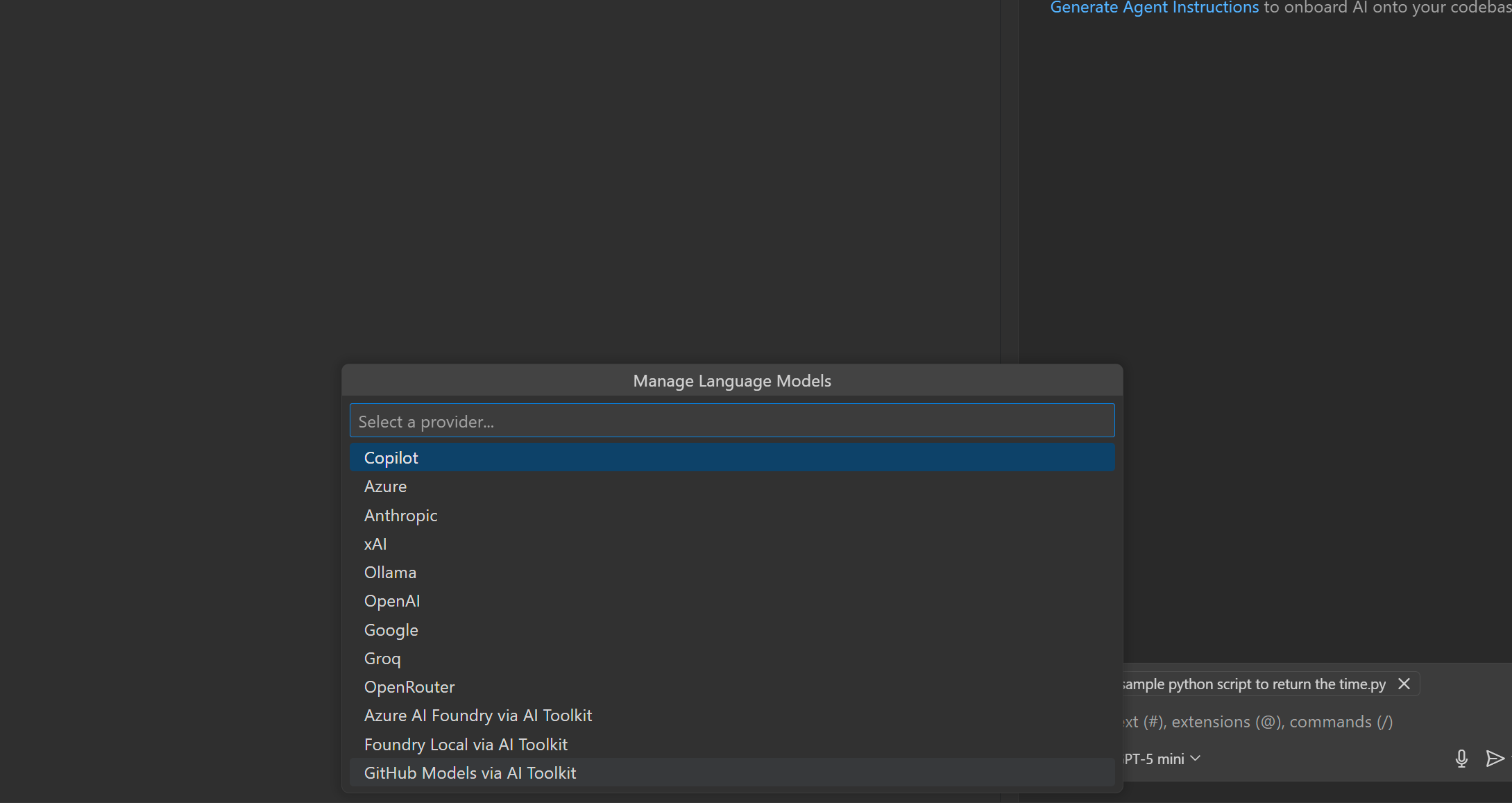
Then in my case, I select Foundy Local via AI Toolkit:
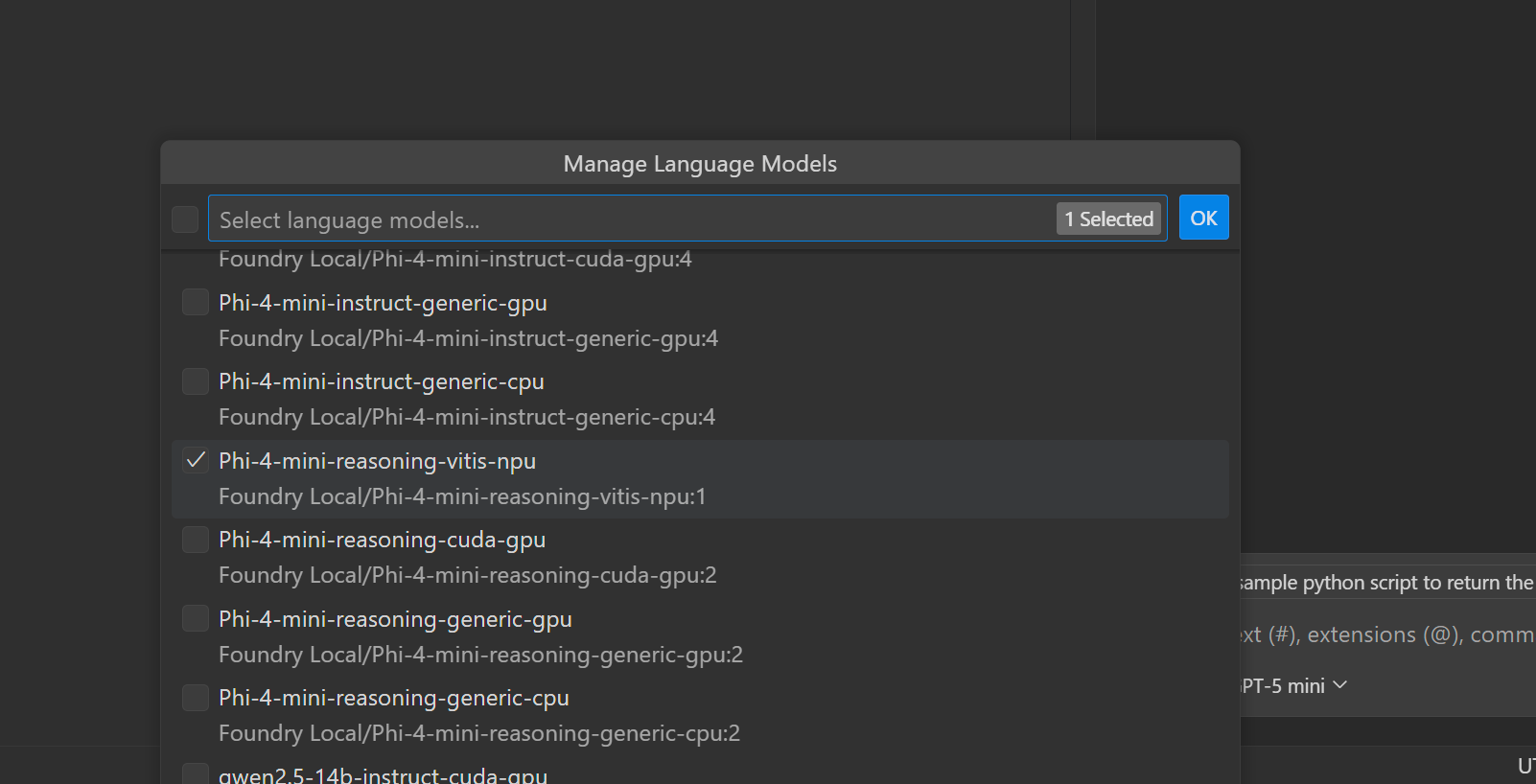
And select the model(s) I want:
With that done, I can now select my local model from the models drop down, just as I would any other:

Check it out, an actual use for the NPU:

You might need to try some different models though – Phi 4 had a little trouble :):
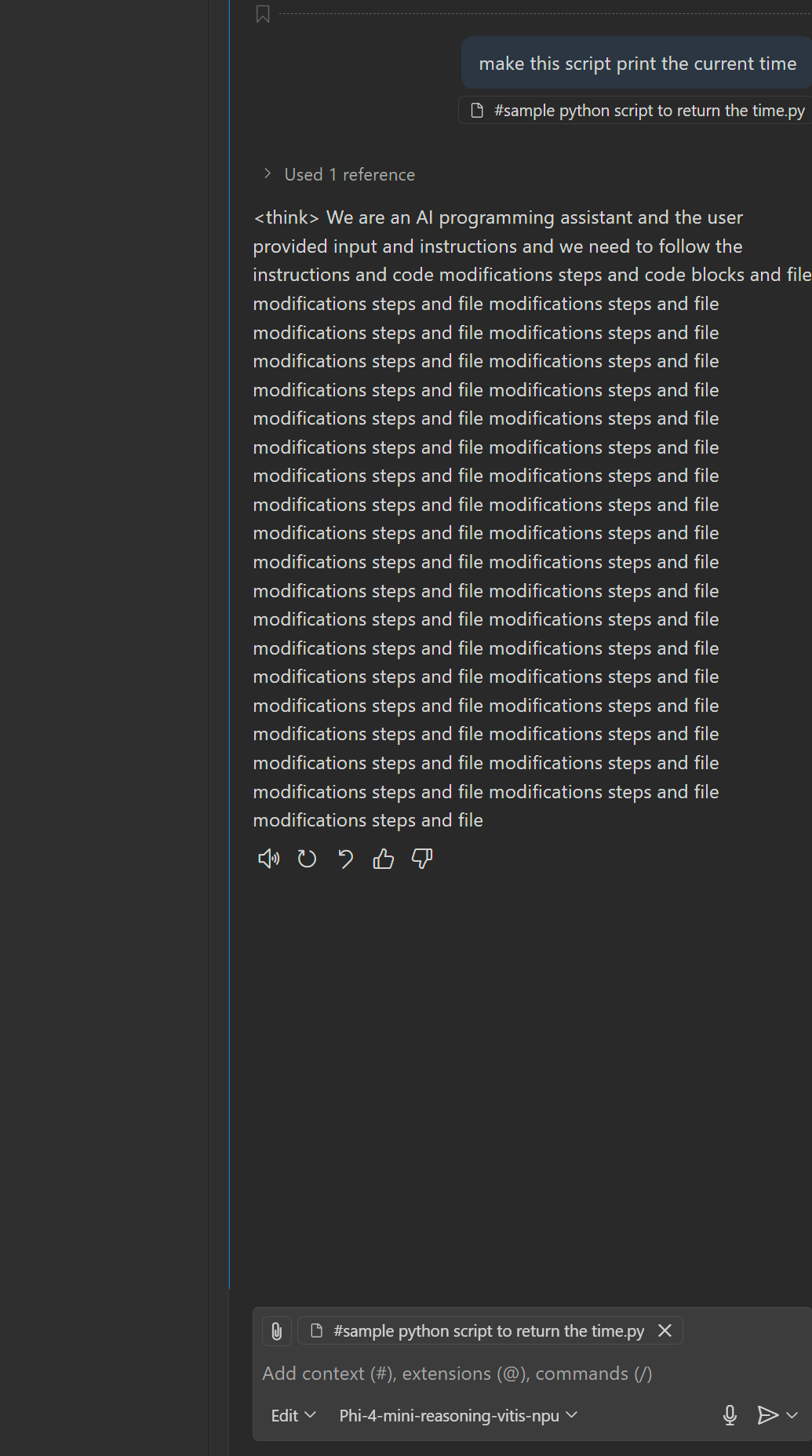
But Qwen Coder did much better:
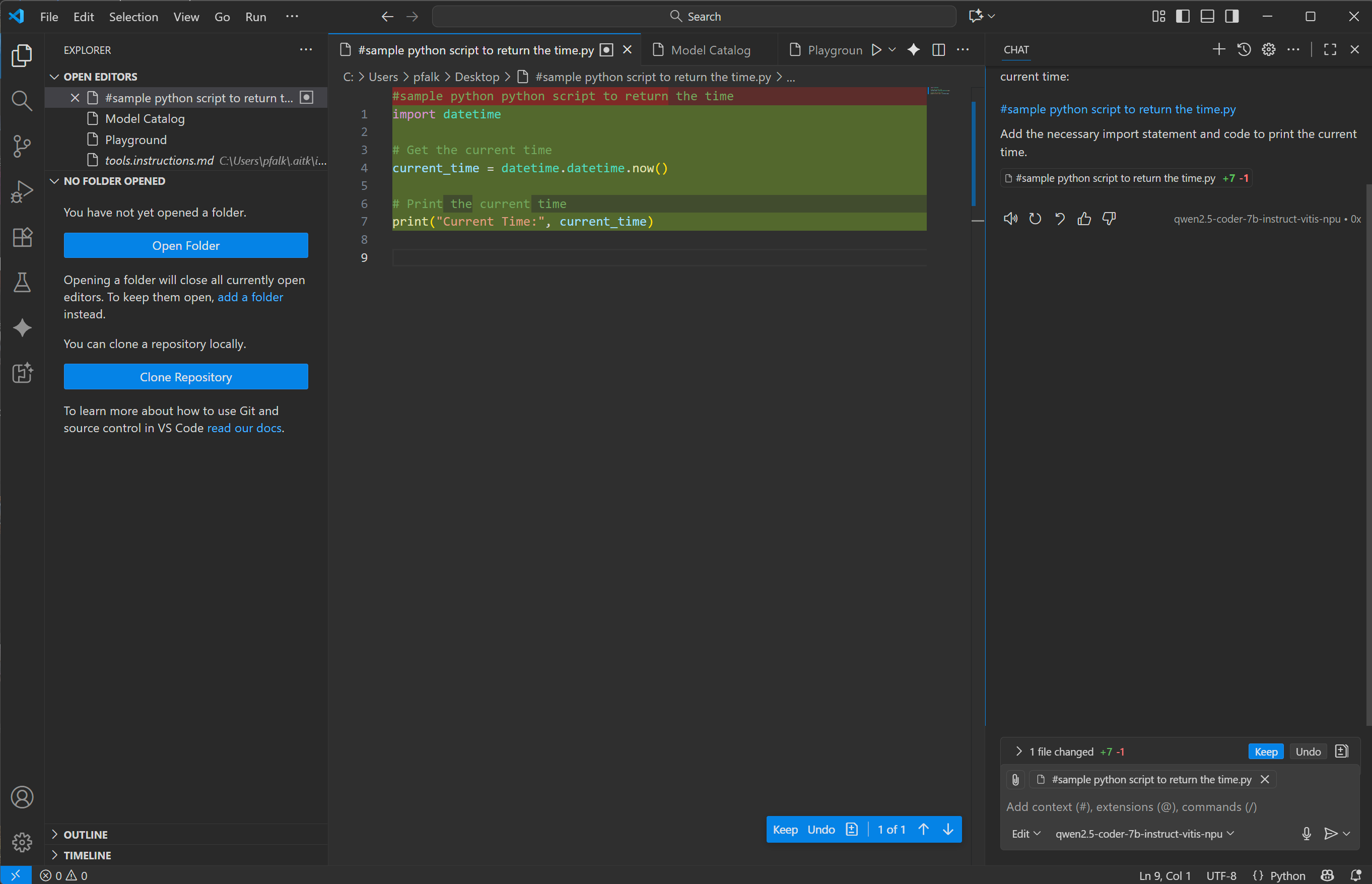
These will be much slower than using something GPT5 in the cloud, but it does mean you can get coding assistance when on the train, or apply it to sensitive stuff you don’t want going to the cloud.
 Prof. Peter L. Falkingham
man, you’re a real G for writing this tutorial
Could it be that his is not usable anymore? I do not see any option to select the models besides the Copilot ones.
It’s still there for me…
And under manage models:
Would this work with models served via Ollama and through a local network-reachable Open web UI API?
yep – here’s how to do it with ollama: https://docs.ollama.com/integrations/vscode