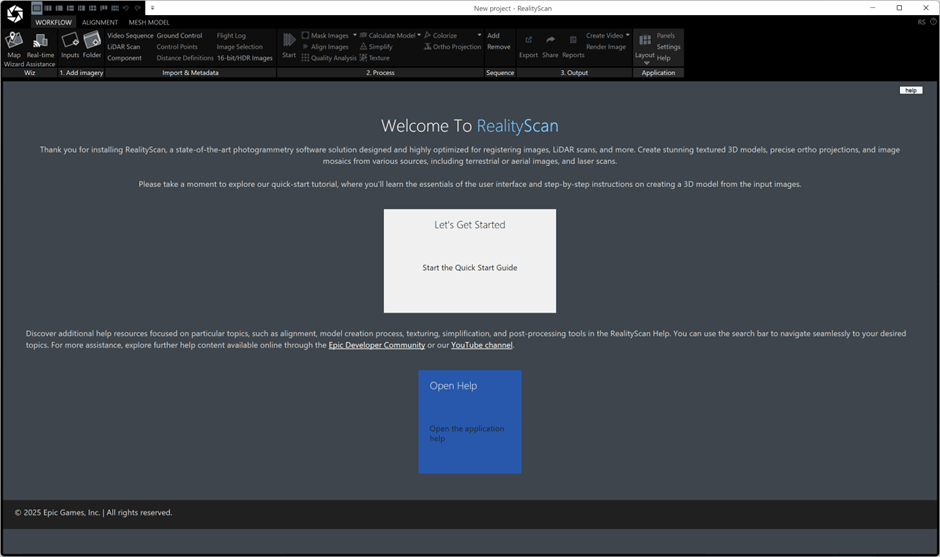
As I’d previously noted, RealityCapture has been re-branded to RealityScan, to align branding across desktop and mobile applications.
With the rebrand come some major new changes:
- AI Masking
- Smarter Alignment
- Aeriel LiDAR Support
- Quality Analysis
To install it, you need to fire up Epic Games Launcher, then I had to wait a while until the RealityScan tab appeared at the top in place of the old RealityCapture tab:
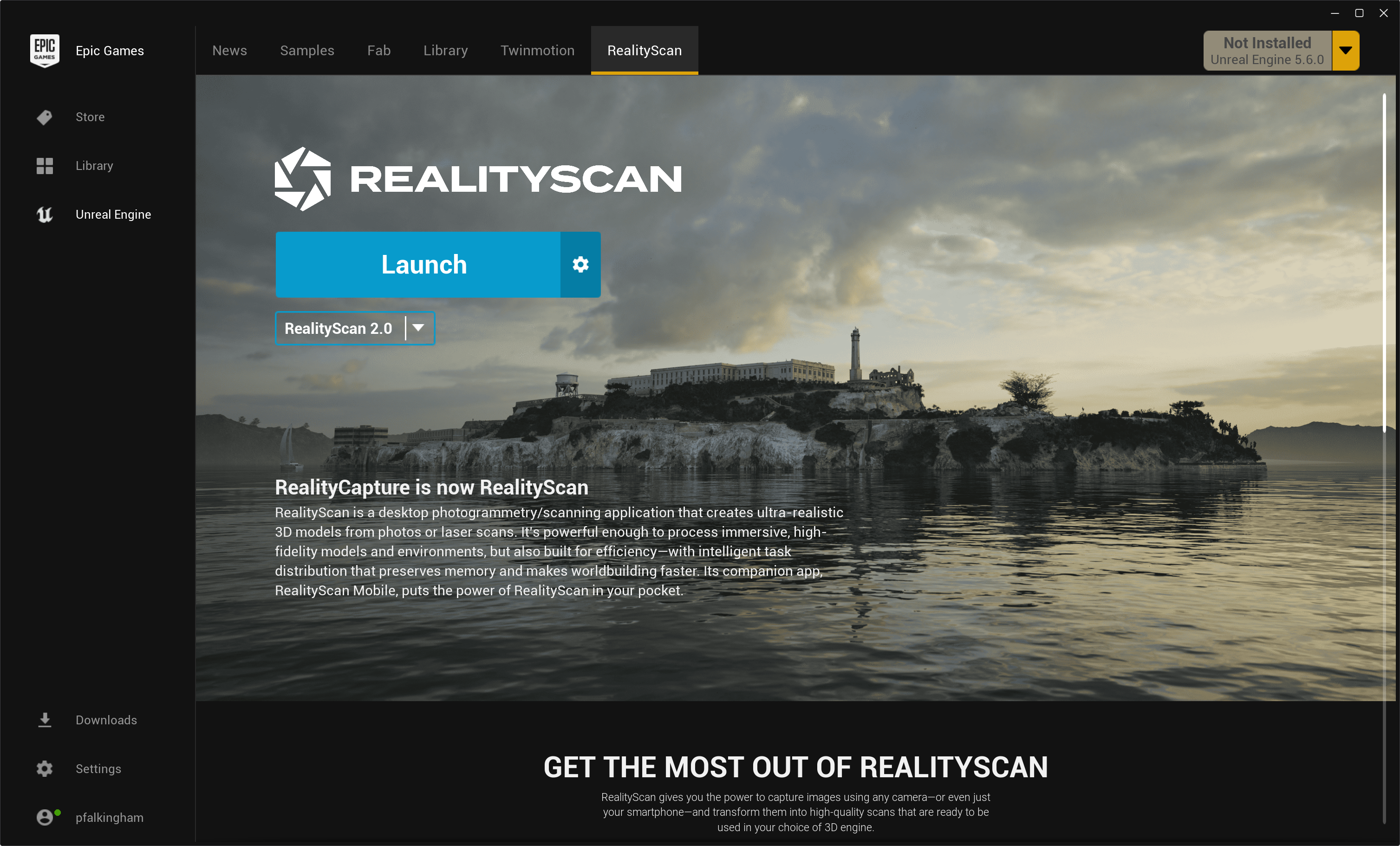
You can then install. Note that because this new application has an entirely different name, you can have RealityCapture 1.5.1 and RealityScan 2.0 installed simultaneously. Which isn’t particularly useful, but does make the comparisons I’m about to make a bit easier.
On starting up RealityScan, you get a normal welcome page with links to webpages of what’s new.
Otherwise, everything looks pretty much identical to RealityCapture.
I had hoped the big upgrade would make strides to reduce dependency on CUDA, and therefore Nvidia, such that RealityScan would be available on Mac (even if in a WindowsVM), or on AMD gpus, but alas, CUDA still required:
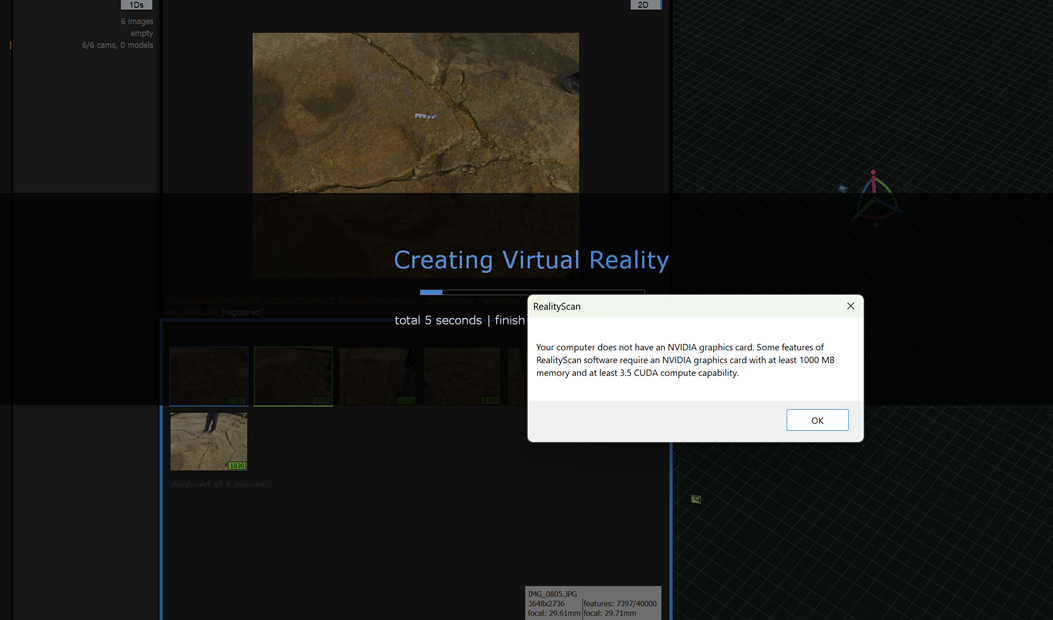
You can’t make a mesh any higher than preview quality, and you can’t colourize nor texture without an Nvidia GPU.
So, assuming you have an Nvidia GPU, is this really a big jump up to warrant the name change?
I compared RealityScan to RealityCapture. Life’s too short to be running this on my laptop, even with Nvidia dGPU, so these were both run on my work desktop, a machine with 64GB RAM, Nvidia 4090 (24GB), and an i9-14900K.
Small dataset – my Styracosaurus model (53 images)
Timing (please note this was not done scientifically, it’s just for an idea of how long stuff takes):
| AI masking | N/A | 25.013 |
| Aligning cameras | 6.308 | 20 |
| Normal Meshing | 479.532 | 118.449 |
| Texturing | 123.560 | 114.999 |
| Total | 609.4 | 278.461 |
Alright – I wouldn’t put much stock in those aligning cameras numbers – I was heavily compiling something at the same time, so 15 seconds difference isn’t much, though the meshing time is drastically lower in RealityScan 2.0. Overall, it’s more than twice as fast. Again – milage may vary, but this is promising.
The final models both look great textured:
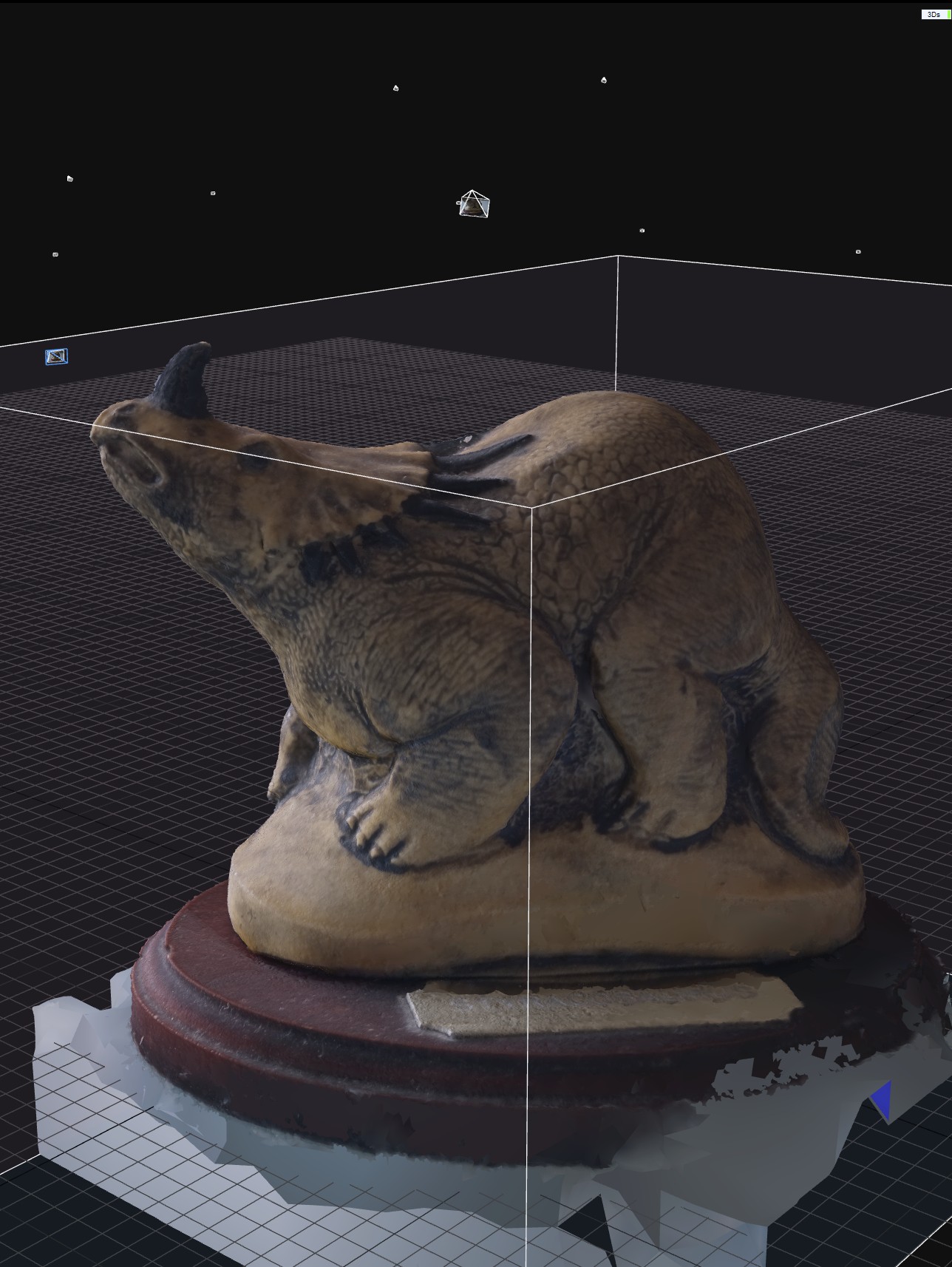

There’s clearly better recovery of detail around the base of the stand, and a little more around the horn. This is more evident if we remove the texture:

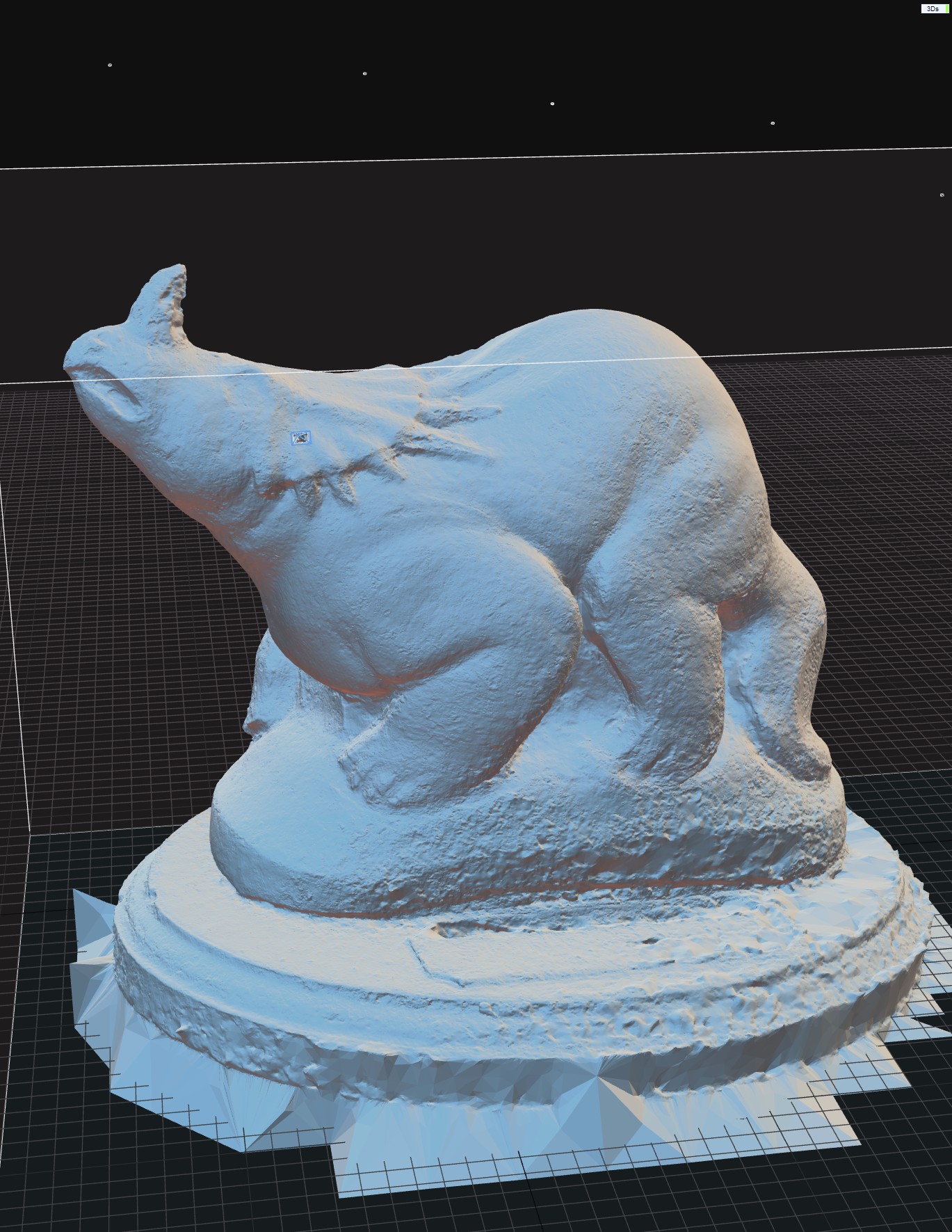
Both models have the same amount of filtering etc, but it’s clear the mesh in RealityScan 2.0 is nicer, particularly around the face and frill.
This is also a good time to show you the quality visualizations that are new:
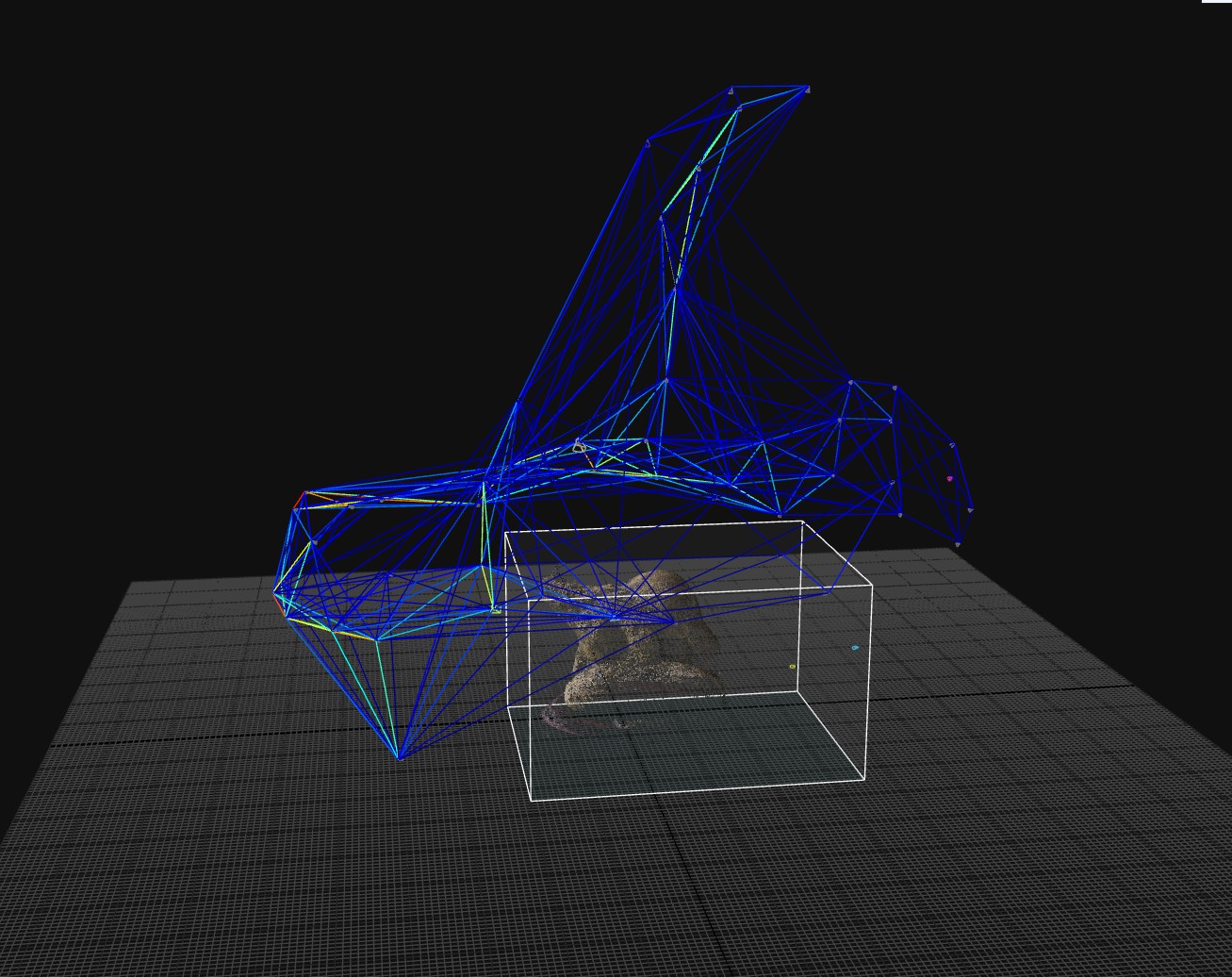
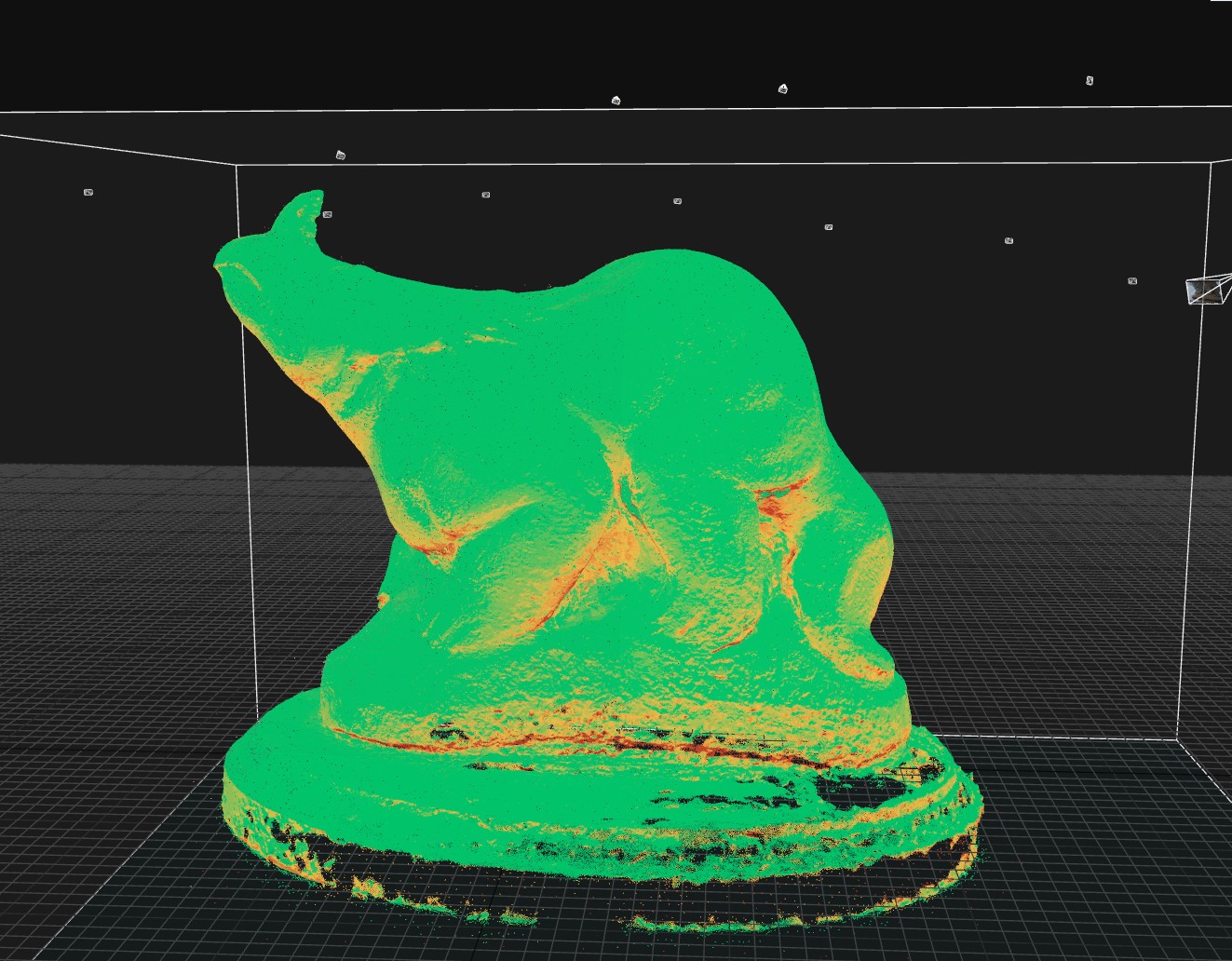
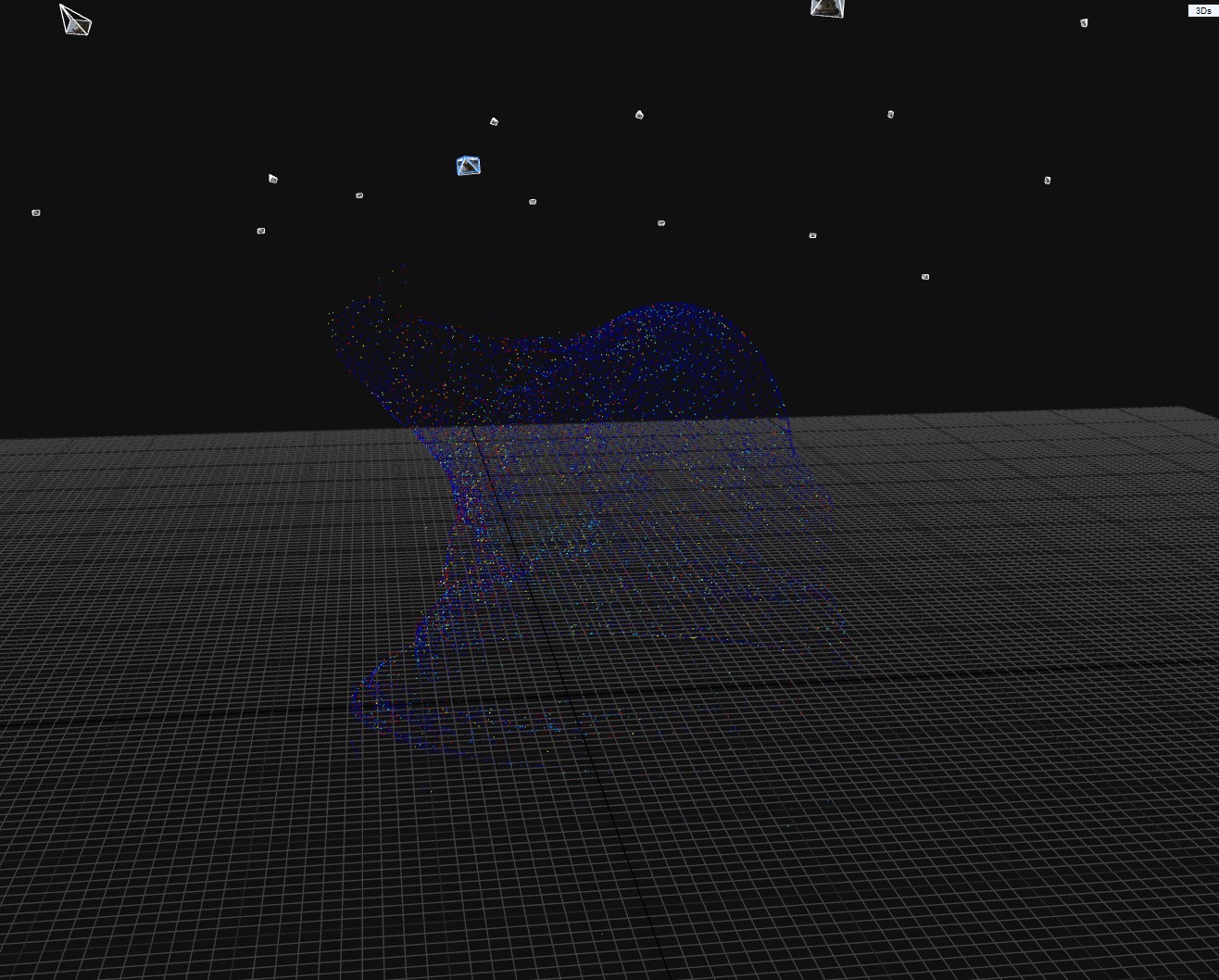
The mesh quality can be either applied as coloured vertices, or baked to a texture. It’s a really neat visualization feature.
Bigger mesh
I need to test a much larger dataset, but my big computer (and my laptop) are a bit tied up with othe r things right now, so I’ll return to this in the future.
Conclusion
Looking good so far – faster, better models, and new features. I’d hoped we might see a move away from Nvidia and CUDA, even if it meant slower reconstruction, but alas, RealityScan, like RealityCapture remains out of reach for Mac users and those without an Nvidia GPU.
 Prof. Peter L. Falkingham
If you are looking for something working natively on macOS, you could check out https://github.com/philippremy/MTL-AliceVision AliceVision photogrammetry framework, ported to Apple Metal and capable of running DepthMap steps
Oh super, thanks. I was aware of Meshroom-CL (https://peterfalkingham.com/2021/09/26/meshroom-cl/), but I’ll have to take a look at that one. Any experience with it?