
Recently for our paper on hominid tracks, I was visualizing some topographic images of footprints using blender. We were asked by the journal not to use the standard red-green-blue colour scale as it’s not great either for colour blind people, or for conveying subtle changes in topography.
Rather than use black-white, as I’ve done in the past, I did a bit of a deep dive into some colour science stuff, and was particularly convinced by this post on the google research blog. It made a strong case for Turbo (a variation of red-green-blue that is good for showing detail, and doesn’t suffer from issues of intensity like Jet does.
I’d previously made a material for blender that let me set up a colour scale (or black->white scale) based on size. However, rather than try and match that colour ramp in blender every time, I’ve modified the material to use an image texture node, which it maps accordingly.
This is the complete shader node:

You can see I’ve left the colour ramp in there in case I want to use it. The Texture node is accessing this:

Starting height and ScaleSize nodes are drive by two custom properties I’ve added to the scene, such that altering them changes the position of the scale, and stretches it accordingly (the below gif has some colour compression, so the colour scale doesn’t appear smooth):
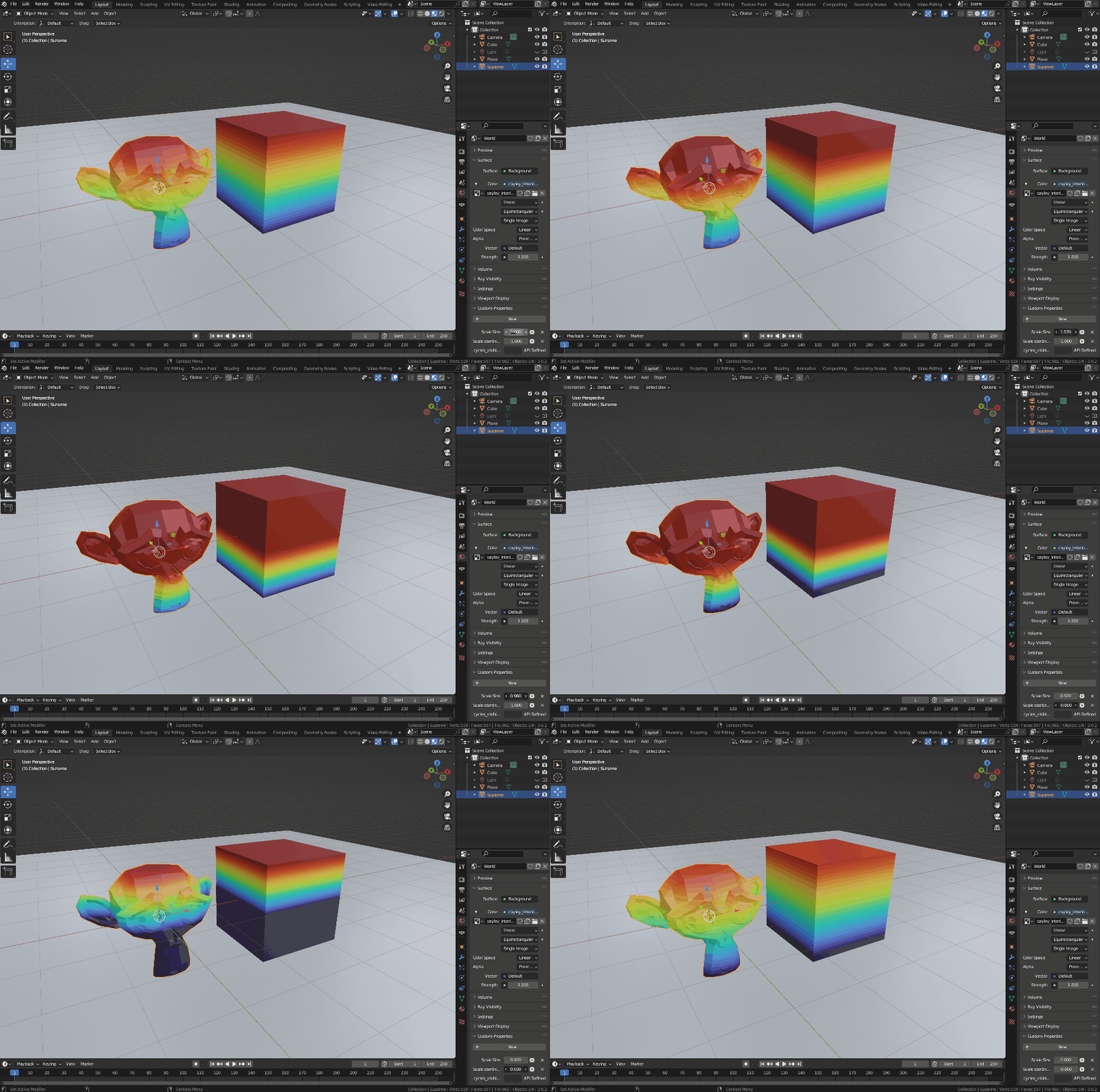
You can therefore really easily change the colour scale to anything you like, including complex colour scales that would otherwise be hard to setup on the colour ramp node.
 Prof. Peter L. Falkingham
Leave a comment