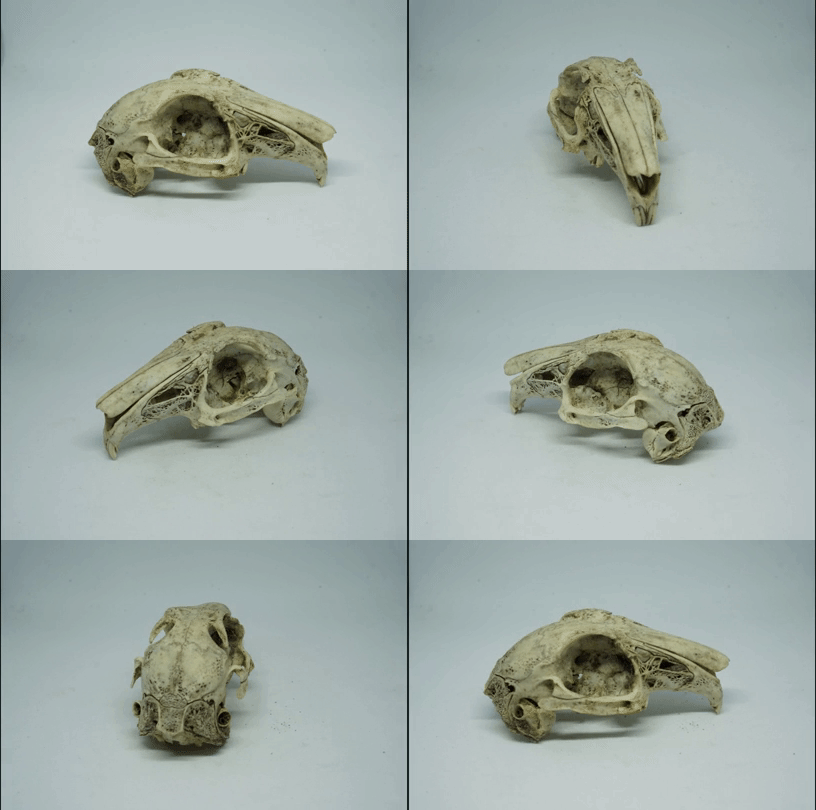
I get a lot of contacts asking what's wrong with their software, and usually the answer is that the photos don't have good overlap, or differing backgrounds. Sometimes I get directly asked how to take the photos, and certainly my students carrying it out for the first time need to be shown how to take... Continue Reading →
Changing default values in AliceVision Meshroom
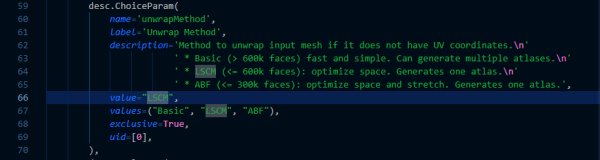
I previously gave you a little script that can run AliceVision MeshRoom from the command line, speeding things up when you have a lot of photos. However, I rely on some of the parameters being changed, specifically I like to use guided matching and LCSM texturing (because it gives me more robust SFM reconstructions, and... Continue Reading →
Batch Script for running AliceVision MeshRoom from command line
Here's a script to reduce the processing of AliceVision's Meshroom to a single double click. Much as I did for COLMAP, (and here) I've put together a batch file that can just be dropped into a folder of photos and double clicked to run the full Meshroom process and produce a filtered, textured model without... Continue Reading →
Getting the most out of AliceVision Meshroom – tweaking parameters
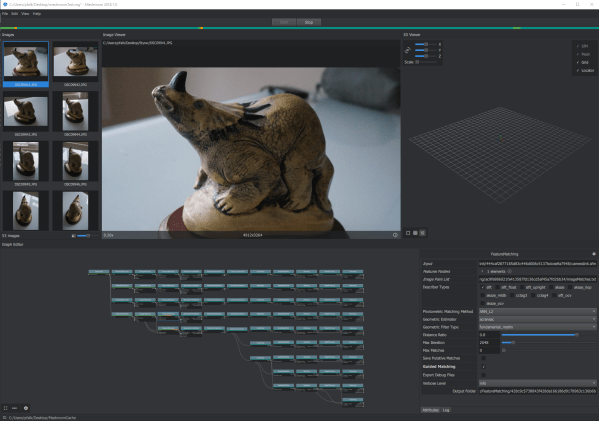
AliceVision’s Meshroom was made available as a windows binary not long ago – I wrote about it shortly after it was released and produced a model using my standard test set using default settings. Since then, it’s become my go-to software for producing photogrammetric models. It’s generally not as fast as COLMAP, but I like... Continue Reading →
My Small Object Photogrammetry setup
I thought I'd write a quick post about my photogrammetry set-up for small objects, because I've been doing a lot recently, and as a result I've spent some time optimizing my workflow. The long and the short of it is that it looks like this: I've got a small light box from Amazon, which includes... Continue Reading →
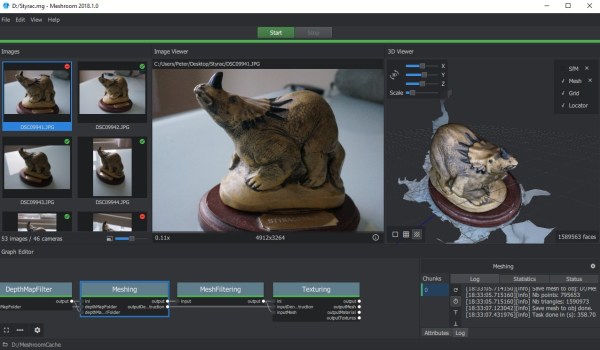
Photogrammery testing 14: AliceVision Meshroom
Testing the newly released binaries for AliceVision Meshroom photogrammetry suite.
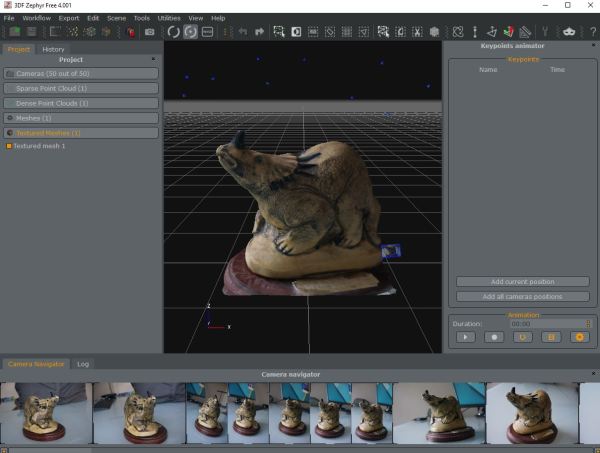
Photogrammetry Testing 13: Revisiting 3DFZephyr Free (v4.001)
Part 1: Photoscan | Part 2: VisualSFM+MeshRecon | Part 3: VisualSFM+PMVS+Meshlab | Part 4: OpenMVG + MVE | Part 5: MVE | Part 6: ReMake | Part 7: SMVS (+MVE) | Part 8: COLMAP | Part 9: 3DF Zephyr Free | Part 10: MicMac | Part 11: VisualSFM + openMVS, & COLMAP + openMVS |... Continue Reading →
Photogrammetry Testing 12: Revisiting OpenMVG (with OpenMVS) [updated]
Part 1: Photoscan | Part 2: VisualSFM+MeshRecon | Part 3: VisualSFM+PMVS+Meshlab | Part 4: OpenMVG + MVE | Part 5: MVE | Part 6: ReMake | Part 7: SMVS (+MVE) | Part 8: COLMAP | Part 9: 3DF Zephyr Free | Part 10: MicMac | Part 11: VisualSFM + openMVS, & COLMAP + openMVS |... Continue Reading →
COLMAP + OpenMVS scripts [Updated]
[updated 10/7/18 to use development version of COLMAP, and include environment variables] It's been a while since I wrote anything on the blog - an extremely high teaching load has kept me from tinkering. So to ease myself back in, here are updated scripts for running colmap and openMVS automatically. COLMAP 3.4 changed the way... Continue Reading →
Free photogrammetry software review: 2017
Given how insanely popular my 'trying photogrammetry software' series has been this year, I thought I'd round up what I've tried, what's worked well, and what hasn't. Obviously I gave each piece of software in my blog posts a go with a standard dataset. That photo set was not ideal - it includes photos taken... Continue Reading →