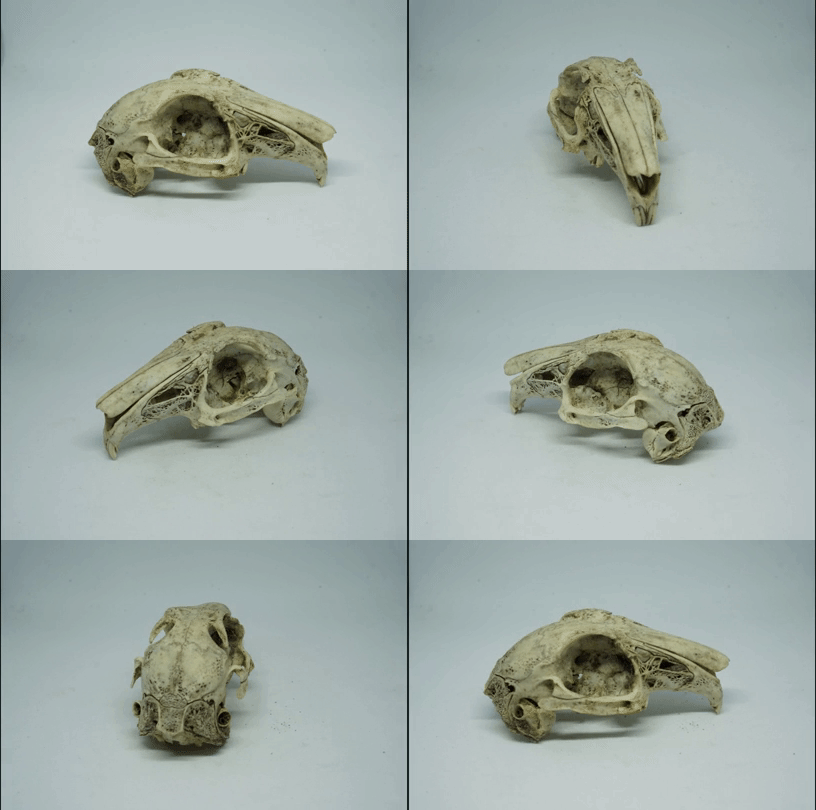
I get a lot of contacts asking what's wrong with their software, and usually the answer is that the photos don't have good overlap, or differing backgrounds. Sometimes I get directly asked how to take the photos, and certainly my students carrying it out for the first time need to be shown how to take... Continue Reading →
News/Blog
A day out looking for footprints with the BBC
You can listen to the programme here: https://www.bbc.co.uk/programmes/w3cswvxr A few months ago, I was contacted about a program on the BBC world service - CrowdScience. I was asked a few things about what I work on, and answered some questions about what we can learn from dinosaur tracks. The idea for the show is that... Continue Reading →
Changing default values in AliceVision Meshroom
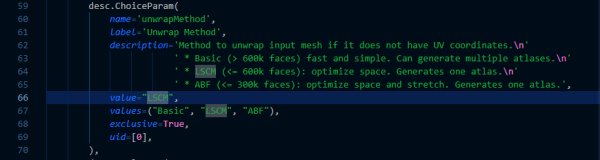
I previously gave you a little script that can run AliceVision MeshRoom from the command line, speeding things up when you have a lot of photos. However, I rely on some of the parameters being changed, specifically I like to use guided matching and LCSM texturing (because it gives me more robust SFM reconstructions, and... Continue Reading →
Batch Script for running AliceVision MeshRoom from command line
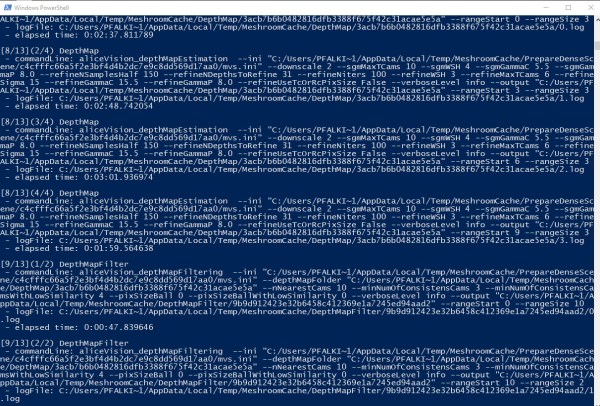
Here's a script to reduce the processing of AliceVision's Meshroom to a single double click. Much as I did for COLMAP, (and here) I've put together a batch file that can just be dropped into a folder of photos and double clicked to run the full Meshroom process and produce a filtered, textured model without... Continue Reading →
[Academic Tech] Surface Go – A near perfect companion device
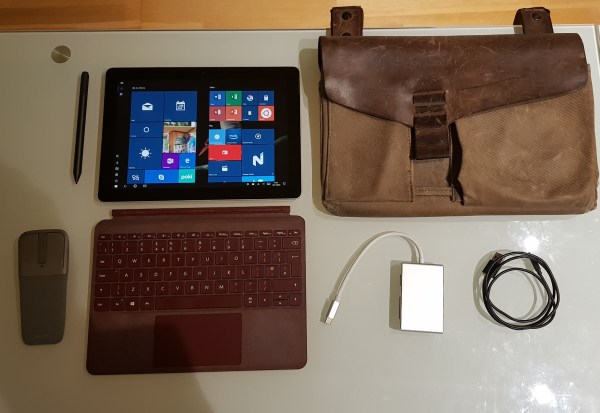
I bought myself a Surface Go (8Gb/128Gb) a few weeks ago, and I’ve had it long enough now to pass judgment. As I noted in my ‘hardware I use’ post, I was previously using a Surface Pro 3, until I sadly dropped it on the hard floor after a lecture. To be honest, I’d been... Continue Reading →
Getting the most out of AliceVision Meshroom – tweaking parameters
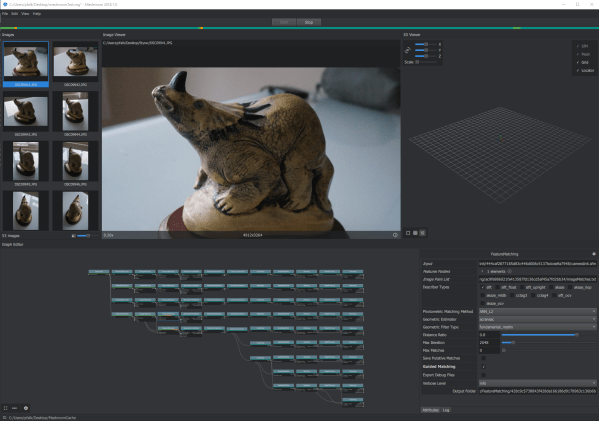
AliceVision’s Meshroom was made available as a windows binary not long ago – I wrote about it shortly after it was released and produced a model using my standard test set using default settings. Since then, it’s become my go-to software for producing photogrammetric models. It’s generally not as fast as COLMAP, but I like... Continue Reading →
[Academic tech] Hardware I use – Simulations, photogrammetry, and dissection
In a similar vein to my ‘Software I use’ post, I want to run through what I’m using in terms of hardware in day-to-day use, both directly for research and for general lecturing/computer-y things. Most of what I do these days takes place on the computer, whether that’s simulating dinosaur footprints, or writing/giving lectures, so... Continue Reading →
My Small Object Photogrammetry setup
I thought I'd write a quick post about my photogrammetry set-up for small objects, because I've been doing a lot recently, and as a result I've spent some time optimizing my workflow. The long and the short of it is that it looks like this: I've got a small light box from Amazon, which includes... Continue Reading →
Photogrammery testing 14: AliceVision Meshroom
Testing the newly released binaries for AliceVision Meshroom photogrammetry suite.
Photogrammetry Testing 13: Revisiting 3DFZephyr Free (v4.001)
Part 1: Photoscan | Part 2: VisualSFM+MeshRecon | Part 3: VisualSFM+PMVS+Meshlab | Part 4: OpenMVG + MVE | Part 5: MVE | Part 6: ReMake | Part 7: SMVS (+MVE) | Part 8: COLMAP | Part 9: 3DF Zephyr Free | Part 10: MicMac | Part 11: VisualSFM + openMVS, & COLMAP + openMVS |... Continue Reading →