As with so much of my gadget life, I’ve been looking longingly over at the Apple ecosystem, in this context specifically for the amazing 3D scanning apps that are available for the iPhone and iPad. Because those devices have lidar on the back, 3D scanning apps work really well – using the camera to texture the 3D data.
We’ve had nothing similar on Android. The APIs aren’t there, and the hardware isn’t there. So I was delighted to see Capturing Reality, who make my favourite PC photogrammetry software Reality Capture, released an Android app called ‘RealityScan’ (there’s a lot of ‘captures’ and ‘realities’ going around here!).
It works purely through photogrammetry, and does most of the processing in the cloud, so it’s not really comparable to the Apple counterparts.
However, it does offer an option, in a pinch.
I tested it out on Grimlock, using my Galaxy Fold 3, which has a competent but not amazing camera. I’ll take you through the process:
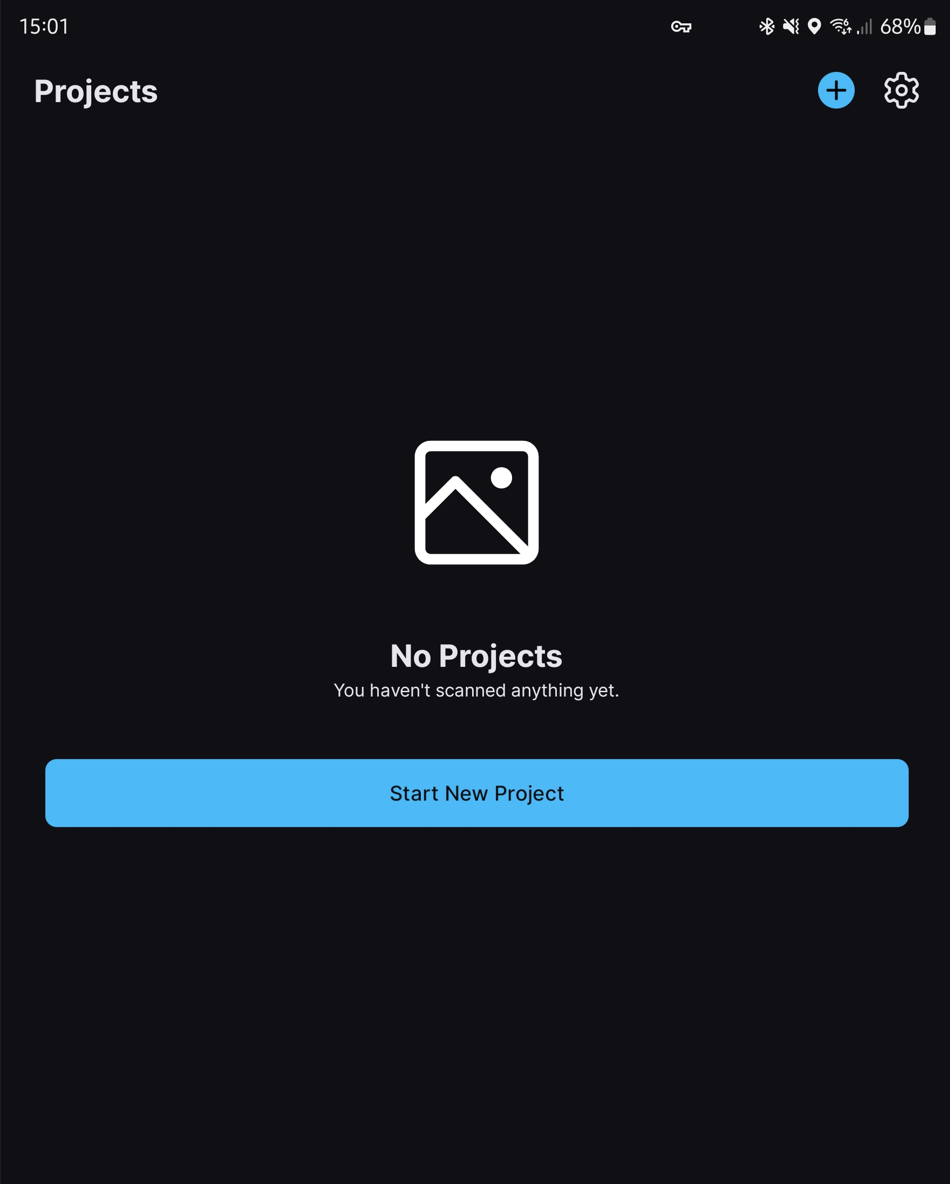
Open up the app and you’re given the option to start a new project:
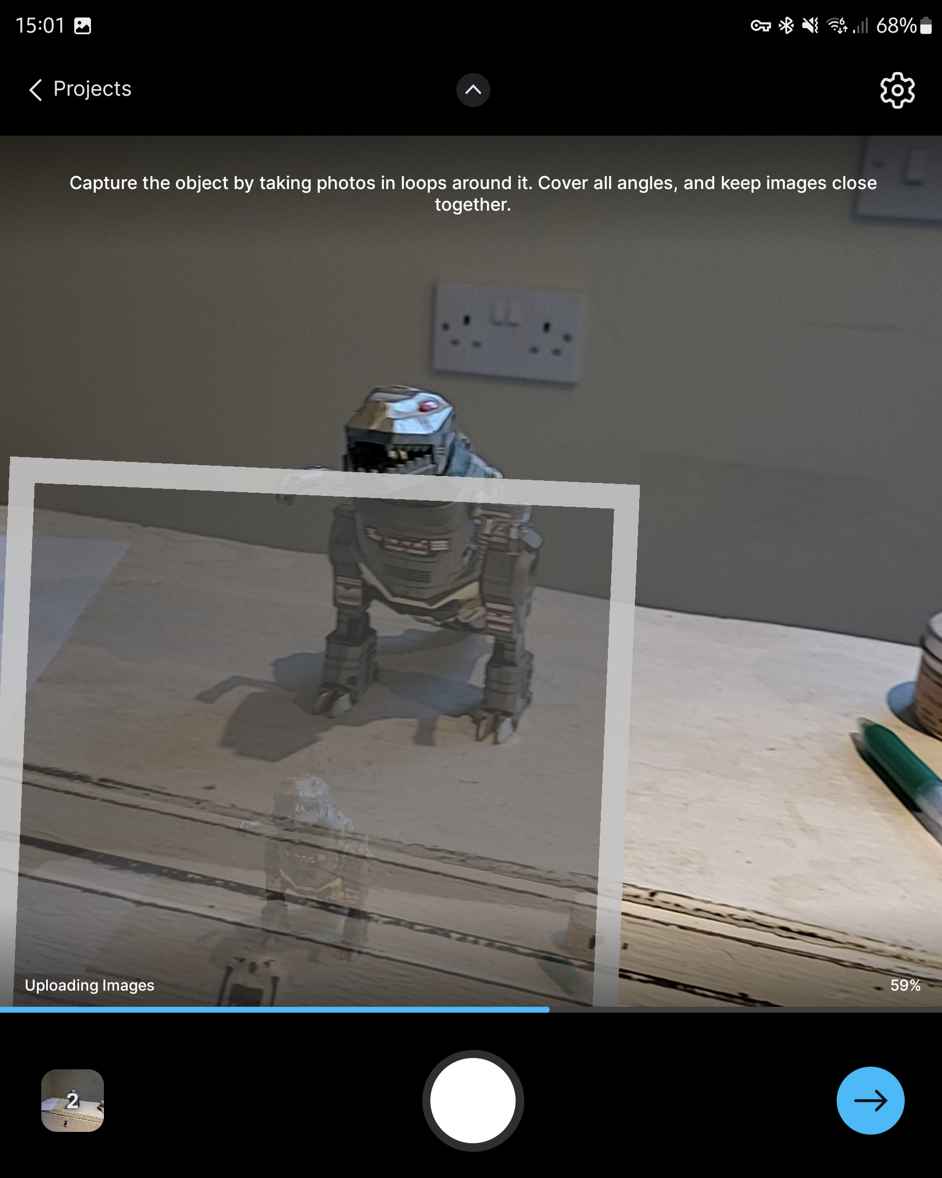
As you take photos of the object, it shows previous photos in Augmented Reality around the object, showing that it’s aligning cameras as it goes:
When you’ve got a bunch of photos, it will create a sparse 3D point cloud. Note that it does this on device, it’s still uploading the full resolution images at this point. Note that you can set it to only upload on WiFi, which is important:

When the images are uploaded, hit continue, and you’re given the option to crop the reconstruction volume. You can see here that it hasn’t focused on the object of interest immediately:
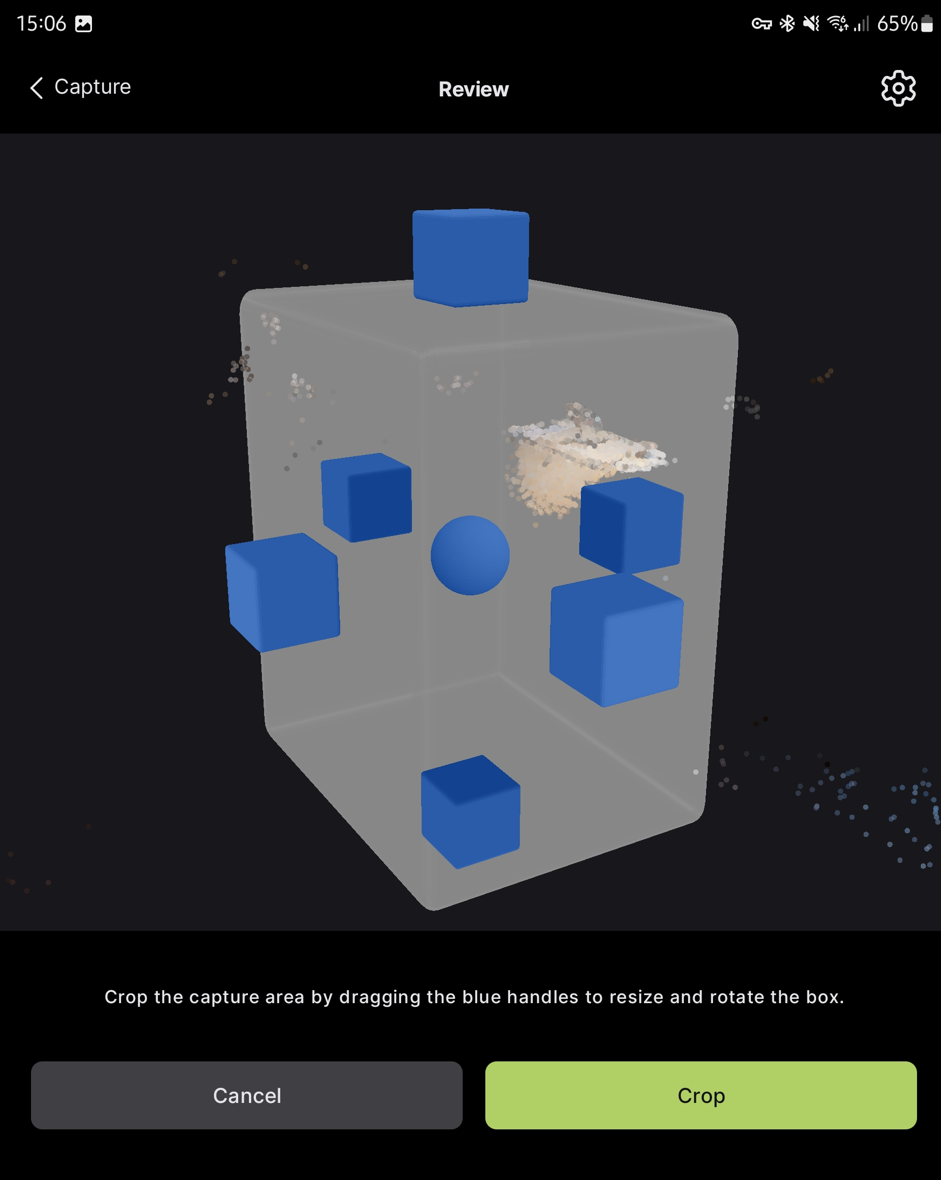
The crop-box is easy to adjust and navigate with touch:
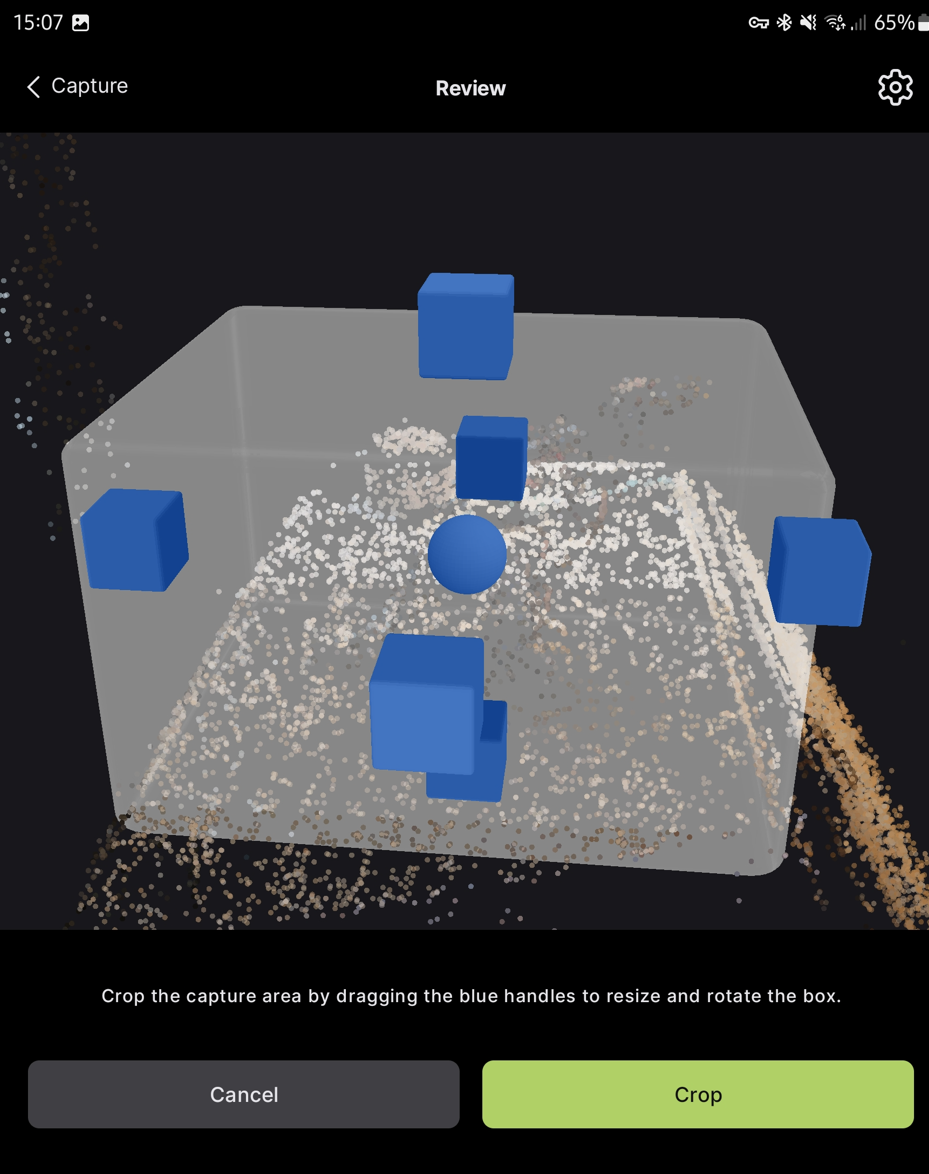
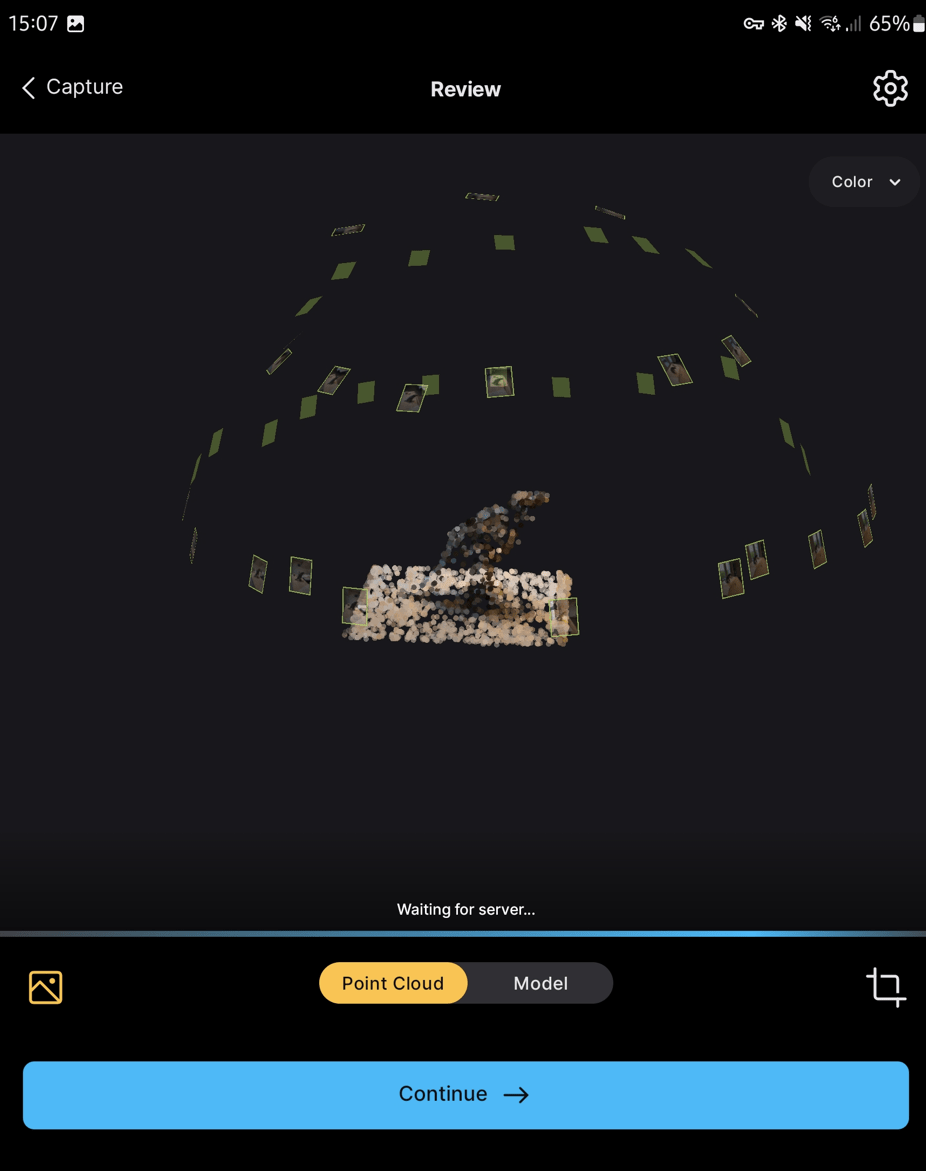
And then you can hit continue to see the full cropped thing. At this point, you get a ‘waiting for server’ message:
It then generates a preview model:
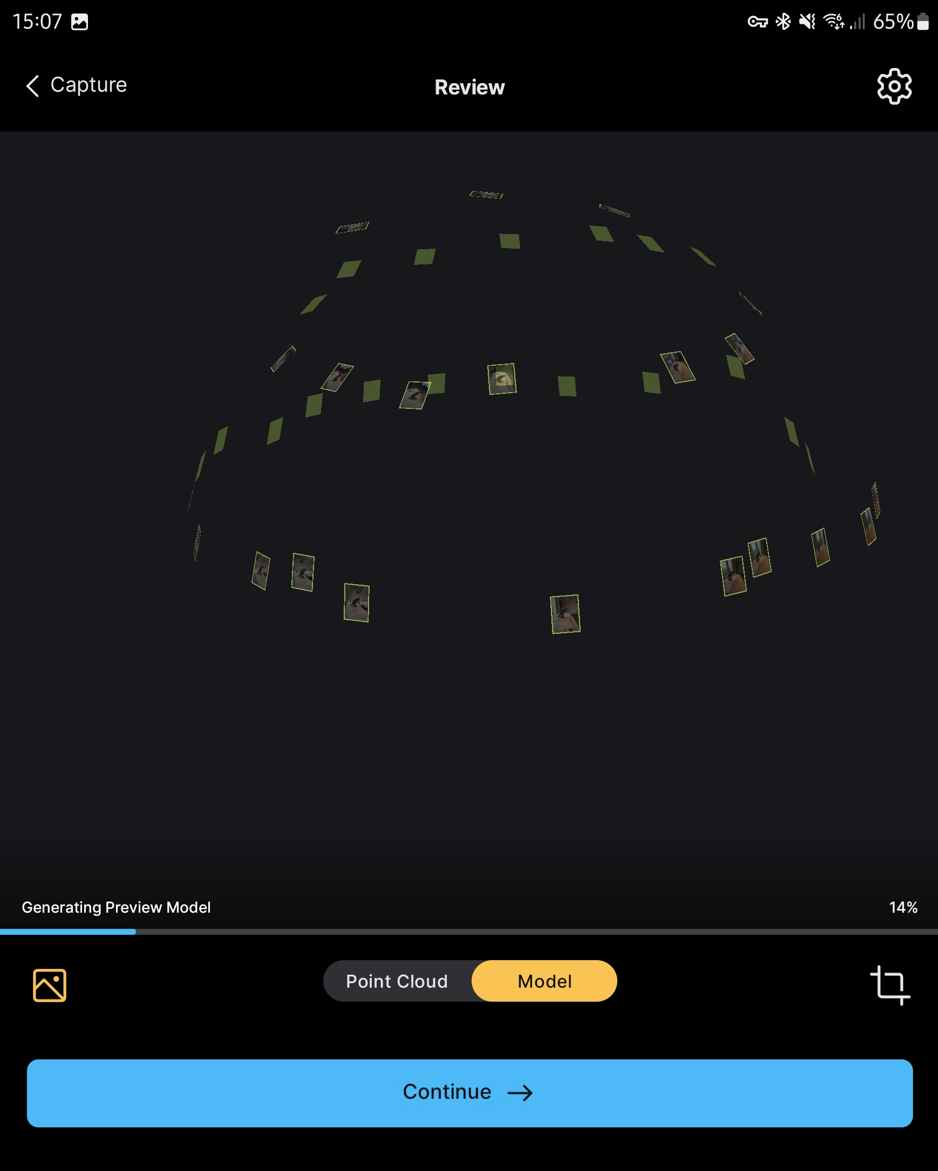
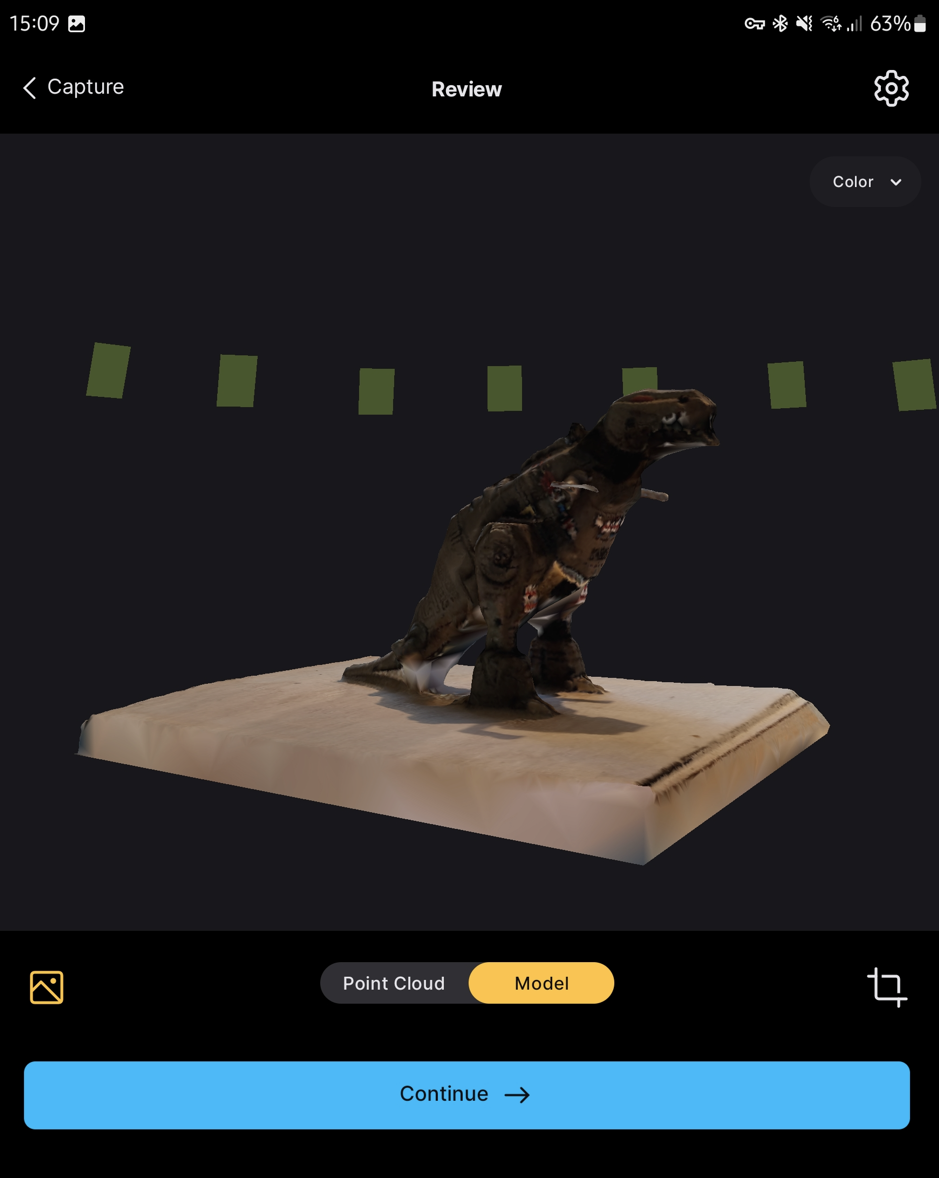
At first glance, it’s not great. To be fair, it is a difficult model, with lots of shiney bits, and the Fold 3 camera is not the best, but still, this isn’t great.
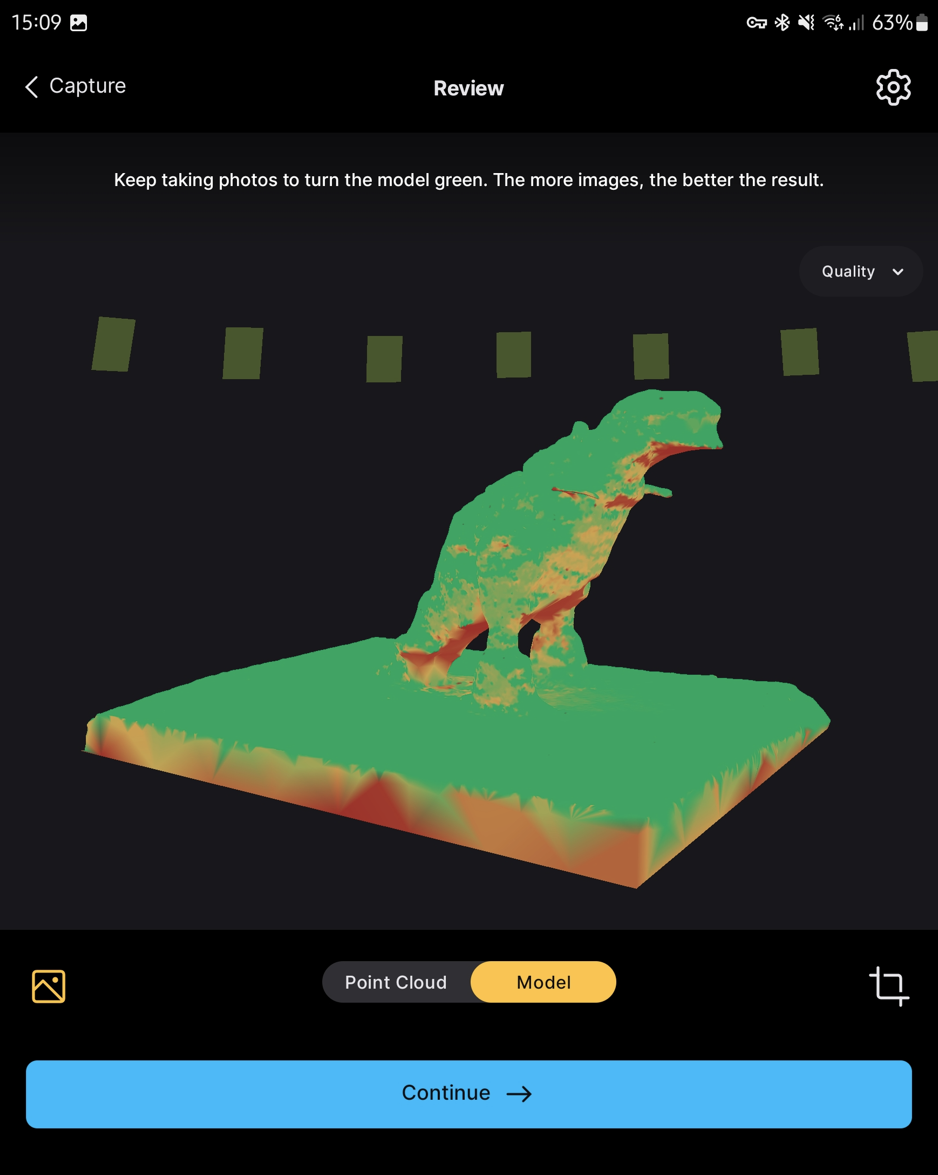
You can colour the model by quality, and unsurprisingly the areas underneath where I didn’t get many photos, are the worst quality:
When you click continue after this stage, you need to sign in with your sketchfab account:
And with your Capturing Reality Account:

I think you’ll either need an academic license or PPI credits to continue at this stage. I have the academic license.
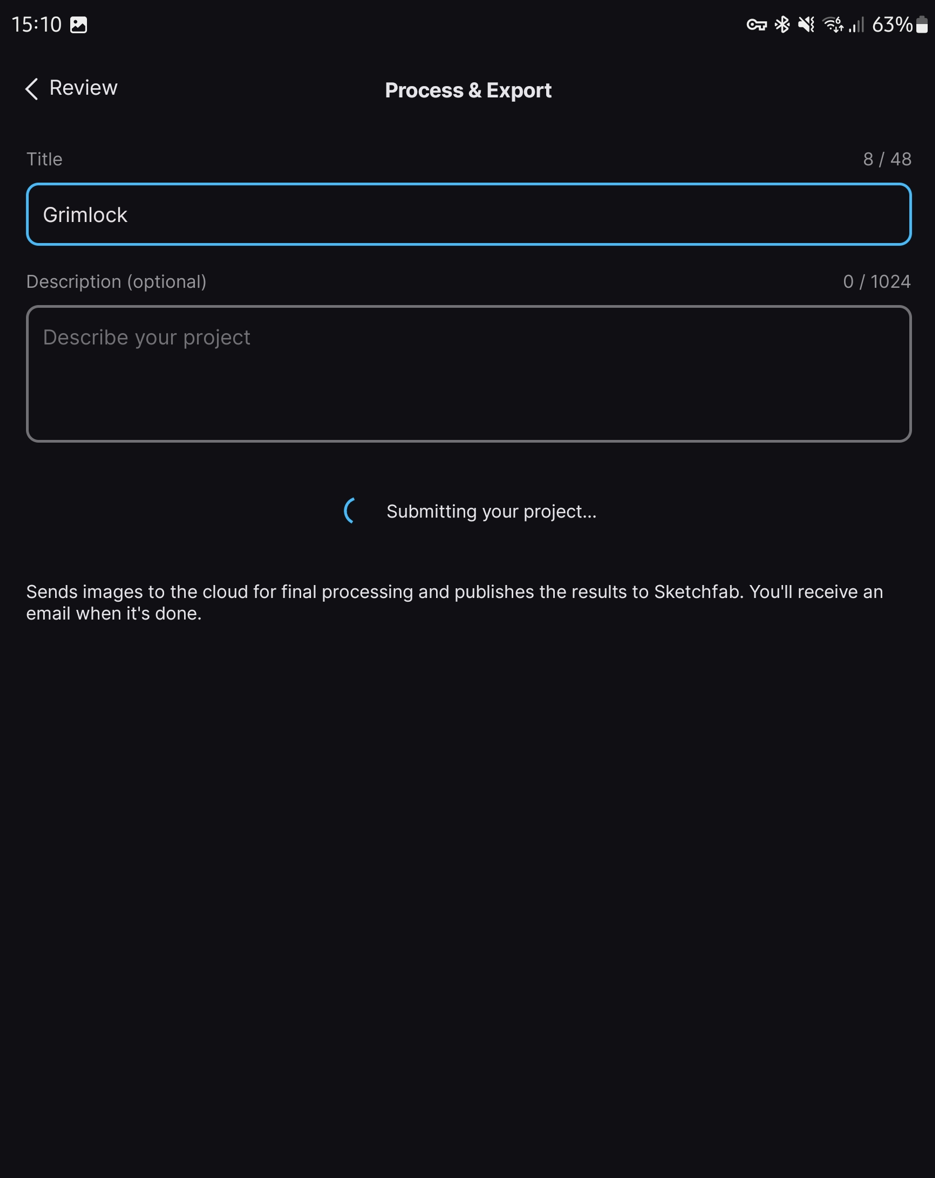
After signing in, you can process and export:

When it’s done, you can get access to a much improved model vs the preview version:
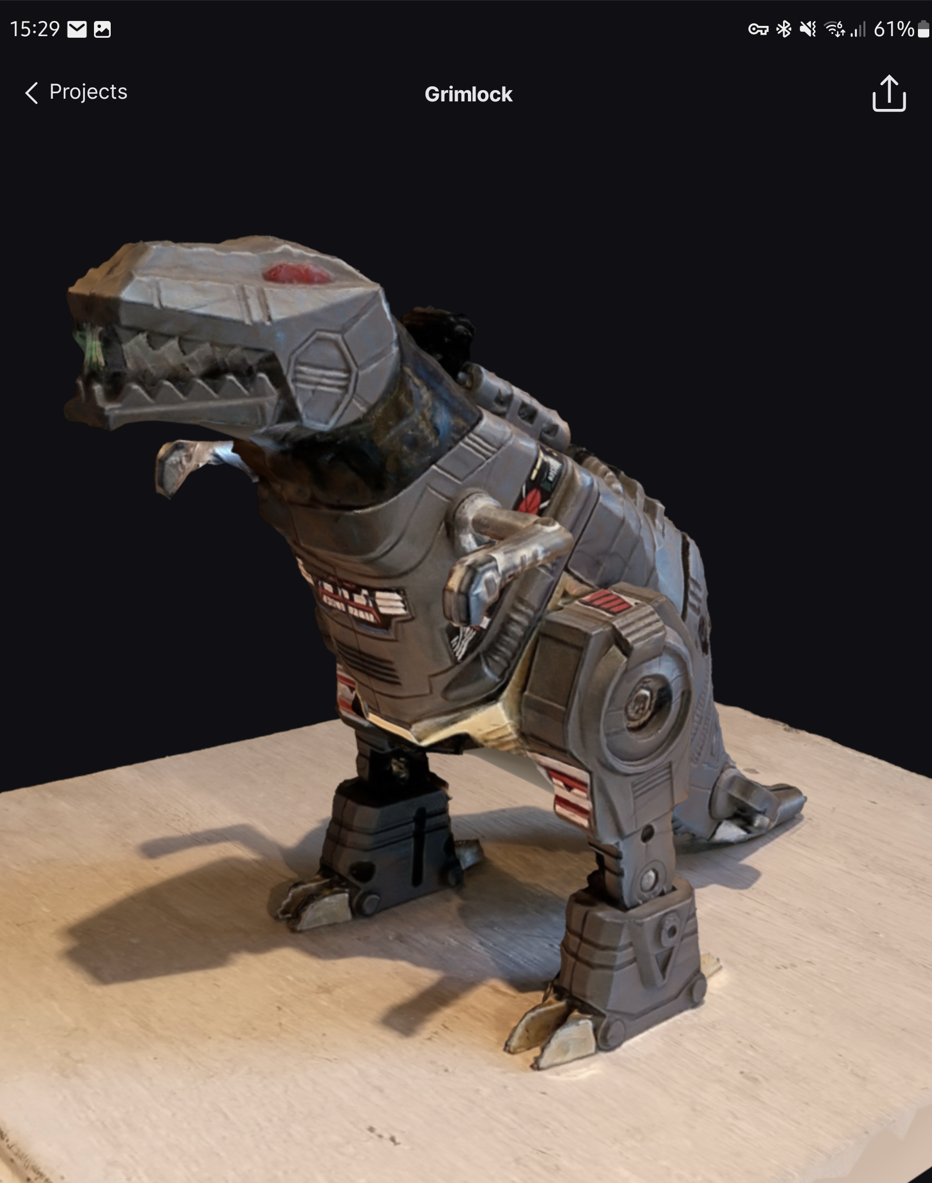
Given the inputs, it’s not bad. You can see from the clock in the screenshots that this took about 30 minutes of processing. You can view the model on sketchfab here (of note: they do set the model to private by default):
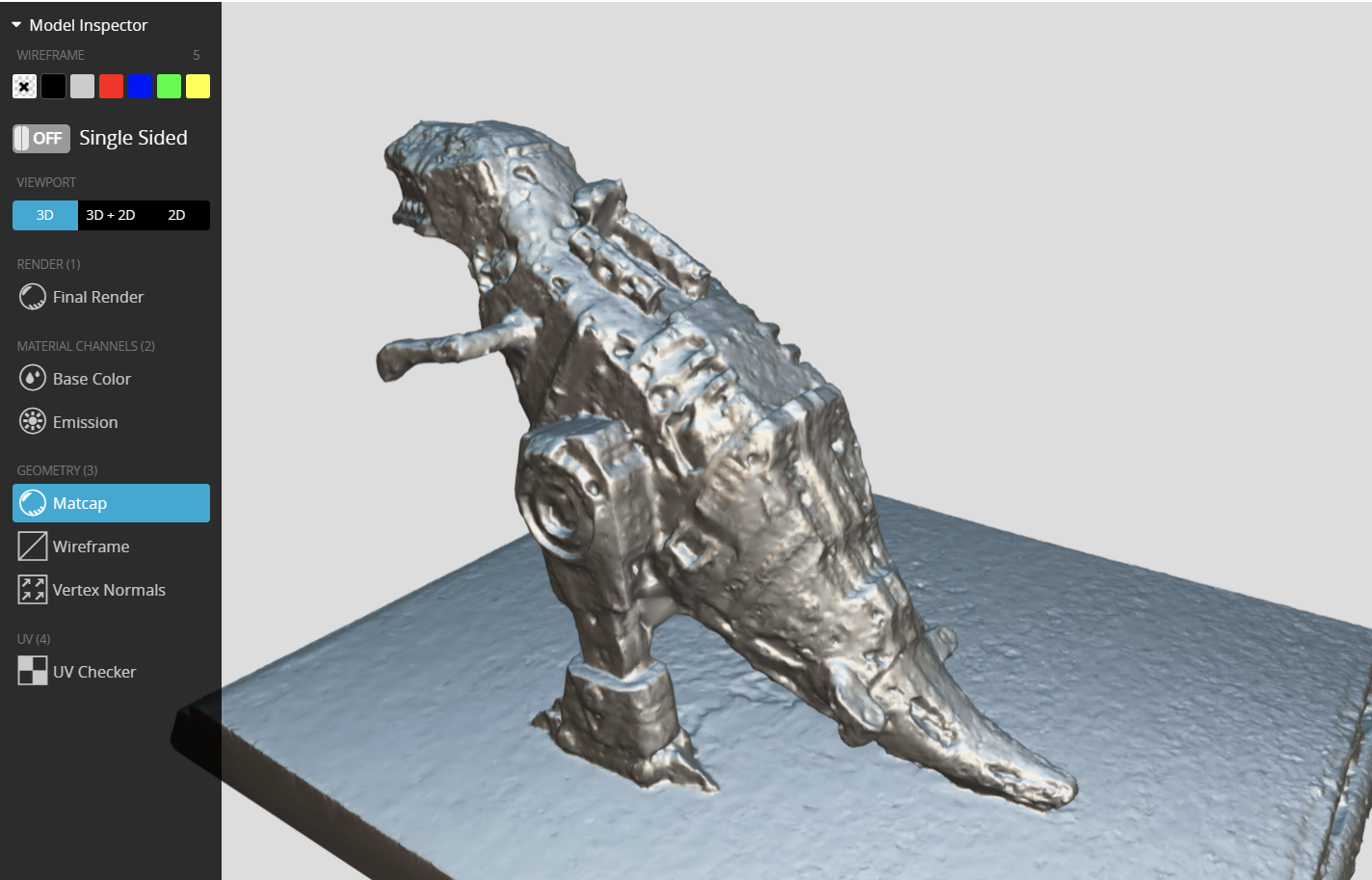
If you inspect the model, you’ll see it’s ok-ish, but most of the detail is sat in the texture:
For comparison, I took the same number of photos (42), in roughly the same positions, with my Sony a6400 and ran them through desktop software (ironically, camera alignment kept failing in Reality Capture, so I ran it through Metashape and it worked great – remeber folks, if a photogrammetry dataset isn’t working, try a different software package!)
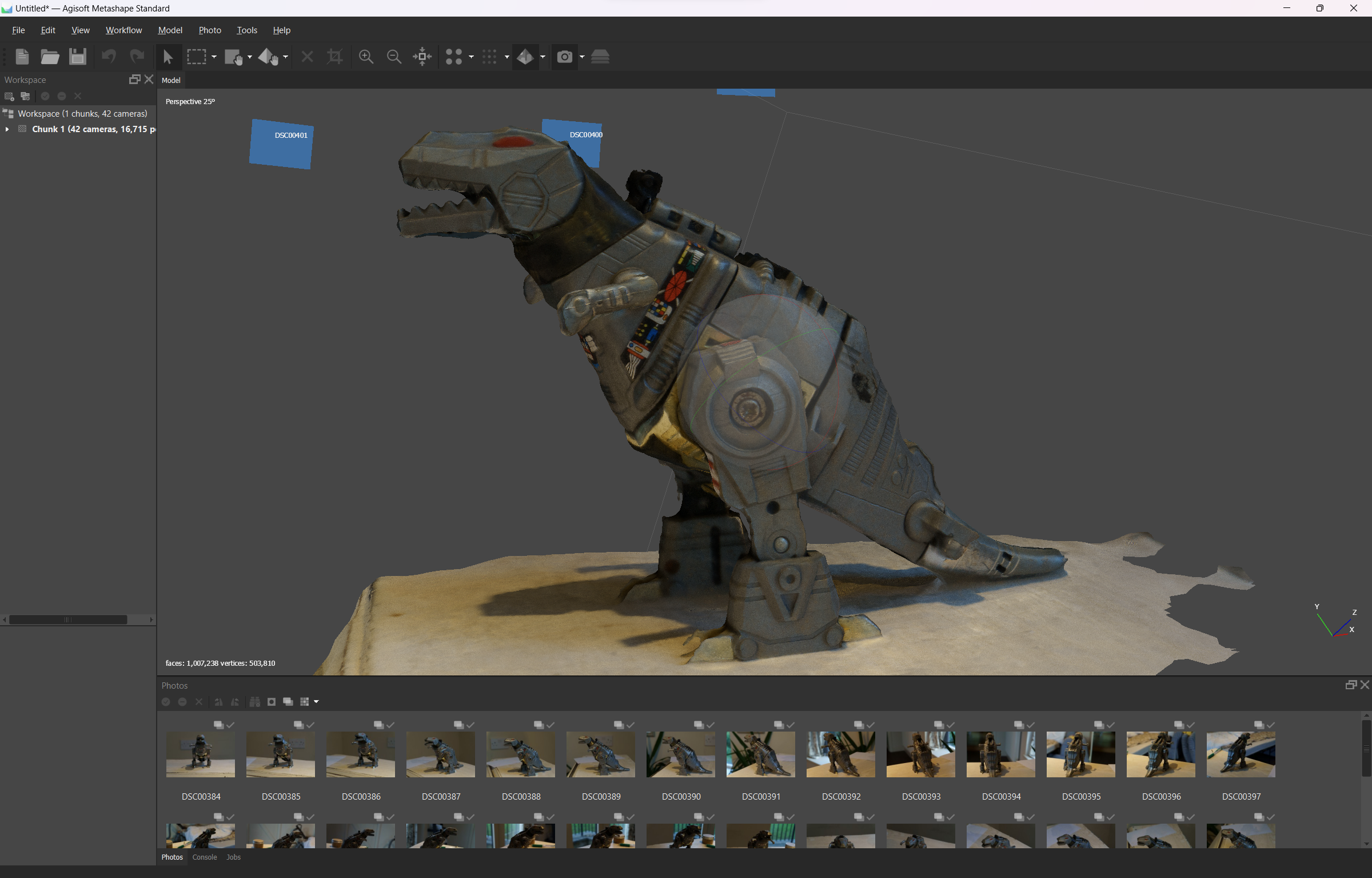

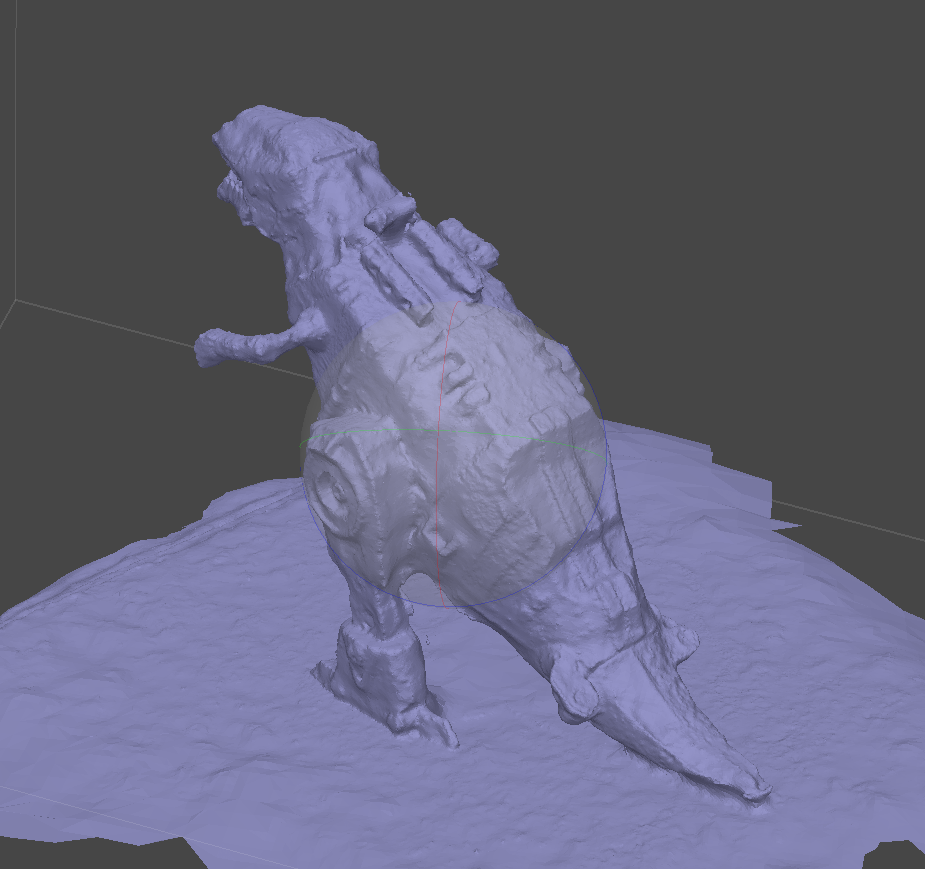
Overally quality is better, but still similar. I guess you could take that as the photo positions, lighting etc just wasn’t great for this model (true), or that I took poor photos (also true – I don’t have the time I used to to do these tests to the best of my ability).
Conclusion
It’s good that Android has a mobile option for photogrammetry now. That it’s cloud-based isn’t ideal (data charges, limited availability if no signal), and the quality isn’t great (but probably highly dependent on phone camera quality, lighting etc).
Personally, it’s too much hassle, and I can’t see myself using this at all. But if you’ve got a good phone and good lighting, maybe the streamlined process will be useful for you. For my part, I’d just take the photos with the phone and run them through desktop software when I got back to a computer.
 Prof. Peter L. Falkingham