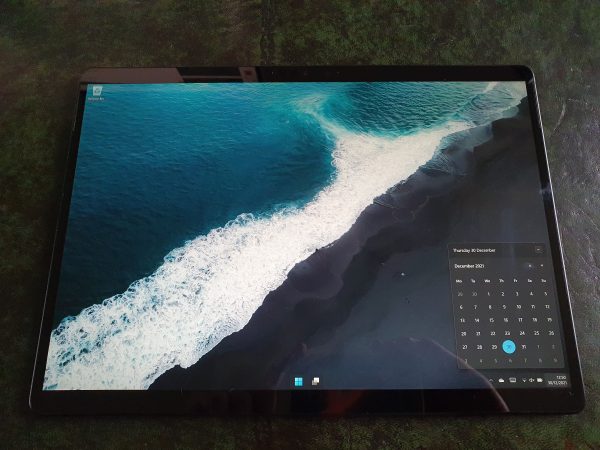
One year ago, on Christmas eve 2020, I posted about the Surface Pro X. I was very happy with it, except for one thing - the size. I ended up replacing the Pro X with the Surface Go 2 just a month or so later. My reasoning was that it was about as powerful as... Continue Reading →
[Academic Tech] Logitech Craft Wireless Keyboard
Much as the popular view is that palaeontologists spend their days out in the dusty desert digging up fossils, the fact is most of us spend more time at a computer than anything else, and that goes doubly so when your research revolves around computer simulations. As such, a keyboard is probably one of the... Continue Reading →
[Academic Tech] Samsung Galaxy Z Flip 3 _basic_ review, and thoughts on what I’m looking for in a phone.
Yeah, 'Academic' here is more of a stretch than usual... Having been locked down/working from home for however long it's been (12 months? 18 months? a billion years?], and having been using the same computer, tablet, and phone during this time, I've been getting antsy for a new device, particularly one that either fills a... Continue Reading →
Colour matching textures of two models with Photoshop.
Using "color match" in photoshop to make two photogrammetric models made under different lighting conditions, more consistent.
Meshroom CL – The best free photogrammetry software now works without Nvidia
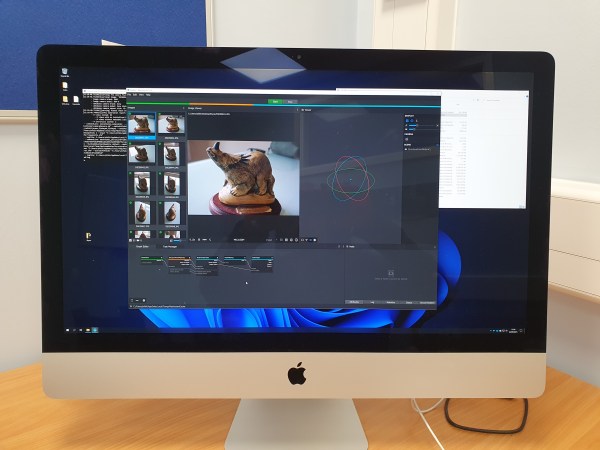
A little while ago I wrote about COLMAP-CL, a fork of the original project re-written so as to remove the reliance on CUDA, and therefore Nvidia GPUs. Now, from the same source, OpenPhotogrammetry on Github, comes Meshroom-CL. It's still in pre-release, at version 0.7, but I gave it a run through on my work iMac... Continue Reading →
Updated batch script for Meshroom 2021
This is an update of a previous post, because updates to meshroom broke the previous scripts. There's two main changes to Meshroom that have occured: Instead of Meshroom_photogrammetry.exe, you now call meshroom_batch.exeYour scene must have a publish node after the final node. Here's the updated script, and it should be commented appropriately: :: meshroomCMD.bat ::... Continue Reading →
REMBG – a phenomenal AI-based background remover
I've previously detailed my process for removing backgrounds from non-ideal photogrammetry data sets, using Photoshop and it's pretty neat object selection tool. The result of removing backgrounds from images is that you can use the 'void' method, without needing a full photoshooting studio. For instance, I have a lightbox, but it's only good for small... Continue Reading →
Photogrammetry testing [Commercial] – ContextCapture
ContextCapture is Photogrammetry software from Bentley. In fact, it is a pretty comprehensive set of tools for photogrammetry, laser scans, meshing, GIS, etc. I was contacted by someone from Bentley, who asked me if I'd like to give it a test run. I was set up with a trial, but aside from that I've not... Continue Reading →
Adding thickness to your scans for 3D printing. Or… Making 3D surfaces into solids.
I scan a lot of 2.5D things. That is to say, 3D, but only a surface. Think dinosaur tracks, like this: One of the problems you can come across is if you want to 3D print something like this, it needs thickness. Visualization can also be helped if there’s context for the edges. I’ll outline... Continue Reading →
Macro photogrammetry – digitizing small details
A lot of the photogrammetry models I make, and that I generally see online are of decent sized objects, or even large buildings and terrains. But as long as you can take a decent photo of something, you can digitize it. A while ago I tweeted some nice Macro images of a fossil fish specimen... Continue Reading →