Even though I spend most of my time on mastodon baiting Linux users, I actually have been keeping a serious eye on Linux for a while. I like Windows 11 for the most part; I have it setup nicely with Windhawk, RayCast, and FilePilot such that it works very well for me. Launching and using applications is super fast and intuitive, and the inclusion of Windows Subsystem for Linux means that I can run pretty much everything I’d ever want to run. I also don’t particularly mind most of the AI stuff – Recall is genuinely handy and no more of a security issue than anything else I do (it’s behind Windows Hello on an encrypted drive, and I don’t care too much that Microsoft holds those bitlocker keys).
But… There’s a couple of things that have been bugging me about windows – it’s just a little rough around the edges with animations and things (e.g. Task overview/workspace switching, though admittedly that’s improved a lot recently), File Explorer is genuinely shit in terms of speed and responsiveness, etc. But the main reason to look to move is Microsoft’s general attitude to Windows – they don’t care about the OS. Why would they? It’s a tiny part of their business now. It seems even the people that work on specifically on Windows don’t particularly care. The Windows insider program is a dumpster fire, widgets are a complete failure, limited and scope and slow to load.
The general don’t-give-a-shit-ness of Microsoft towards Windows feeds into, or perhaps stems from (I’m still not sure), a growing mistrust of, and need to get away from, Big Tech. Especially so in these interesting times in which we live. And so I find myself looking at alternatives.
That brings me to why I’m seriously considering Linux as my daily driver.
Why Consider Linux?
I’ve been using Linux on and off since 2003. My whole MSc in computer science used Red Hat in the labs, I used Ubuntu a fair bit through my PhD, and then since that time I’ve usually had at least one computer in the Lab running Linux, cycling through Ubuntu, Debian, Fedora, ElementaryOS, and some others.
The introduction of Windows Subsystem for Linux really reduced my need for a Linux machine in the lab, and ultimately reduced Linux to a curiosity for me. I bounced off it repeatedly for a range of reasons that just made generaly usage more difficult than I felt it needed to be. But with the increasing enshittification of big tech, I’ve started exploring options again.
Because gaming was previously a big blocker for me, and specialist software like photogrammetry applications faced similar problems, I’ve chosen a gaming distro as my basis.
The Bazzite Experience
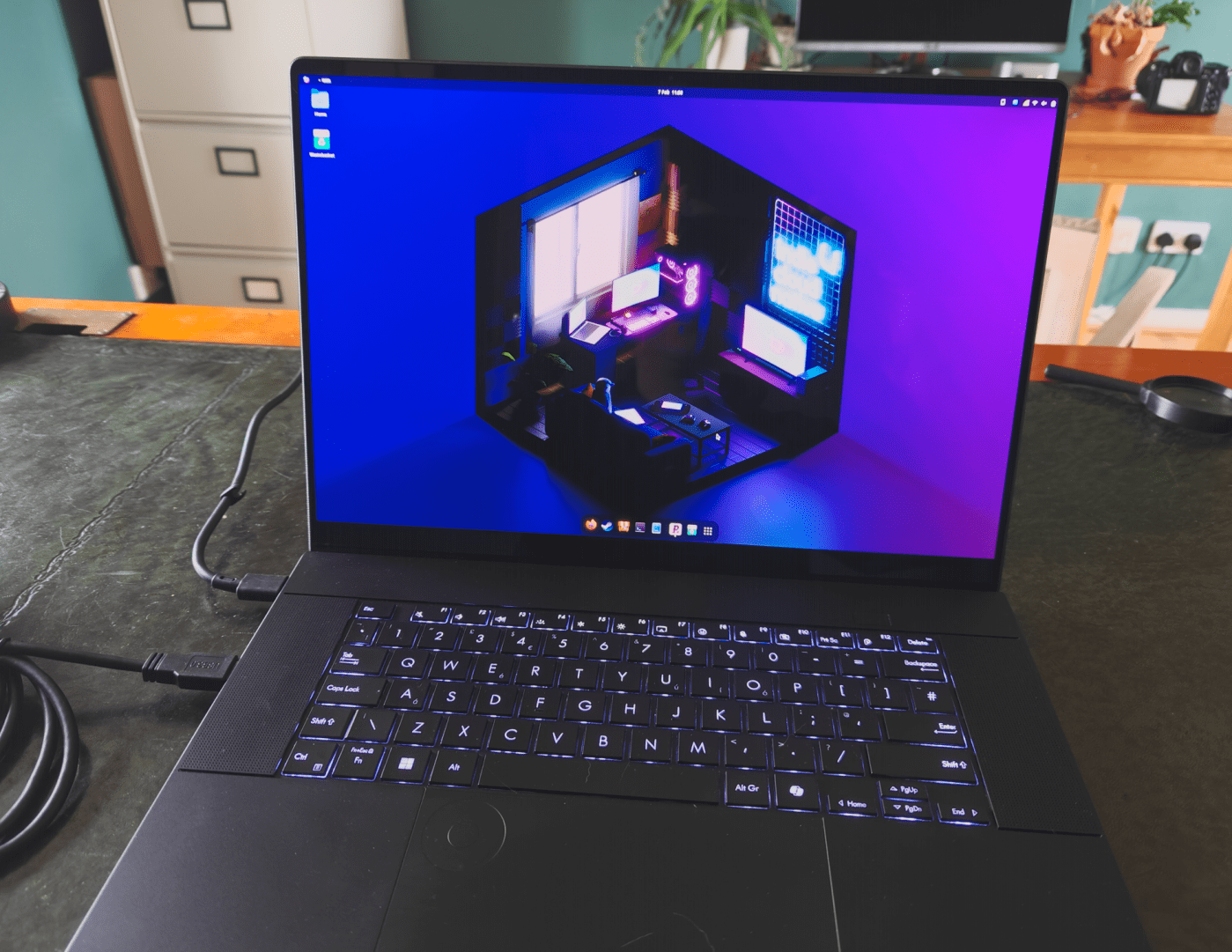
Specifically, I’ve installed Bazzite to try it out. I went with the Gnome version because for reasons I struggle to articulate, I find KDE plasma to feel cheap and boring. I’m not looking to replace Windows with a clone of Windows, and the very different feel of Gnome helps make Linux exciting. This is a preference I’ve had as long as I can remember.
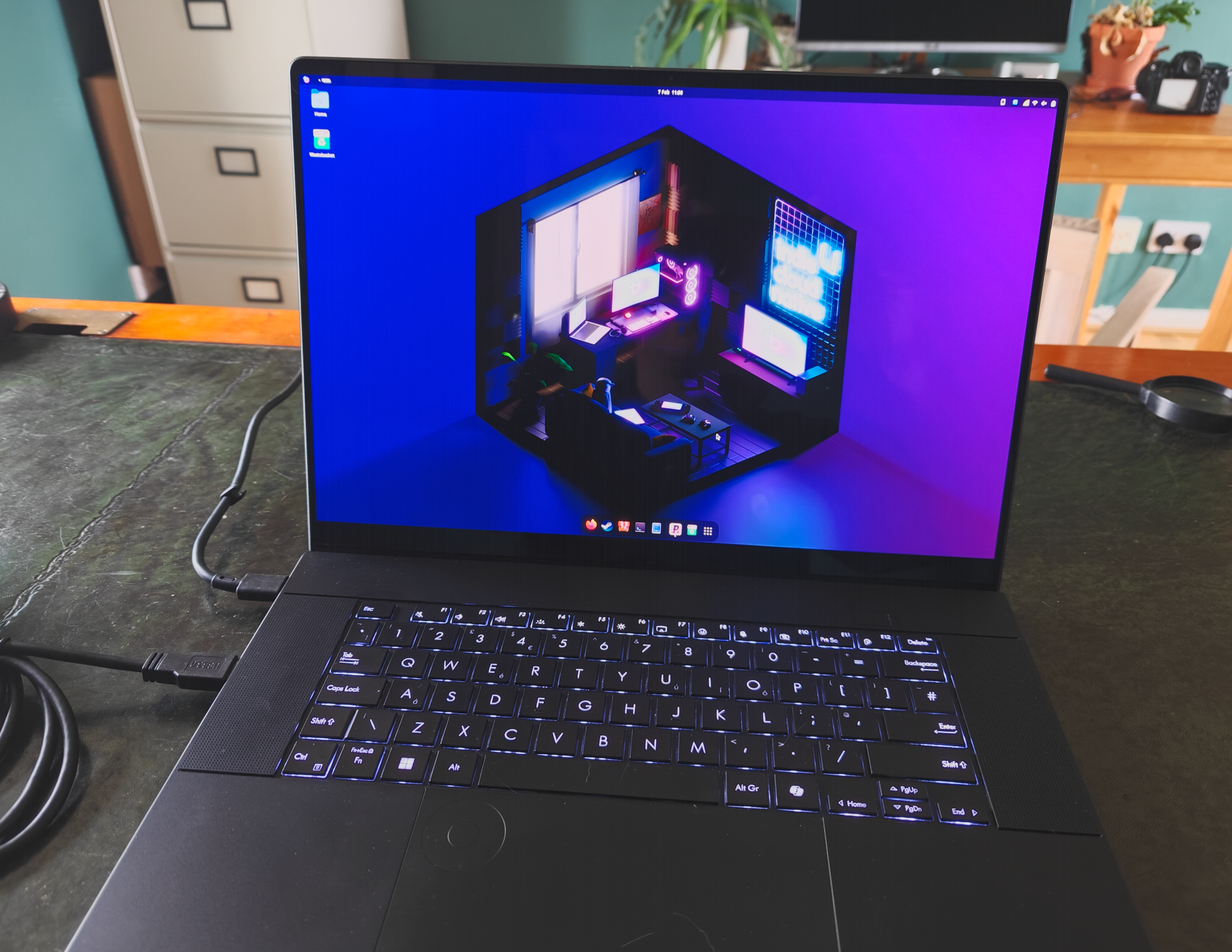
Bazzite comes with all the modern nvidia drivers by default (if you download the nvidia version). And one thing I was intrigued by is that it’s an immutable distro. That means the user can’t alter the system files. That also means you can’t alter system files, so you can’t install things with the usual sud dnf install command. That in turn let me discover distrobox, which appears to be an absolutely superb way of working to avoid library bloat and the like in the main OS. I can spin up a termporary distro for development, install the libraries i need, and compile the application. Then I can turn it into an appimage and install it as it’s own thing in the main OS. I love this way of working, instead of having my OS get littered with libs and packages I need to compile a one-off applcaition, for instance. It’s also supremely flexible, more so than I initially realised. For instance, RealityScan is available as a .deb or .rpm for installing on Debian or Fedora based distros respectively. You can’t install the dnf on an Atomic fedora distro, as Bazzite is. But what you can do is spin up a Fedora image in distrobox, install RealityCapture, then expose that app to your main OS. I ended up with an icon in my apps view that would launch RealityCapture (which worked perfectly, by the way), seamlessly calling it from the distrobox image.
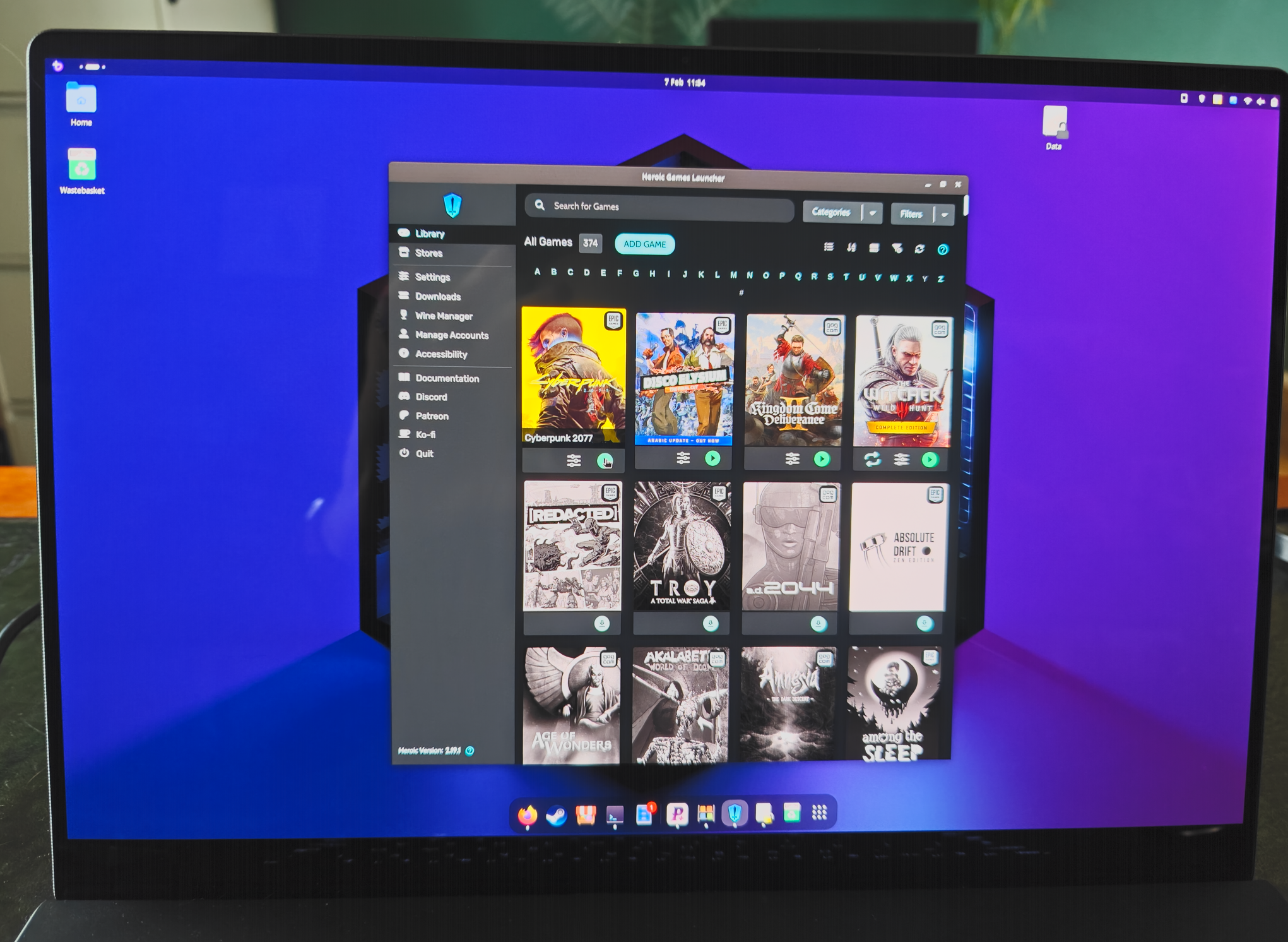
Gaming has been another reason I’ve previously avoided Linux, but from the games I tested this is mostly a non-issue now. I was able to add games already installed to my Windows SSD directly into Heroic Launcher by pointing to the EXE. Cyberpunk 2077, Kingdom Come II, Witcher 3, and Disco Elysium, originally installed through GoG and Epic Launcher all worked immediately and with more or less the same performance as on Windows.
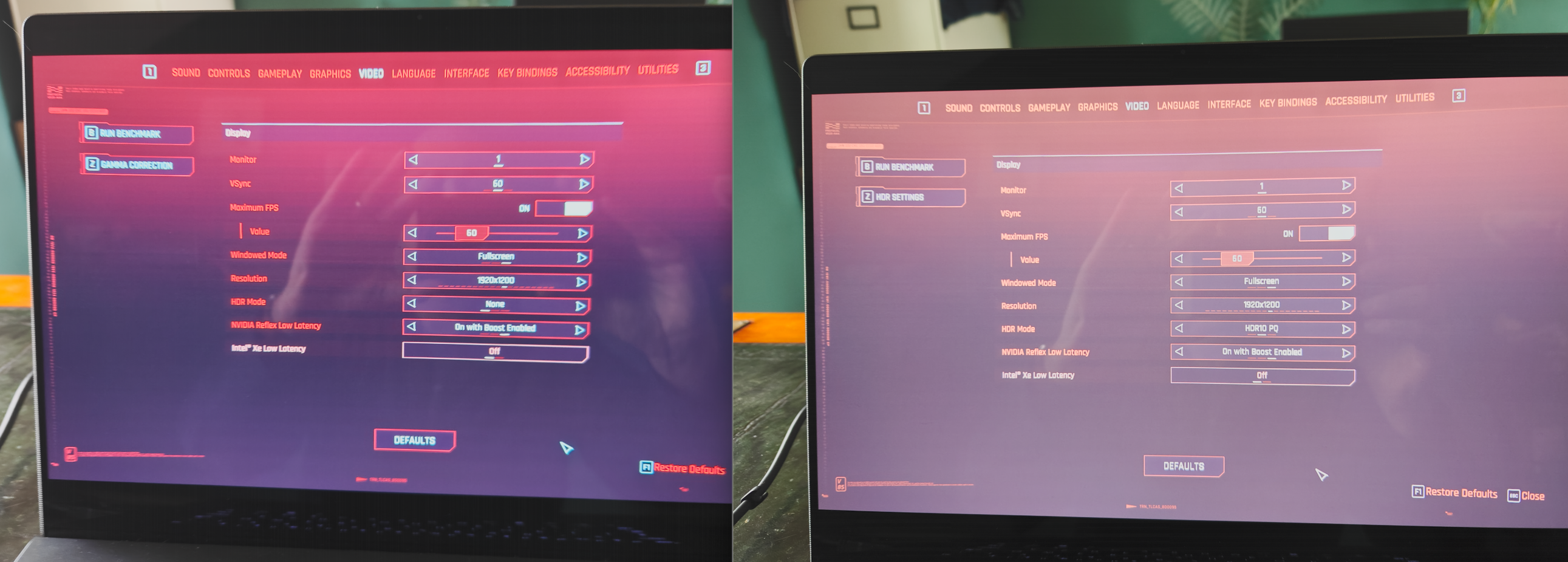
However, there are still a few technical hurdles to overcome.The fly in the ointment here is that for the life of me I could not get HDR working. HDR is exposed to the OS, and toggleable in Gnome settings, and it’s exposed in in-game menus. But enabling it in game results in a grey washed out screen that’s not adjustable to proper HDR. I tried Steam, gamescope, Lutris, Heroic Launcher, all with different commands I could find online, and never had any luck. This is a niggle that isn’t necessarily completely show-stopping, but is annoying, especially when the Laptop I use specifically has a top-end OLED screen.
Remaining Frictions
Aside from the above, I was reminded about the little foibles and quirks that Linux has. I installed the touchpad gestures extension for Gnome. Enabling it breaks three and four finger horizontal swipes (so kind of the opposite of what I’m aiming for), and it breaks it in such a way that subsequently disabling or removing the extension doesn’t re-enable the gestures. The maintainer knows it’s an issue and suggests compiling it yourself, which of course is made slightly more difficult by it being an atomic distro. So that’s broken until Bazzite updates Gnome.
I installed Howdy, the Linux version of Windows Hello that uses the facial recognition IR camera. Once set up, I’d say it is much faster than Windows Hello (maybe less secure?), and works throughout much of the system (including ‘sudo’ prompts). But getting it to work on the login screen required editing some conf files and enabling some features from the command line. It’s all working now, which is nice, but things like Proton Pass don’t integrate with PAM, so can’t use Howdy, and therefore any biometrics. I also have issues copy-pasting from Proton pass, presumably because it’s a sandboxed flatpack.
Speaking of niggles, the only other thing that prevents me going all in on Linux is that for some reason there’s a really faint coil whine coming from the laptop when I’m in Bazzite. I don’t get it in Windows 11, so I’m assuming this is related to the power management in Bazzite being unstable with voltage, though it occurs in quiet, balanced, and performance modes. Again, not a show stopper as such, but it does make using Bazzite like typing with a small splinter in your finger.
Office is another sticking point, being as it is the core of my work. I’ve always found LibreOffice cumbersome and ugly. However, OnlyOffice very closely mimics MS Office to the point I think I’d be comfortable using it full time. I wrote this blog post in OnlyOffice, and aside from touchpad pinch to zoom not working, and a lack of ‘focus mode,’ I’d say the experience is very much on par with Word.
And my final friction is related– my university It department have gone full security theatre with Microsoft. Our email and calendars etc are only available in Apple mail or Outlook on desktop, neither of which, of course, are on Linux. All our data is held in OneDrive. I also have a personal OneDrive account, which I can add easily to Gnome. But with the work stuff, attempting to add those accounts anywhere in Gnome receives a ‘this application is not authorized by your IT admin’. I’ve actually worked out a bit of a cludgy workaround with DavMail and rclone, which I may well go into in another blog post, but it’s all yet more friction in getting a system up and running for work and personal use – friction that just isn’t there with Windows or MacOS. (The fact my university locks us into these two big-tech options at the exclusion of all else, is, in my view, frankly borderline immoral in these turbulent times.
Conclusion
So… Can I make the move yet? Nearly. That friction from trying to get HDR working, and the coil whine, means I’m not willing to do it just yet even for personal use, and the efforts getting any work stuff in there is a PITA. But I can say all the major pieces are in place now. I’m gonna try another couple of distros to see if I can get rid of the coil whine, and I’ll keep an eye on the nvidia/HDR situation. When they get better, I’ll move to a dual boot and start using Linux whenever I can.
In summary, Linux is closer than ever to being a viable daily driver for me. With a few more improvements, I’ll be ready to make the switch.
 Prof. Peter L. Falkingham