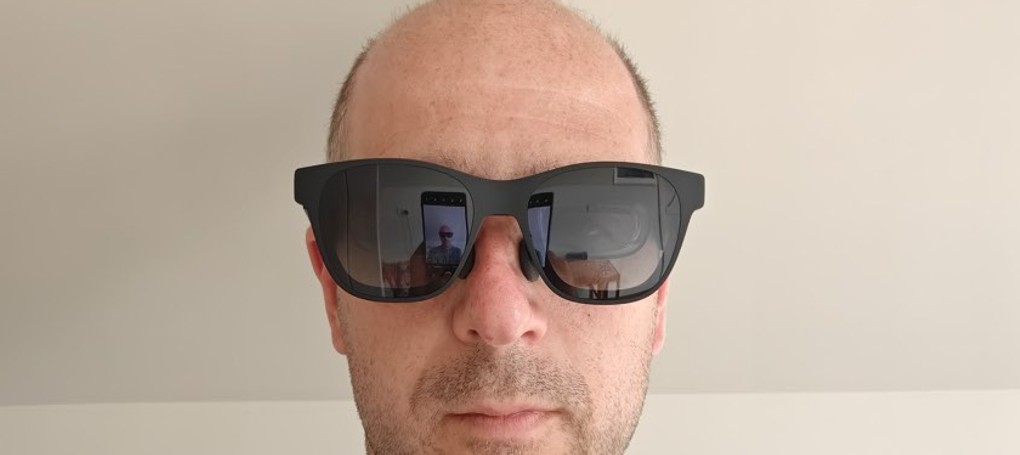
At the recent SEB conference, I traveled sans laptop, working on the assumption I could do everything urgent on my OnePlus Open. I could… but what I found was that some tasks just needed a larger screen (specifically remote-ing into a remote workstation was difficult to make out everything on the small 6-7″ unfolded screen).
So upon my return, I started looking into AR glasses, for which I’d seen a few reviews on YouTube, in passing. Picked up a pair of the XREAL Air Pro 2s for <£200 on ebay, and gave them a shot. Pretty cool.
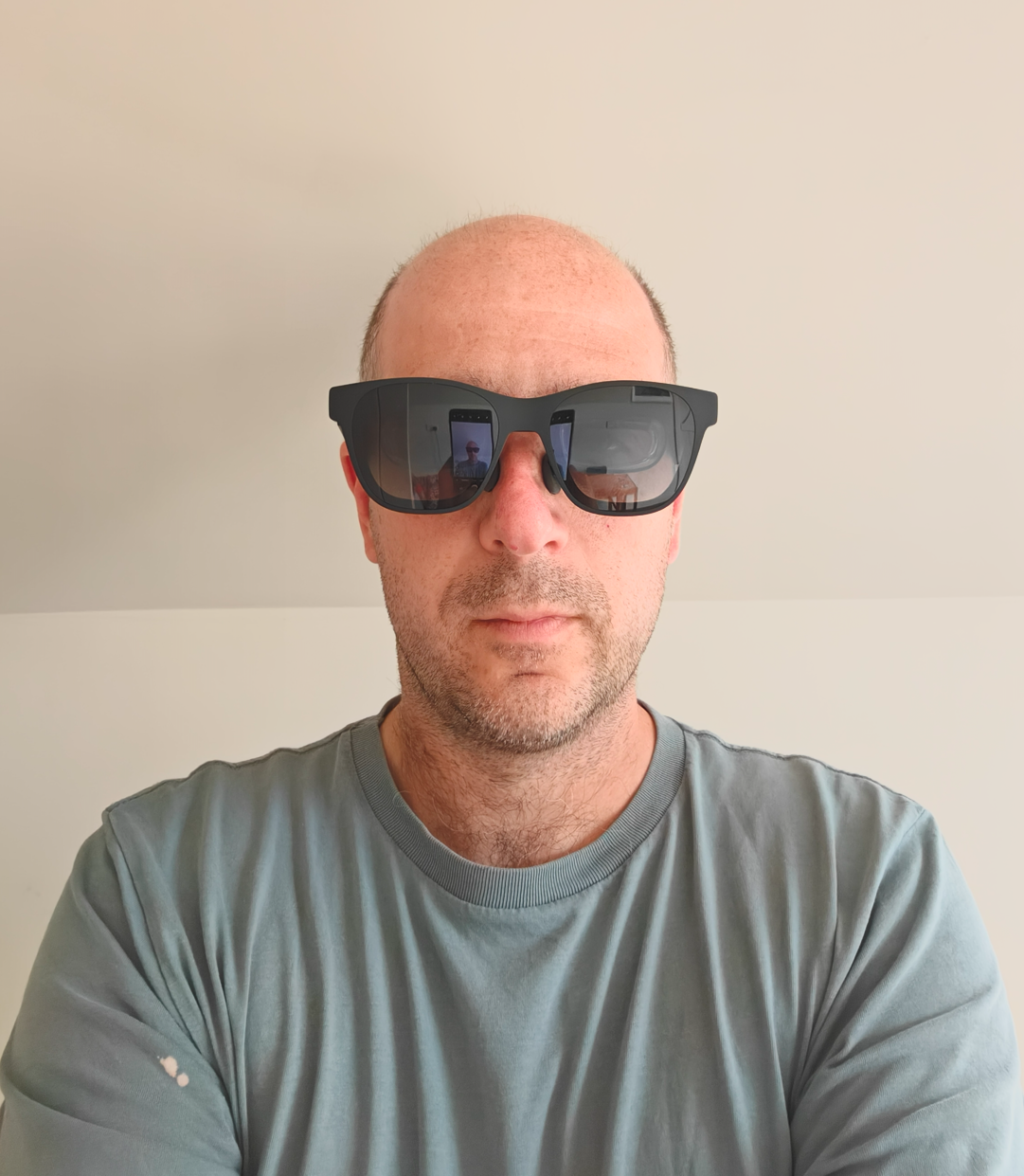
In a nutshell, these plug into your phone or computer (anything that uses Display Port over USB-C) and give you a 1920×1080 (1080p) resolution screen overlain on the world around you. Without buying extras, this particular model will not anchor that screen in 3D space, so when you rotate your head, the screen rotates with you. The arms also have speakers in them, providing audio direct to your ears.

The Screen
This is the main reason to get the glasses, so we’ll start with the details here. As I mentioned above, the screen is a 1080p display, so about on par with a mid-range laptop or desktop monitor. In terms of apparent size, the blurb on the box says it’s the equivalent of a 130″ screen at a distance of ~3m. I’d say that’s pretty accurate with one caveat – it depends on your surroundings and how transparent you have the glasses set. You can press a button on the right arm to set opacity to 0, 33, or 100%, meaning you can see straight through as normal, see the world shaded a bit, or block out the world almost entirely. I found that if set to 0 or 33%, the screen itself always felt overlain on the world (because of course it has to, it can’t appear behind a wall). That meant if I was sat at my computer, the screen appeared to be on my wall 1 m away, and therefore appeared maybe 20″ across. Turning my head to look across the room instantly gave the impression the screen was much larger, because now it spanned across a whole wall. Basically, whatever you’re looking at, the screen will fill 43 degrees in your field of view.
The image itself was extremely impressive. I’ve had both the Oculus dev kit 2, and the Dell Mixed Reality VR headsets in the past, the latter of which touted 1440p screens in each eye, but always suffered from the screen door effect. The XREAL Air Pro 2s were bright and crisp and there was no screen door effect at all, super impressive. Colour accuracy was also really really good. They are also 120hz, so stuff looks great on them. I happily played games and watched movies with them on and felt the experience was top-notch. In fact, playing games in 120hz on a massive screen was probably the highlight.

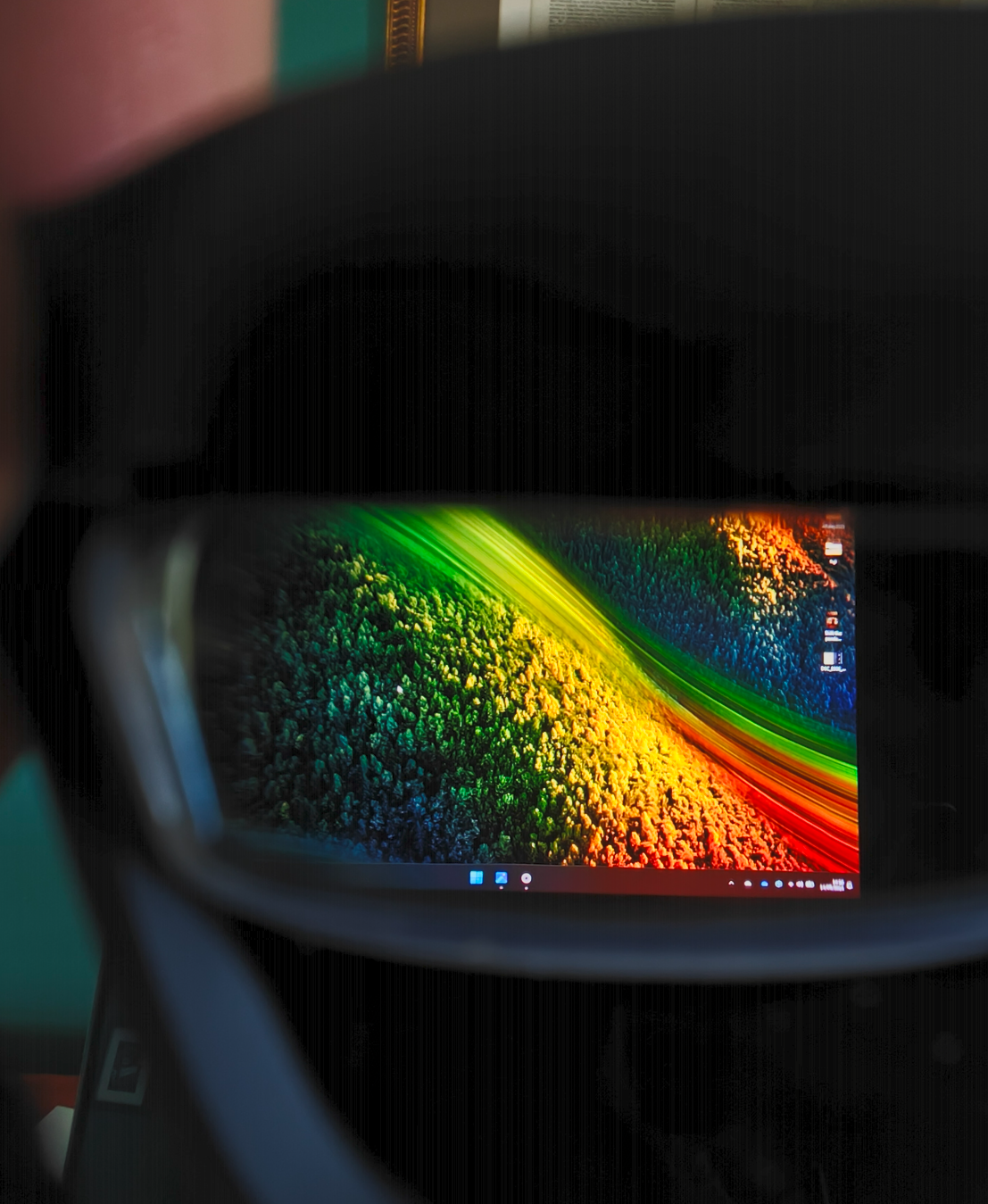
Where the screen falls down a bit for me is in being only 1080p. Whilst absolutely fine for games and movies, it’s not very useful for coding where I need nice crisp but small text to get plenty of context on screen. All of my devices, from my phone, to my laptop, to my monitor at work are 4k+, and I really missed the pixel density in the XREAL Air Pro 2s for getting fiddly work done. I think buying the Beam addon to anchor the screen in 3D space would be cool too, but then you’re getting to £300-400 total and that’s too much for what I’m trying to achieve.
The glasses can also do side-by-side 3D, by projecting slightly different images to each eye. It’s a bit of a faff to set up (you need to press and hold a button on the glasses arm for 2 seconds, and you need to set the connected device to send a 3840×1080 resolution, then you open the side-by-side video.
Audio
The audio is piped out of subtle speakers located just above your ears. The sound quality was surprisingly excellent. Spatial sound did a good job, giving a pretty broad sound stage and a decent range. They’re not closed, so people around you will be able to hear some audio, but it’s not obnoxious, and takes someone focusing in a quiet room to really notice the audio.
Comfort
The glasses come with 3 pairs of nose pads that adjust height and width, and overall the glasses are nice and light. I didn’t experience any issues wearing them for a couple of hours at a time, and could definitely see them being super useful watching a film on a plane or something.
The glasses connect to a device (phone, laptop) via a nice braided USB-C cable, that is nicely angled at one end. This cable plugs into the end of the left arm, and naturally falls behind your left shoulder, keeping out of the way. If you’re using a phone, the phone can happily sit in a left pocket, and the whole thing will be unobtrusive.
Issues
The only issues I had were phone related. The first is the app made by XREAL, Nebula, is atrocious; it’s a buggy mess with barely any functionality, at least on Android. I actually found an app by a competitor that was compatible with the glasses that worked much better (I can’t remember what it was called now, but I think it had star in the name) and acted as a video player (2D and 3D) and a nice browser. What was neat about that app was that you could use the phone as a laser pointer (using the accelerometers), and that was a very cool experience. Ultimately though the app isn’t necessary.
Unfortunately, the bigger roadblock I hit was that my OnePlus Open did not have a reliable connection – each time I wanted to use the glasses with my phone, I had to plug and unplug them about a dozen times before the screen would show. Each time the phone would ask if I wanted to cast my screen, I’d say yes, then the glasses would just stay black, but show as connected on the phone (which claimed it was casting the screen, and would play audio through the glasses). This wasn’t an issue with the glasses, because they worked flawlessly on my laptop every time.
When the glasses did connect to my phone, the screen being cast was stuck at the aspect ratio of the phone’s front screen, so I was losing screen real estate at the top and bottom of the screen (because the phone screen is longer than the 1920×1080 ratio). The OnePlus Open has an experimental desktop mode available, toggle-able in the developer settings which is vastly superior (though still has connection issues). Unfortunately this desktop mode doesn’t turn the phone into a touchpad/keyboard in the way that Dex did on my old Samsung fold, so I was left looking at a beautifully rendered Android desktop and unable to launch any applications on it. Even using a bluetooth mouse and keyboard, they would only interact with the phone’s screen, not the cast screen, so I still couldn’t move any windows/apps onto the glasses screen. I put that down the the OnePlus Open having an under-developed desktop mode, rather than an issue with the glasses per se. Android 16, releasing this autumn, is due to implement a proper desktop mode, so maybe everything will be fixed then.
Conclusion
These things are awesome – the screen is really really good, albeit ‘just’ 1080p, and not anchored in space without buying the Beam/Beam Pro add-ons. The audio is great too, so if you don’t want the faff of also wearing earbuds, these are a great all in one solution.
Unfortunately, I specifically bought them to make my phone into a more portable complete solution, and my phone has issues with displaying to them for some reason. If I were still using Samsung, I could use Dex and it would be ideal. I did test them on a mate’s Samsung flip 6, and it worked exactly as I’d hoped.
So in summary, a big recommend from me if the device you want to use them with is fully compatible (from my experience, any laptop, and any Samsung will be great). Maybe make use of a retailer with a generous return policy if you want to try them out. Maybe like the Amazon affiliate link below!
Amazon affiliate links:
I may earn a tiny commission if you purchase via these links:
The Xreal Beam that let’s you make it into spatial AR and anchor the screen in the world.
 Prof. Peter L. Falkingham
Interesting, thanks. I wondered about something like this a few years ago so that I could see the FPV view from my drone at the same time as being able to monitor the drone visually. At that time there was nothing in this price range so I may have to revisit. However I have an Android phone so your comment on Android compatibility are slightly worrying!