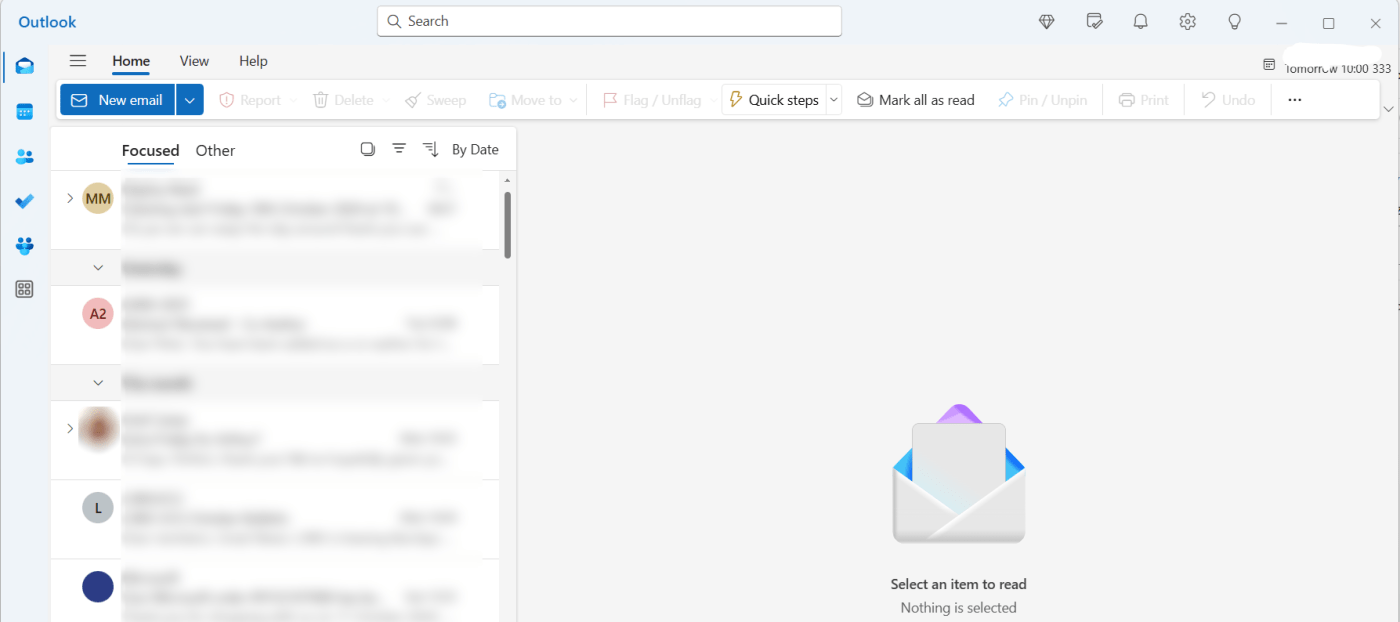
[FYI – This post is mainly just for me to keep track of my venting]
The time has finally come – Mail and Calendar, my favourite email application in a long time, has now been completely replaced by ‘new’ Outlook, and my attempts to revert are met by an instant reinstallation of the naff new web-based app. (There is a very convoluted way to avoid this, but I’ve lost the will to fight)
I have a nice list (initially made to scream into the void on Twitter and Mastodon) of things that are wrong with it. I noticed today that some of these have been fixed, so I’m going to have a running list here of bugs/issues. This is for my purposes as much as anyone’s, but I thought it would be fun to put it on the blog and keep it up to date.
Stuff that’s wrong with outlook, in no particular order:
- No calendar shortcut in the start menu, only taskbar.
- Minimizing to tray:
- opening from start menu opens another instance instead of restoring the existing instance
- [new 16/10/24] -if you have more than one window/instance open (say calendar and mail), and you minimise 1, they both minimize to the system tray, so you can’t minimise your calendar to see your mail, you have to remember to close it or move it.
- Cannot add shortcuts to folders/accounts in the bar on the left. So unless I want the navigation pane constant showing, there’s no way to quickly switch between accounts. This is coming apparently.
- Also can’t make a merged inbox (I don’t use this, but see how people can find it useful).
- Generally unreliable notifications and opening behaviour when clicking said notifications. Getting better.
- Offline mode still doesn’t work – Can cache email and calendar locally but can’t open Outlook if not connected to the internet. Important, because this means no email composing/managing on trains and planes. Meant to be coming this month but has been ‘coming this month’ for a year now. This is probably my biggest showstopper.
- Just generally slow to open and render the window. It’s a web-app.
- Touch interaction for send and compose – I understand the issue with touch-target size, but there is a dropdown arrow beside the button for this functionality, clicking the button should do what the button says it will do:
- If you press ‘send’ with touch, you get the ‘send’ or ‘schedule send’ menu, even if you don’t click on the menu down arrow, meaning it takes more touches/clicks to send a mail.
- Same problem with the ‘new email button’ – if you use touch, you get the drop-down menu every time for mail/event/document etc, so creating an email takes an extra touch.
- When I create a new event, changing which calendar to add it to deletes all the info, and I end up having to type it in again.
Clicking the tray icon makes the app icon appear in the taskbar, but it’s still minimised, so you have to click the taskbar icon to restore the window. If you have more than one window open (e.g. mail and calendar), only one gets restored this way.[fixed 16/10/24?]Sort and filter is not consistent across accounts. My gmail and personal outlook accounts have separate sort and filter buttons. My work exchange account has a single sort/filter menu.[Fixed 16/10/24]Swipe interactions do not work consistently across accounts – I can use touch to swipe delete/flag on my personal and work outlook accounts, but not my gmail account.[Fixed 16/10/24]
Petty complaints? Sure, in some cases. But here’s the thing, this is Microsoft, the most valuable software company in the world, rolling out probably one of the most important productivity applications for day-to-day work (sad noises that email has such priority), and it’s functionally broken or unfinished. They are literally replacing working software in Windows with broken software.
So rather than scream into the void, I’ll update this post as things get better/worse. Maybe this is useful for people waiting for certain features (and who haven’t been forcibly moved over yet)
 Prof. Peter L. Falkingham
Leave a comment