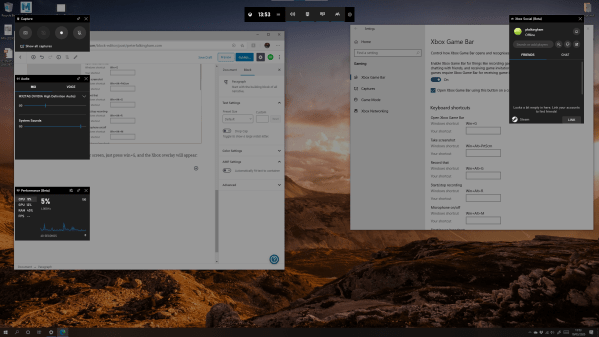
In these days of working from home, you may need to explain how to do something visually on you computer. Windows 10 has a built in screen recorder in the Xbox Game Bar, and I've been using this to record short tutorials for this website, and for students accessing information for the first time online.... Continue Reading →
The best free software for editing and cleaning (decimating and retopologizing) meshes and 3D data [2020]
Working with photogrammetry, laser scanning, and all the other techniques I dabble with/intimately rely on, I generate a lot of 3D data. For the most part that data is usually very high resolution, and often quite noisy and in need of cleaning up. I want to detail here some of the software I've come across... Continue Reading →
Automating photogrammetry – 3D printing, an Arduino, and an Android phone
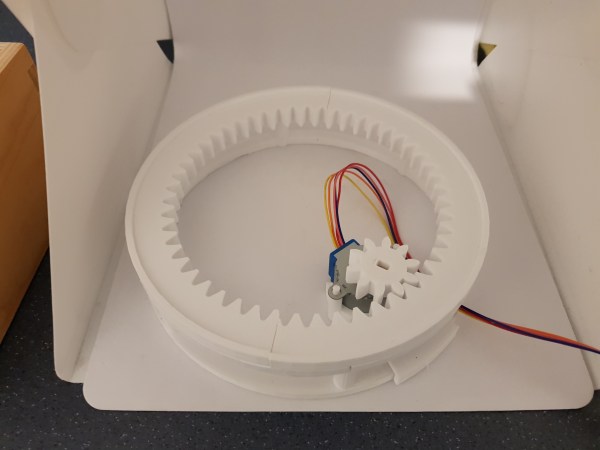
[edit] - I later built on this post and extended the setup considerably here. Photogrammetry is awesome, and there’s a whole bunch of papers and software out there that mean you can do it for free. But taking 100’s of photos can be a pain. I’ve been eyeing up ways of automating this for a... Continue Reading →
[Academic Tech] Campark mini wildlife Camera Review
After a mysterious trail appeared in my garden, leading from a hole in the ground to the bird feeder, I found myself eager to get a trail cam to find out whatever beastie was making it. I had a search on Amazon and was overwhelmed by the choices available. In the end, I did what... Continue Reading →
[Academic Tech] The Windows nerd [begrudgingly] gets an iMac
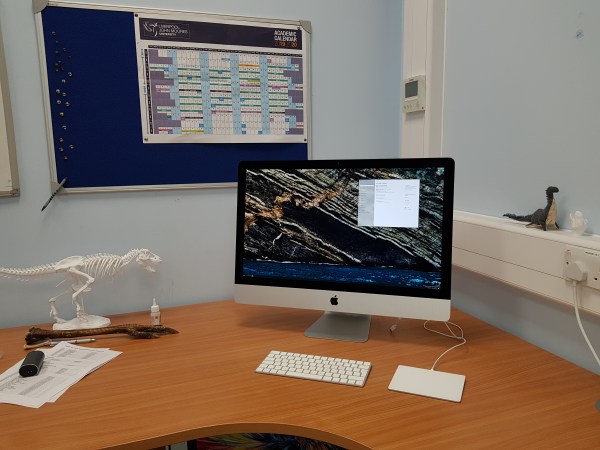
…And almost immediately put Windows on it. Then decided to be a bit more open minded and give it a whirl to try out the hardware and software. TLDR: I’m a windows guy, MacOS is smooth and nice, but a few differences give me a learning curve that I simply can't prioritise over my myriad... Continue Reading →
[Academic Tech] Surface Go – A near perfect companion device
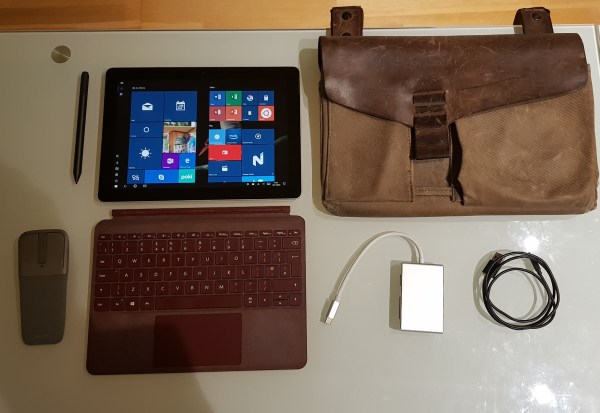
I bought myself a Surface Go (8Gb/128Gb) a few weeks ago, and I’ve had it long enough now to pass judgment. As I noted in my ‘hardware I use’ post, I was previously using a Surface Pro 3, until I sadly dropped it on the hard floor after a lecture. To be honest, I’d been... Continue Reading →
[Academic tech] Hardware I use – Simulations, photogrammetry, and dissection
In a similar vein to my ‘Software I use’ post, I want to run through what I’m using in terms of hardware in day-to-day use, both directly for research and for general lecturing/computer-y things. Most of what I do these days takes place on the computer, whether that’s simulating dinosaur footprints, or writing/giving lectures, so... Continue Reading →
My Small Object Photogrammetry setup
I thought I'd write a quick post about my photogrammetry set-up for small objects, because I've been doing a lot recently, and as a result I've spent some time optimizing my workflow. The long and the short of it is that it looks like this: I've got a small light box from Amazon, which includes... Continue Reading →
Getting good supports, printing with Dremel Idea Builder 3D20
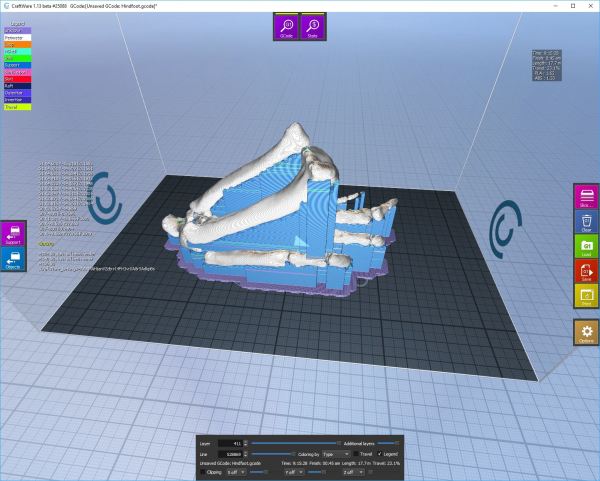
**update 21/2/19: Not only has Dremel moved to a waaay better slicing software (based on Cura), but the latest firmware (v1.5, 20180611) has enabled standard *.gcode support for the 3D20 model. Finally...** Last year I got hold of a Dremel Idea Builder 3D printer. It’s been great, and I’ve been able to print a... Continue Reading →
The perils of a weak link in an ecosystem chain: How OneDrive’s changes are pushing me out of the windows ecosystem.
For a moment there, between 2012 and 2015, there was a glorious time where it all came together for me. I took to windows 8.1 immediately – it’s the first operating system I’ve ever bought outside of a new computer. I had it on my home computer, my work computer, and my phone. Settings and... Continue Reading →