The problem - my employer is all in on Microsoft 365. They have flipped the admin switches that mean email can only be checked via Outlook (or Apple Mail, because executives like Apple, I assume). Meetings, data etc are all managed via Teams, and there's a tight integration between teams and Outlook. Data are stored... Continue Reading →
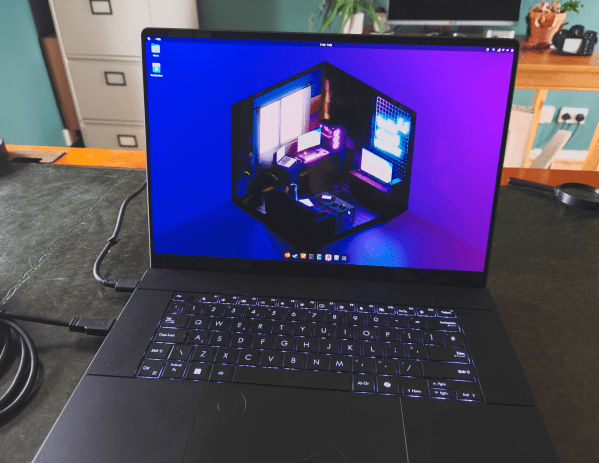
Linux 2: Even nearlier there… Moving to CachyOS, squashing bugs, and living the Linux life.
My last post was about trying out Bazzite. I'd installed it to an external SSD and gave it a good go for a few days as my main OS. It was a bit of a faff, needing to carry around the SSD with the laptop when I moved about, so I finally put on my... Continue Reading →
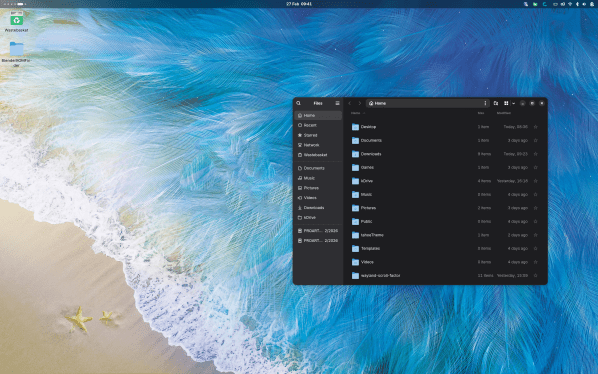
Linux; so very nearly there. My experience with Bazzite has me almost leaving Windows.
Even though I spend most of my time on mastodon baiting Linux users, I actually have been keeping a serious eye on Linux for a while. I like Windows 11 for the most part; I have it setup nicely with Windhawk, RayCast, and FilePilot such that it works very well for me. Launching and using... Continue Reading →
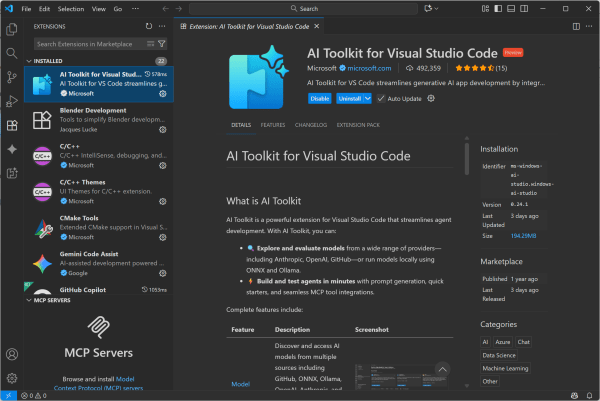
Using local AI/LLM in VS Code without third party software, on the CPU, GPU or NPU
I've found VC Code copilot to be invaluable in writing small scripts and the like for, say, visualizing my DEM output in Blender. Just a super way of speeding up tool-building in scenarios where you can immediately tell if it's worked or not. With an education account, you get access to all kinds of top-end... Continue Reading →
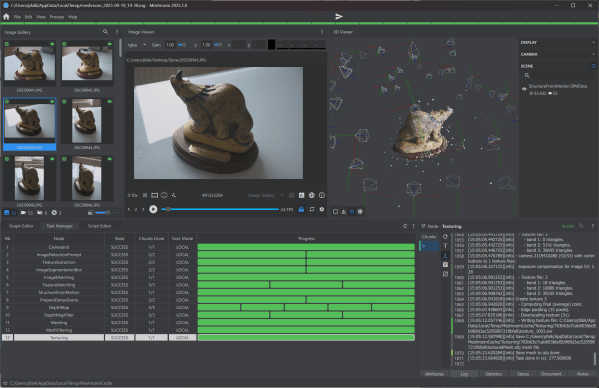
Major update to Open Source photogrammetry software Meshroom 2025.1
Meshroom has for some time been one of my top choices for open-source or free photogrammetry software, offering a really deep amount of customization and tinkering. However, while this blog made a big splash early on reviewing all the different open-source photogrammetry software, I've found they haven't really kept up with Metashape or RealityScan, and... Continue Reading →
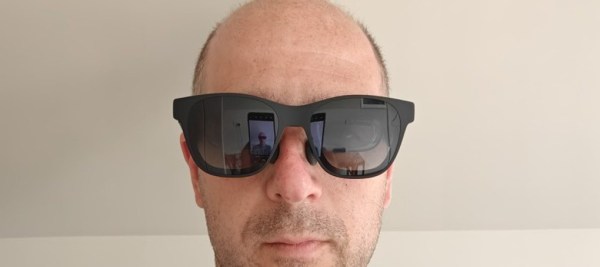
[Academic Tech] XREAL Air Pro 2 – Immersive Augmented Reality Glasses
At the recent SEB conference, I traveled sans laptop, working on the assumption I could do everything urgent on my OnePlus Open. I could... but what I found was that some tasks just needed a larger screen (specifically remote-ing into a remote workstation was difficult to make out everything on the small 6-7" unfolded screen).... Continue Reading →
RealityScan 2.0 Released (formerly RealityCapture)
As I’d previously noted, RealityCapture has been re-branded to RealityScan, to align branding across desktop and mobile applications. With the rebrand come some major new changes: AI Masking Smarter Alignment Aeriel LiDAR Support Quality Analysis To install it, you need to fire up Epic Games Launcher, then I had to wait a while until the... Continue Reading →
Modern image formats – which is best? Experimenting with .AVIF and .JXL
Despite having a terabyte of OneDrive storage (which I've been enjoying for years, though I'm starting to look at Proton as an alternative - that's for another post), it's very nearly full, and a big portion of that is photos: normal snaps of holidays, family, and so forth, but also hundreds and hundreds of gigs... Continue Reading →
Setting up Zotero with Onedrive/Dropbox/Google drive etc
Whilst my academic career started with EndNote, I’ve been a purely Zotero user for several years now. I find Zotero to have a nicer interface, as well as being faster and more extensible than EndNote. Plus, biggest benefit of all – it’s free! Zotero looks far more modern than Endnote, and is generally faster in... Continue Reading →
[Academic Tech] Oneplus Open Apex Edition (after 2 months)
I moderately recently upgraded my phone from the Samsung Fold 3 to the Oneplus Open (OPO). As per usual with my tech, through a combination of selling the old gadget and picking the new one up 'as new' on ebay, I was able to keep overall costs very low. I've had the phone a couple... Continue Reading →